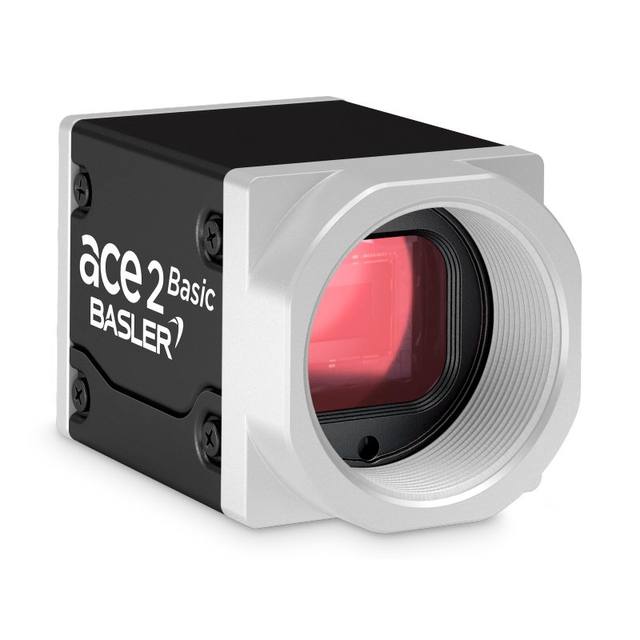
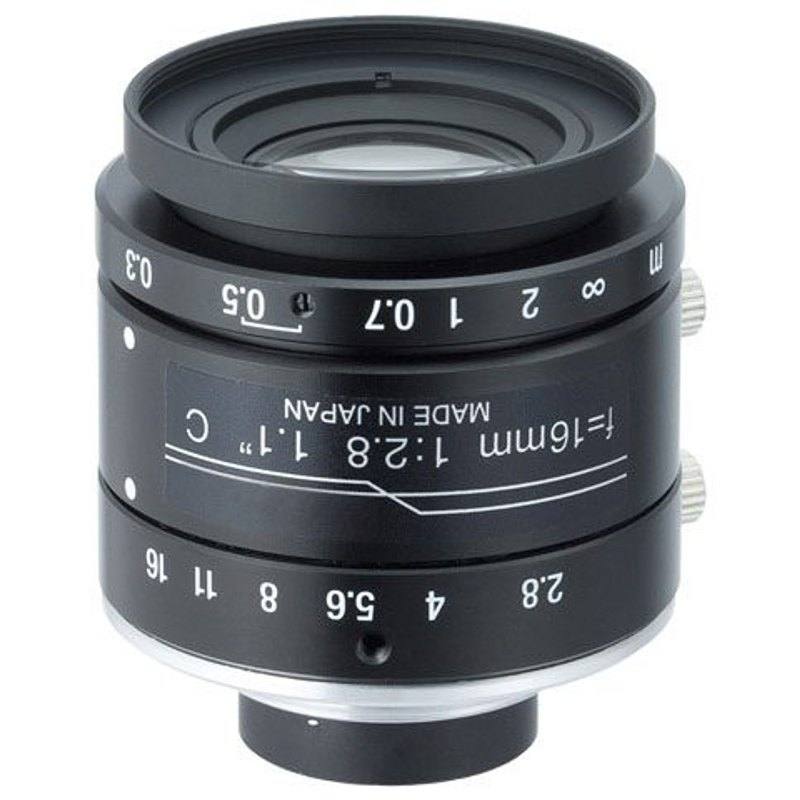
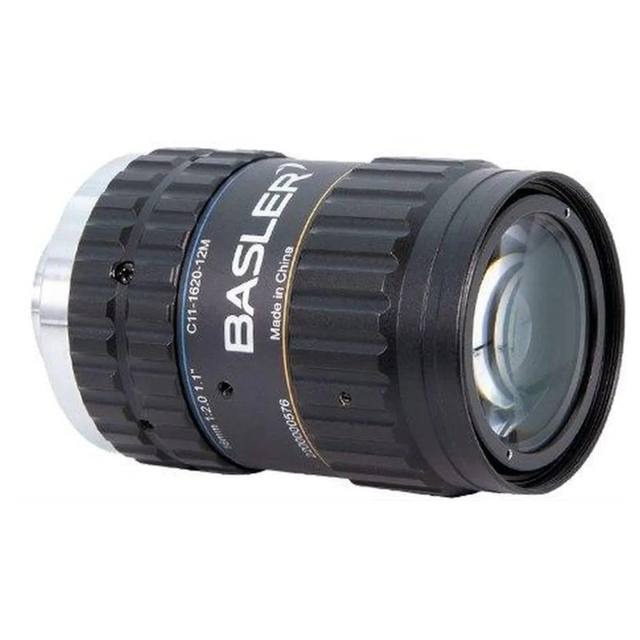
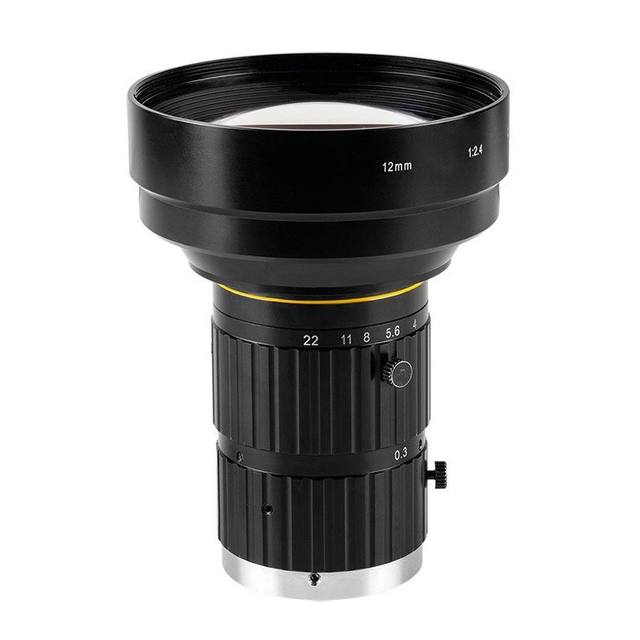
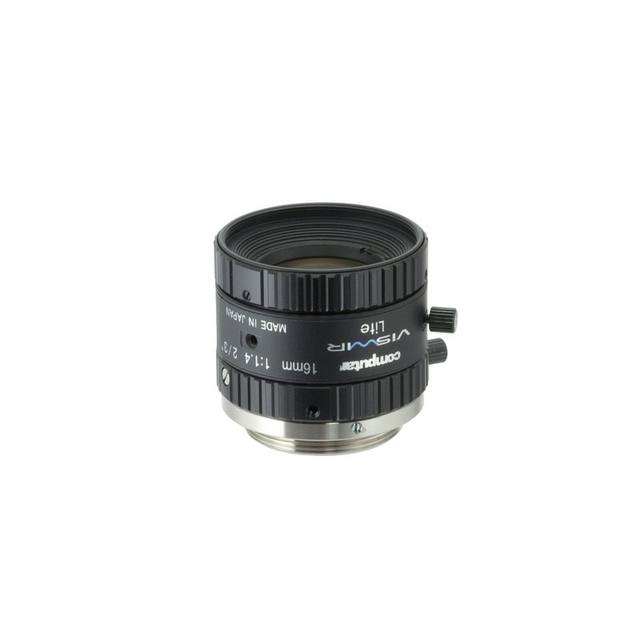
Opto Engineering RT-V1628-MPY2 — 0.055× magnification, 16 mm focal length, F2.8–F16, Ø 17.6 mm (max sensor 1.1″) image circle, WD 300 mm min. (focus range 0.3 m – ∞), C-mount.
The RT-V1628-MPY2 is a 16 mm fixed focal length C-mount lens rated at 12 MP for sensors up to 1.1″. Its Ø 17.6 mm image circle matches a maximum sensor size of 1.1″, and its aperture range is F2.8–F16. At a magnification of 0.055×, each millimetre of the object is imaged at 0.055 mm on the sensor, so the field covers a limited area of the part, which suits detailed inspection.
The minimum working distance is 300 mm, with focus from 0.3 m to infinity. Set the mounting distance first and then verify the field of view with a target, since focal length, working distance and sensor size together define the scene. A 16 mm focal length on this format suits examining specific features.
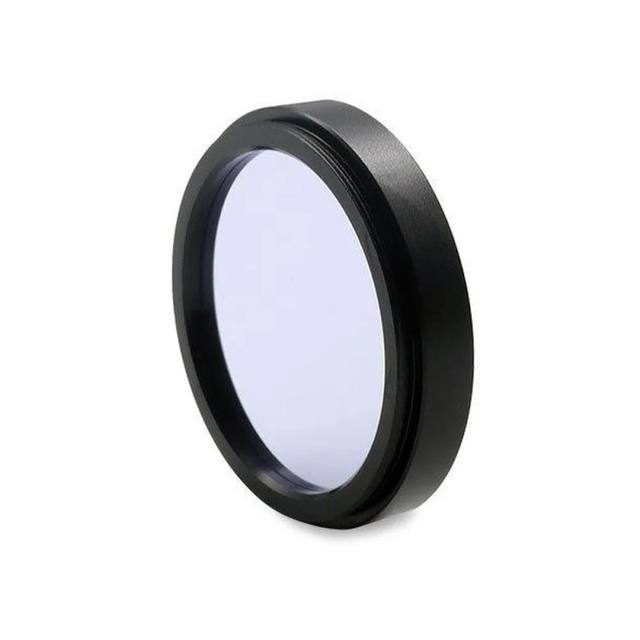
The C-mount thread size is M34 × 0.5. Pair the 12 MP rating with a camera whose sensor is 1.1″ or smaller, within the Ø 17.6 mm image circle. Choose the aperture to balance light against depth of field: F2.8 for brightness and F16 for deeper focus across the feature height.
Best for
Detailed inspection of a limited area of a part on 1.1″ 12 MP cameras
Feature checks from a 300 mm standoff with a 16 mm focal length
High-pixel-count imaging where 12 MP detail is needed on a limited field
Inspection setups that need F2.8 to F16 aperture control
Projects where the camera must stay at 300 mm or more from the part
Selection notes
Use a sensor of 1.1″ or smaller to remain within the Ø 17.6 mm image circle.
Keep the camera at least 300 mm from the object, the minimum working distance.
Match the camera's pixel count to the 12 MP rating.
Verify the M34 × 0.5 thread against accessories before ordering.
Confirm the field of view with a target at the working distance you will use, since focal length, distance and sensor size set the scene size together.
Specifications: General
Brand
Opto Engineering
Specifications: Optical
Focal length
16 mm
Aperture (f-number)
F2.8–F16
Lens mount
C-mount
Optical resolution
12 MP
Image circle / max sensor
Ø 17.6 mm (max sensor 1.1″)
Magnification
0.055×
Working distance
300 mm min. (focus range 0.3 m – ∞)
Specifications: Mechanical
Thread / filter size
M34 × 0.5
Applications this product is commonly selected for. Open one to see the full recommended hardware and approach.
Matched automatically by: camera mount fits the lens mount · camera sensor is covered by the lens image circle — this lens: C-mount · Ø 17.6 mm (max sensor 1.1″) image circle.