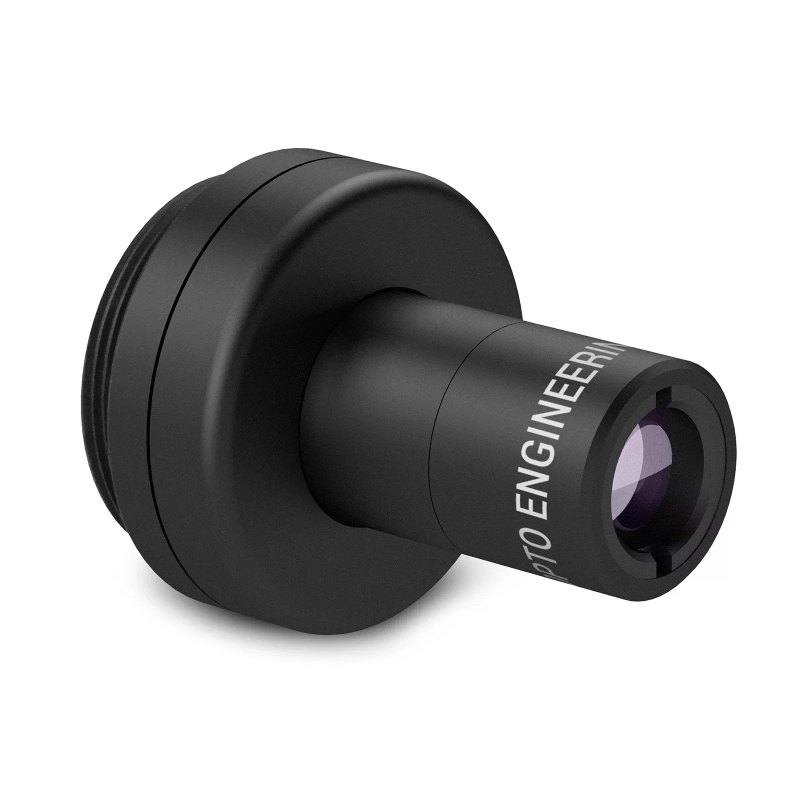
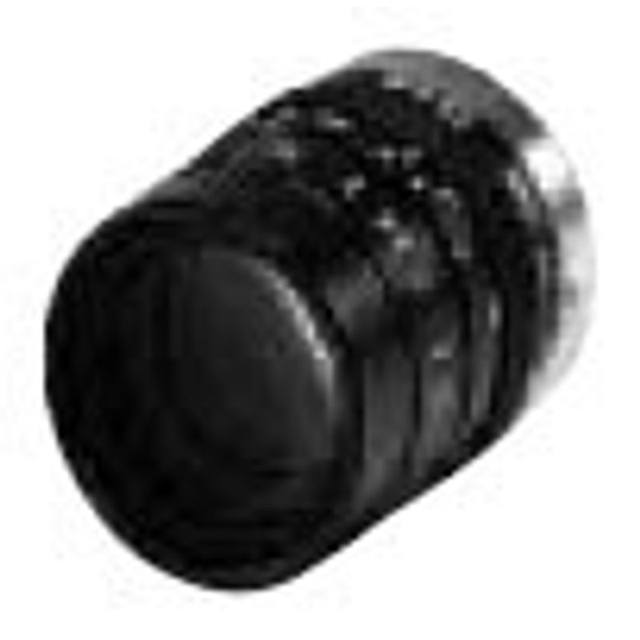
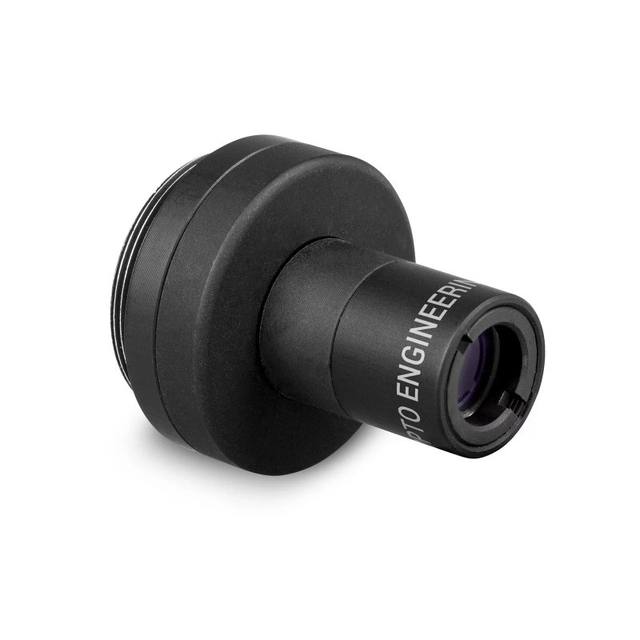
The Opto Engineering MC040X is a C-mount macro lens with a 28 mm focal length, a marked aperture of F5.3 and 0.400× magnification. Its Ø 11.0 mm image circle covers sensors up to 2/3″, and the manufacturer describes the MC series as nearly zero distortion macro lenses. At 0.400×, each sensor dimension corresponds to two and a half times that length on the object, so the frame covers a moderate area of the part at close range.
The 90.0 mm working distance tightens the mechanical layout, since fixtures, lighting and any protective window must fit between the front of the lens and the part. The working f-number of 7.5 is higher than the marked F5.3, meaning the effective aperture at this distance is more closed and the depth of field is greater than the marked value suggests. That depth helps keep features sharp when the part is not perfectly flat or sits slightly off the focal plane.
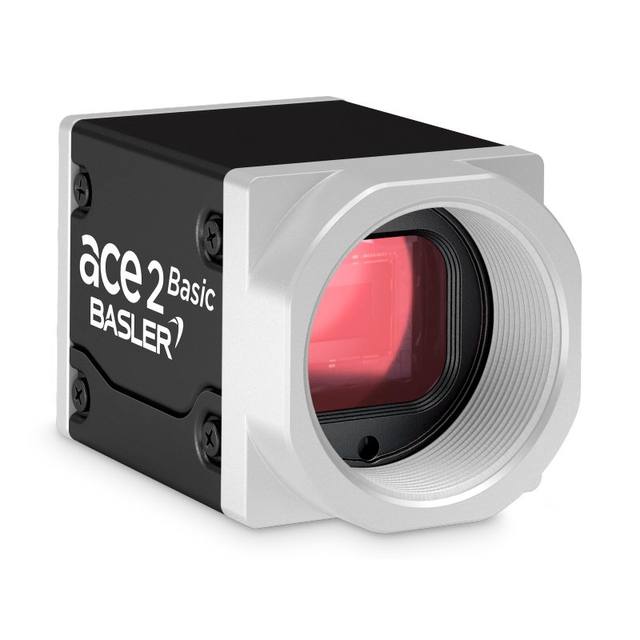
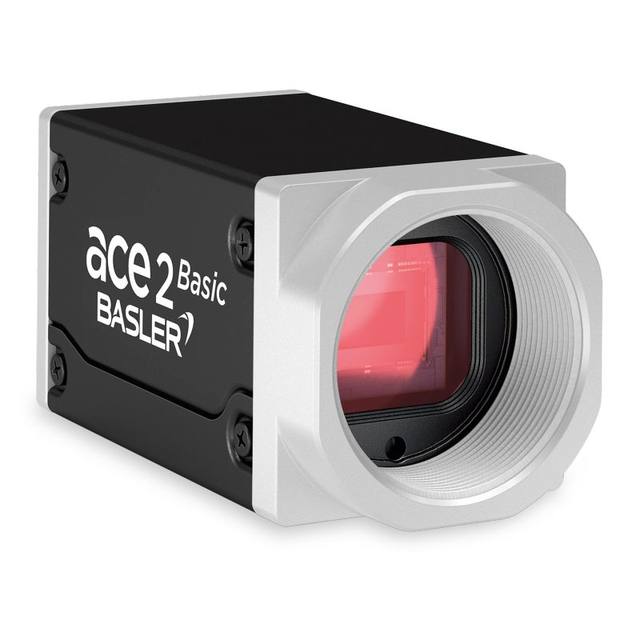
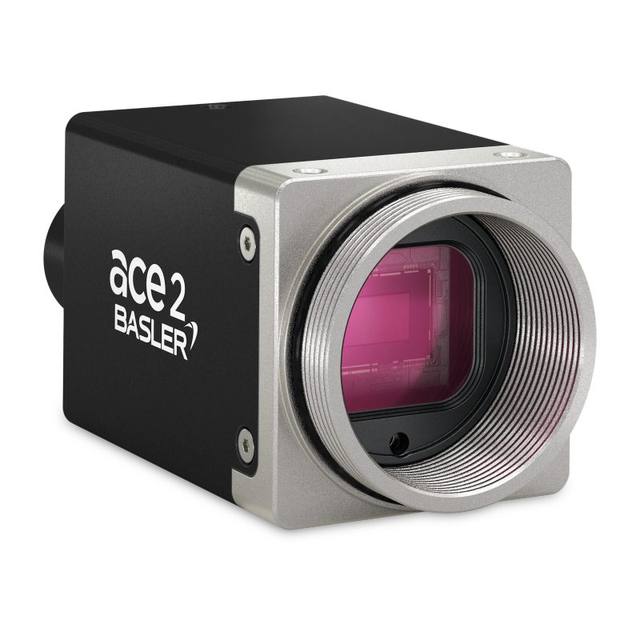
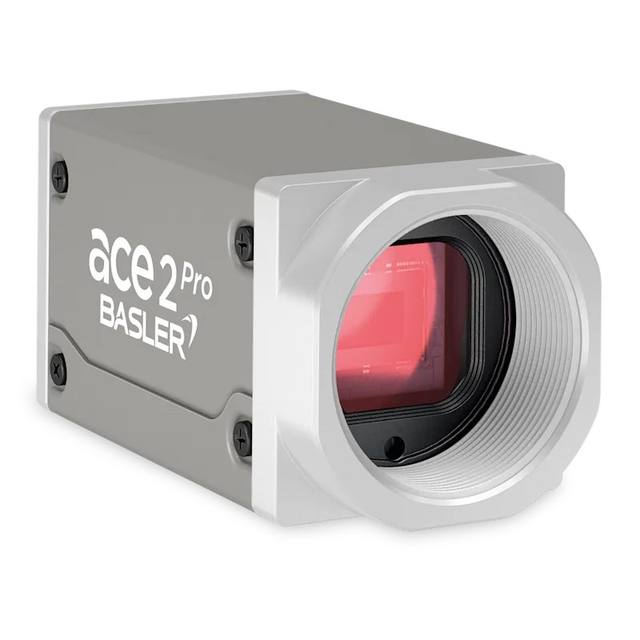
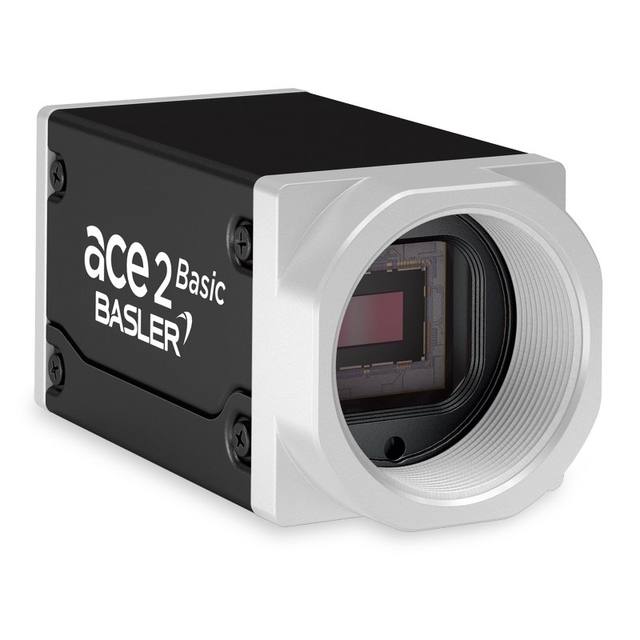
Pair the lens with a C-mount camera whose sensor is 2/3″ or smaller. At this magnification the illumination has to be placed inside the 90.0 mm working distance, and its intensity should be matched to the working f-number of 7.5. The nearly zero distortion description supports measurement uses where the image needs to represent the part's geometry faithfully.
Best for
Close-range inspection at 0.400×, where each sensor dimension corresponds to two and a half times that length on the part.
Dimensional inspection that depends on the nearly zero distortion description of the MC series.
Stations with a 90.0 mm working distance.
C-mount camera setups with sensors up to 2/3″.
Parts with some height variation, where a working f-number of 7.5 adds depth of field.
Selection notes
Use a sensor of 2/3″ or smaller to stay inside the Ø 11.0 mm image circle.
Set the part-to-lens distance at 90.0 mm and verify that the lighting fits within it.
Size the illumination for the working f-number of 7.5 rather than the marked F5.3.
Add a protective window or enclosure if dust or splashes are present, since the stand-off is short.
Specifications: General
Brand
Opto Engineering
Specifications: Optical
Focal length
28 mm
Aperture (f-number)
F5.3
Lens mount
C-mount
Image circle / max sensor
Ø 11.0 mm (max sensor 2/3″)
Magnification
0.400×
Working distance
90.0 mm
Applications this product is commonly selected for. Open one to see the full recommended hardware and approach.
Matched automatically by: camera mount fits the lens mount · camera sensor is covered by the lens image circle — this lens: C-mount · Ø 11.0 mm (max sensor 2/3″) image circle.