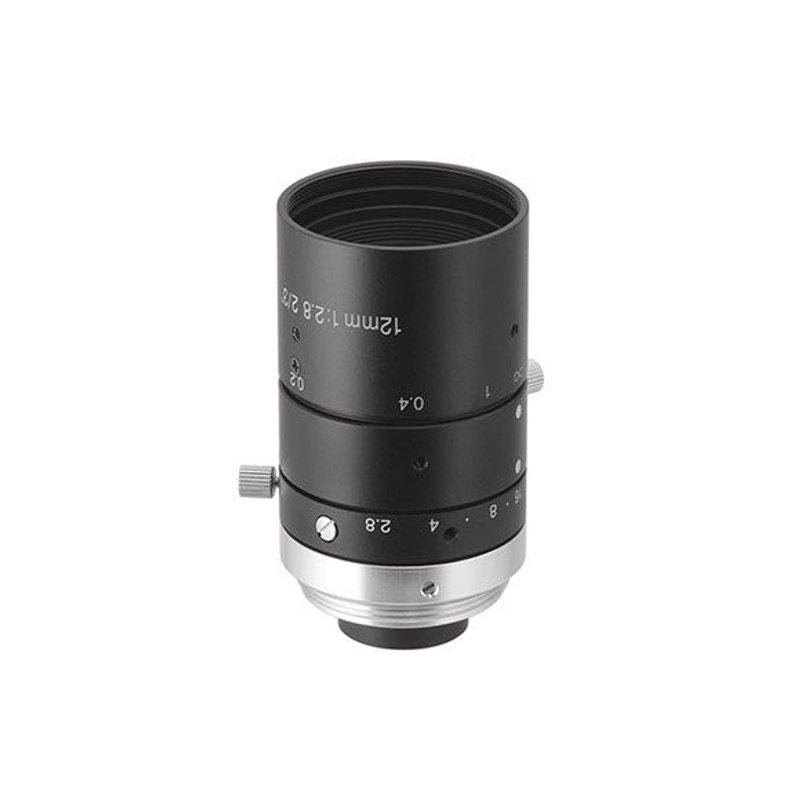
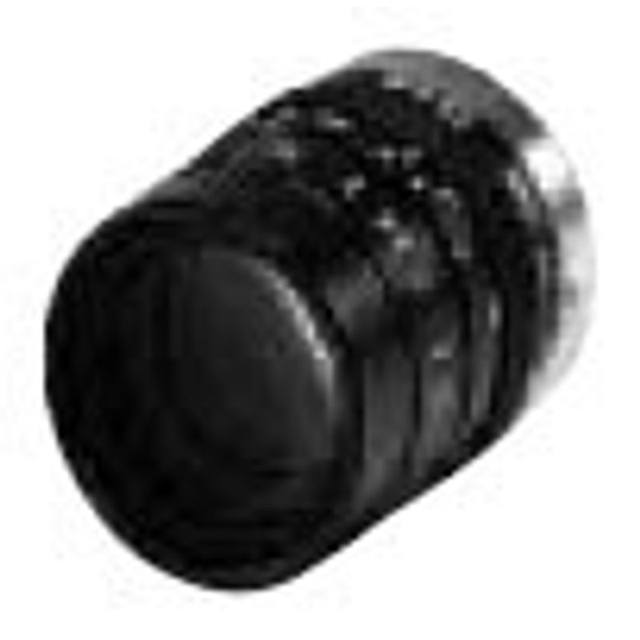
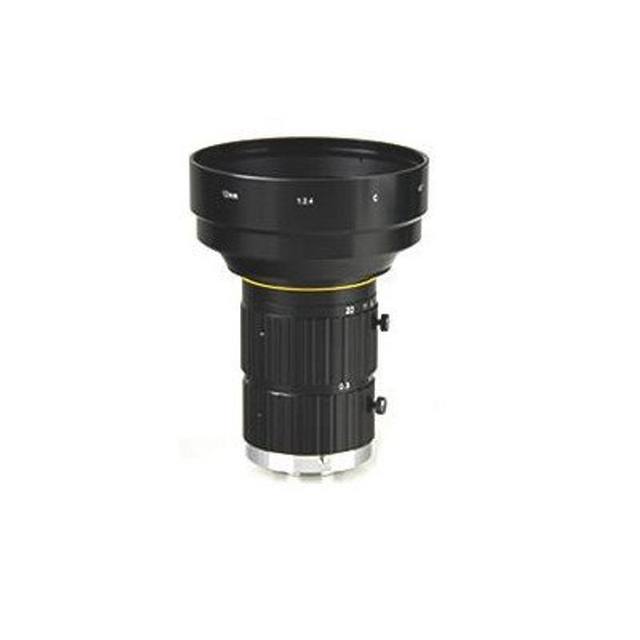
Opto Engineering RT-M1228-MPW3 — 0.106× magnification, 12 mm focal length, F2.8–F16, Ø 11.0 mm (max sensor 2/3″) image circle, WD 100 mm min. (focus range 0.1 m – ∞), C-mount.
The RT-M1228-MPW3 is a 12 mm lens rated at 5 MP, part of the EN-5RT series of 5 Megapixel fixed focal length lenses. Its Ø 11.0 mm image circle covers sensors up to 2/3″, and the listed magnification of 0.106× sets the object area imaged at the working distance, which suits closer views of a part. The aperture range is F2.8–F16, so the open end admits more light and supports short exposures, while stopping down toward F16 needs more illumination.
The minimum working distance is 100 mm, with a focus range of 0.1 m to infinity. The listed thread size is M27 × 0.5, which should be checked before ordering filters or accessories. The 100 mm minimum allows the lens to sit close to the part while still holding focus across the rest of the range.
Pair the lens with a 5 MP camera using a sensor of 2/3″ or smaller and a C-mount flange. Calculate the field of view from the 0.106× magnification and the sensor width before fixing the mounting position. Depth of field depends on the aperture and the working distance, so pick the f-number for the depth variation in the part and size the lighting to match.
Best for
5 MP inspection on 2/3″ sensors at 0.106× magnification
Closer-view inspection of parts with the object at 100 mm or more from the lens
C-mount camera setups using a 12 mm focal length and a 5 MP sensor
Fixed inspection stations where illumination sets exposure at the F2.8 open end
Selection notes
Match a 5 MP camera with a sensor of 2/3″ or smaller.
Calculate the field of view from the 0.106× magnification and your sensor width before fixing the camera position.
Keep the object at 100 mm or more from the lens.
Plan illumination for both the F2.8 open end and the F16 closed-down end.
Check the M27 × 0.5 thread before ordering filters or accessories.
Specifications: General
Brand
Opto Engineering
Specifications: Optical
Focal length
12 mm
Aperture (f-number)
F2.8–F16
Lens mount
C-mount
Optical resolution
5 MP
Image circle / max sensor
Ø 11.0 mm (max sensor 2/3″)
Magnification
0.106×
Working distance
100 mm min. (focus range 0.1 m – ∞)
Specifications: Mechanical
Thread / filter size
M27 × 0.5
Applications this product is commonly selected for. Open one to see the full recommended hardware and approach.
Matched automatically by: camera mount fits the lens mount · camera sensor is covered by the lens image circle — this lens: C-mount · Ø 11.0 mm (max sensor 2/3″) image circle.