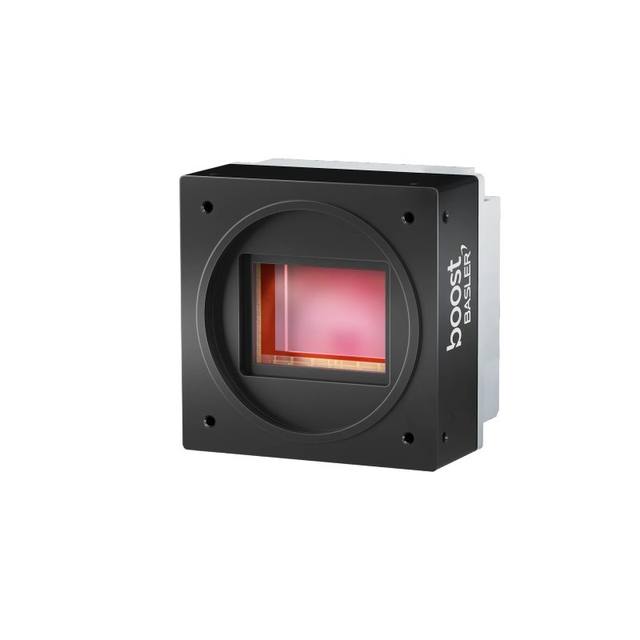
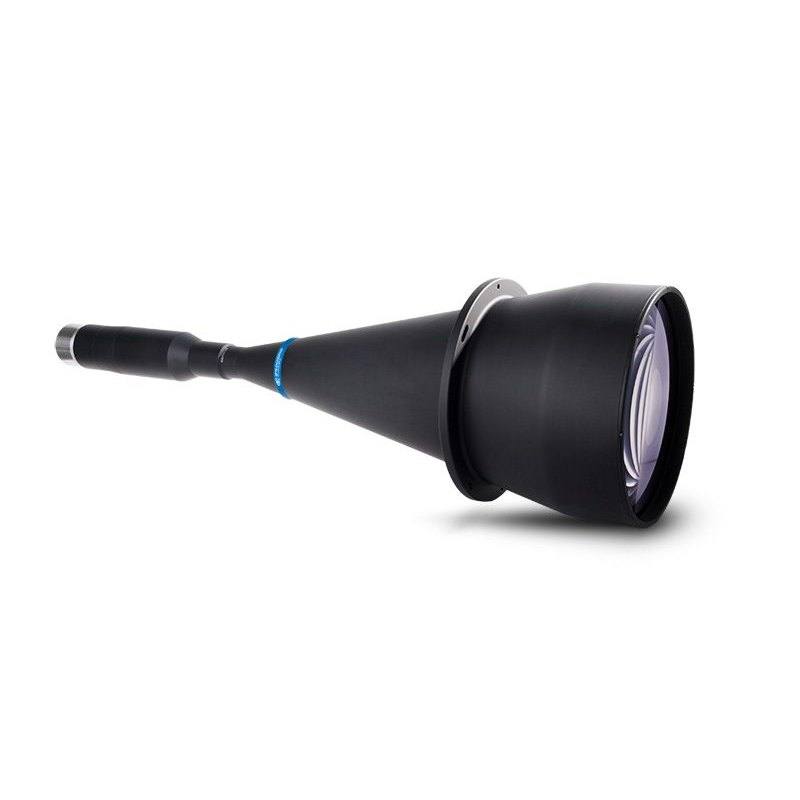
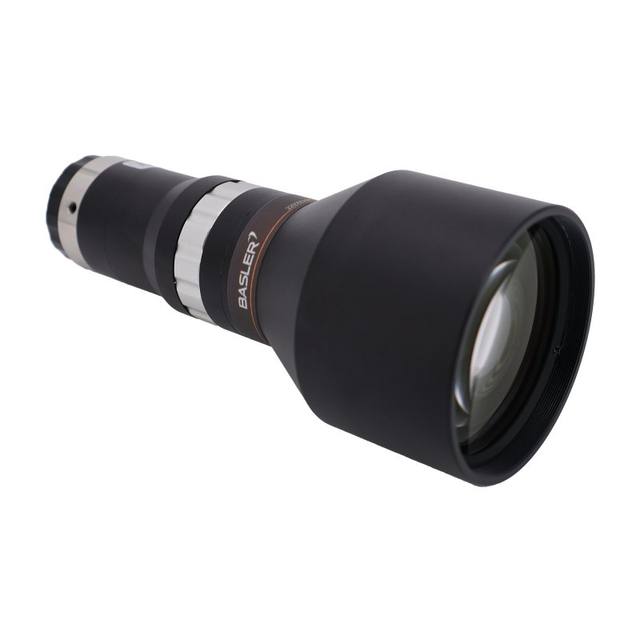
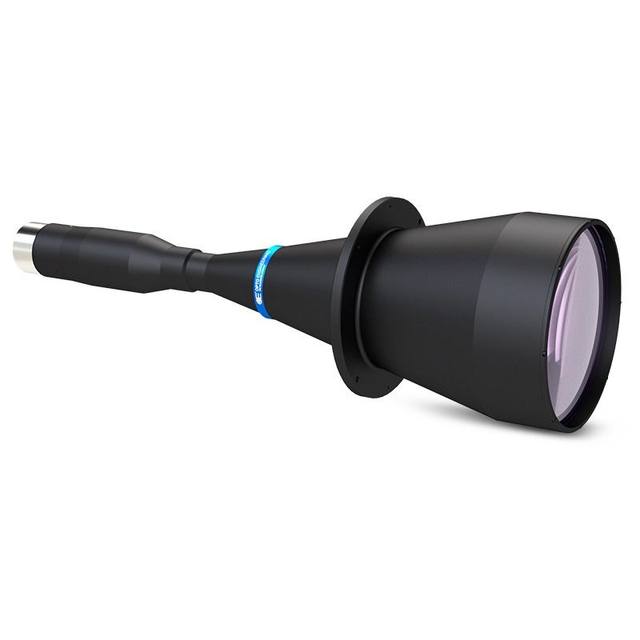
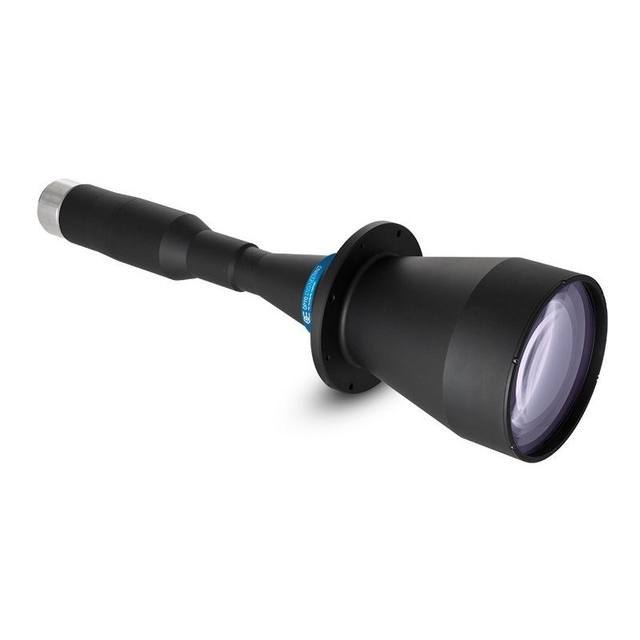
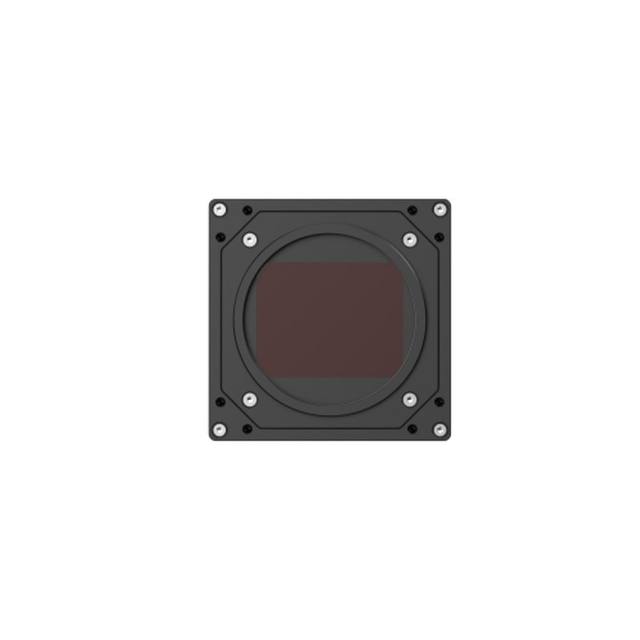
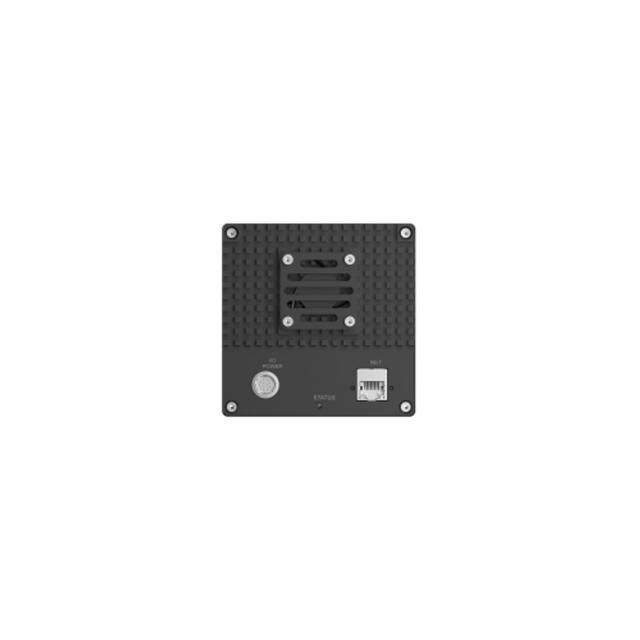
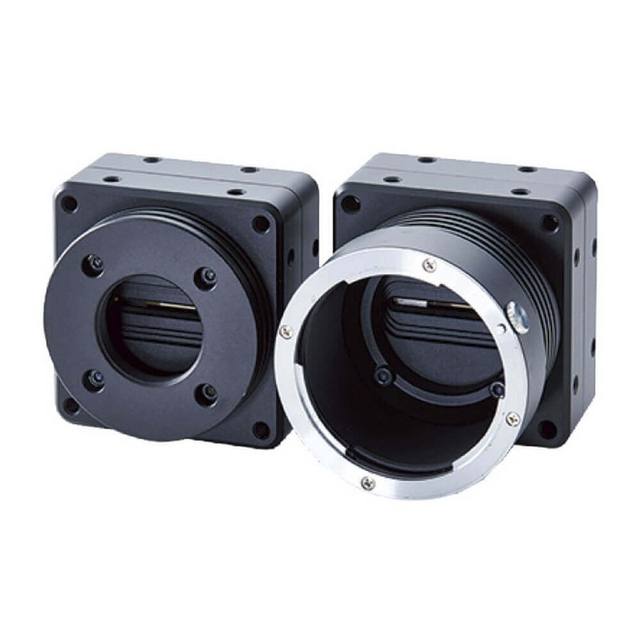
The Opto Engineering TC12K240 is a telecentric lens for 12k and 16k line scan cameras, with 0.260× magnification and a 492.8 mm working distance. It has an M72x0.75 FD 6.56 mount and a Ø 62.4 mm image circle (max sensor 12k/16k). At 0.260× the lens reduces the object considerably onto the sensor, so the sensor line covers a very long section of the part. The 492.8 mm working distance places the lens well away from the part, leaving room for conveyors and lighting.
Telecentricity is specified at less than 0.06 deg typical and 0.08 deg maximum, and distortion at less than 0.08 % typical with a 0.10 % maximum. For a line scan system, telecentric imaging keeps the scale steady as the object moves within the depth of field, so width and edge measurements are less affected by changes in distance from the lens. The distortion figure keeps the geometry of wide scans accurate across the sensor line.
Installation starts with the M72x0.75 FD 6.56 mount and the long working distance. The camera must accept that mount, and the mechanical layout must hold the lens 492.8 mm from the part. The wF/# 16 aperture adds depth of field and reduces the light at the sensor, so the line illumination should be sized for the scan speed and the lower light level.
Best for
Wide-part line scan measurement at 0.260× magnification.
Inspection that needs clearance for conveyors or lighting through a 492.8 mm working distance.
Continuous-material width measurement where telecentric scale stability matters.
Edge and position checks on parts that do not sit at a fixed height.
Long scans where the sensor line must cover a long section of the object.
Selection notes
Verify that the camera accepts the M72x0.75 FD 6.56 mount.
Stay inside the Ø 62.4 mm image circle, the maximum for 12k/16k sensors.
Calculate the scanned length from the line length and the 0.260× magnification before fixing the scan geometry.
Plan the line illumination for wF/# 16.
Make sure the frame or gantry can hold the lens 492.8 mm from the part.
Specifications: General
Brand
Opto Engineering
Specifications: Optical
Lens mount
M72x0.75 FD 6.56
Image circle / max sensor
Ø 62.4 mm (max sensor 12k/16k)
Magnification
0.260×
Working distance
492.8 mm
Telecentric
Yes
Applications this product is commonly selected for. Open one to see the full recommended hardware and approach.
Matched automatically by: camera mount fits the lens mount · camera sensor is covered by the lens image circle — this lens: M72x0.75 FD 6.56 · Ø 62.4 mm (max sensor 12k/16k) image circle.
By category
All 13High-resolution cameras 9Line scan cameras 4
By brand
All 13Hikrobot 4iRAYPLE 4Omron / Sentech 3Basler 2