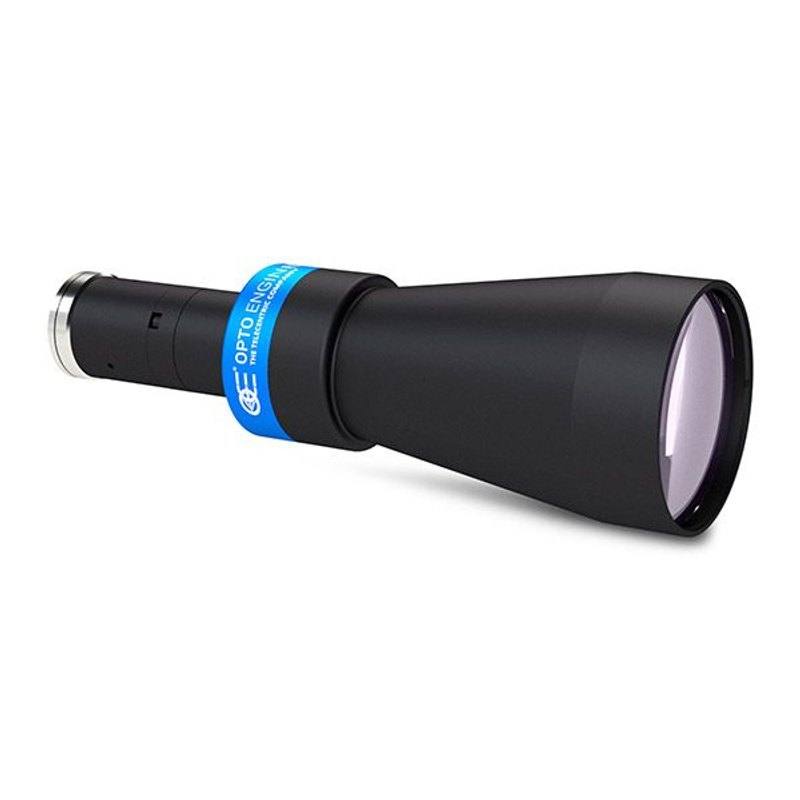
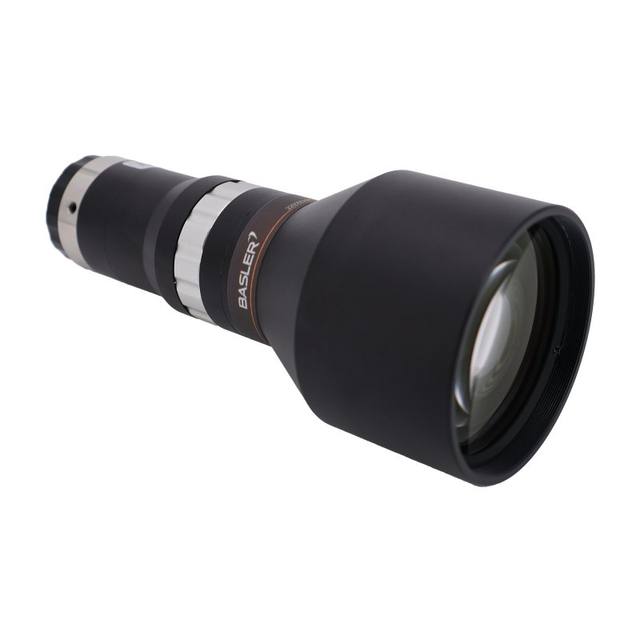
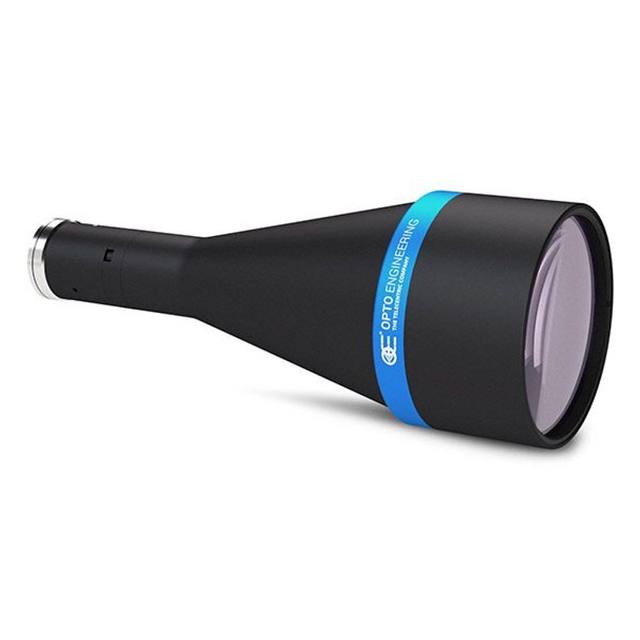
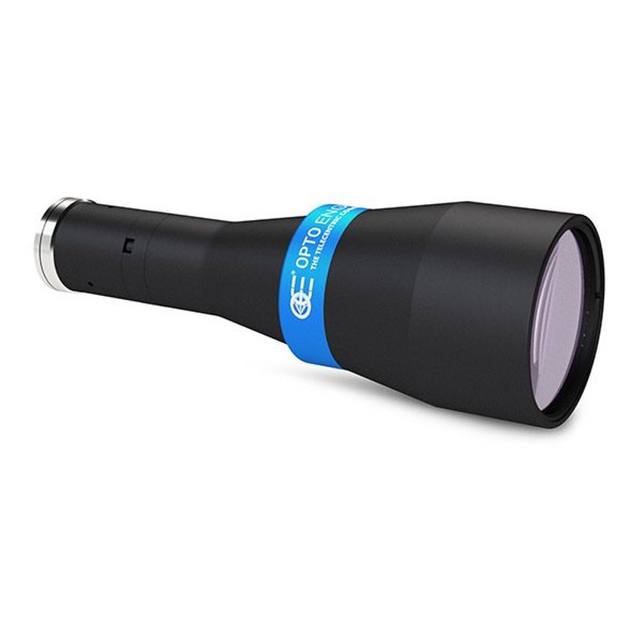
The Opto Engineering TC3MHR056-C is a high resolution telecentric lens at 0.259× magnification, with a Ø 17.6 mm image circle for sensors up to 1.1″ and a C-mount. At 0.259× the field of view is wide enough to cover a large portion of a component in one frame, which suits dimensional checks on bigger parts and assemblies.
The 157.8 mm working distance gives generous space between the lens and the part, so fixtures, lighting and protective hardware can sit in the working zone. The wF/# 8 passes more light and gives a narrower depth of field than higher f-numbers. Telecentricity is typically below 0.08 deg with a maximum of 0.10 deg, so the image scale changes little when the object moves within the focus range. Distortion, typically below 0.08 % and at most 0.10 %, keeps feature positions accurate across the field.
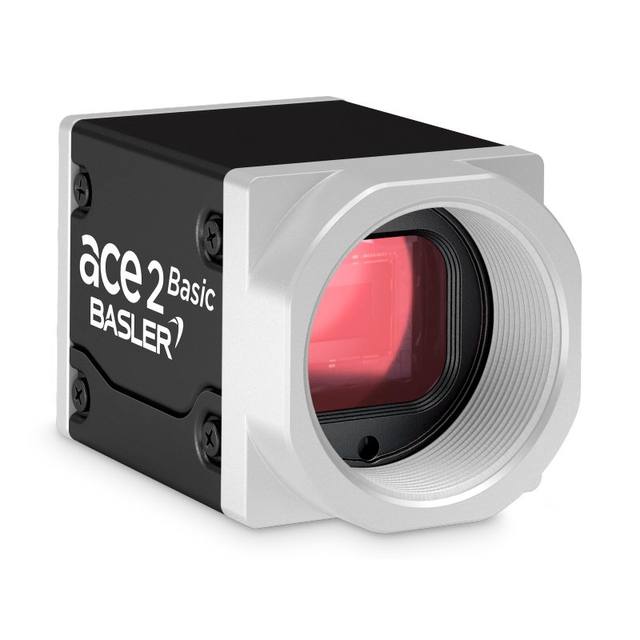
For installation, place the part at the 157.8 mm working distance and choose a camera whose sensor is no larger than 1.1″. Keep the mount rigid so the optical alignment stays fixed across the working distance. Calibrate the pixel scale at 0.259× with a certified target before measuring, and verify the calibration after any change to the camera or mount.
Best for
Dimensional measurement of large parts at 0.259× magnification.
Assembly verification, where a wide field of view covers several features in one frame.
Installations that need a 157.8 mm working distance for fixtures, lighting or guarding.
Telecentric gauging where a stable image scale matters more than close-up detail.
Backlit silhouette measurement on 1.1″ sensor cameras.
Selection notes
Plan the cell layout around the 157.8 mm working distance, including fixture height and lighting positions.
Confirm the sensor is no larger than 1.1″ so it fits within the Ø 17.6 mm image circle.
Calibrate the pixel scale at 0.259× with a certified target, and recheck after any camera or mount change.
Use a rigid, repeatable mount, because the optical alignment must stay fixed for consistent gauging.
Budget illumination for wF/# 8 and select lighting for the feature type: backlight for silhouettes, front light for surface detail.
Specifications: General
Brand
Opto Engineering
Specifications: Optical
Lens mount
C-mount
Image circle / max sensor
Ø 17.6 mm (max sensor 1.1″)
Magnification
0.259×
Working distance
157.8 mm
Telecentric
Yes
Applications this product is commonly selected for. Open one to see the full recommended hardware and approach.
Matched automatically by: camera mount fits the lens mount · camera sensor is covered by the lens image circle — this lens: C-mount · Ø 17.6 mm (max sensor 1.1″) image circle.