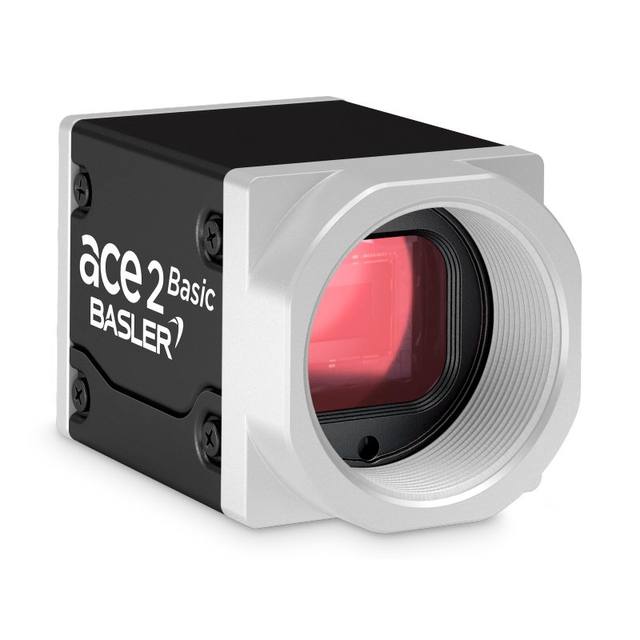
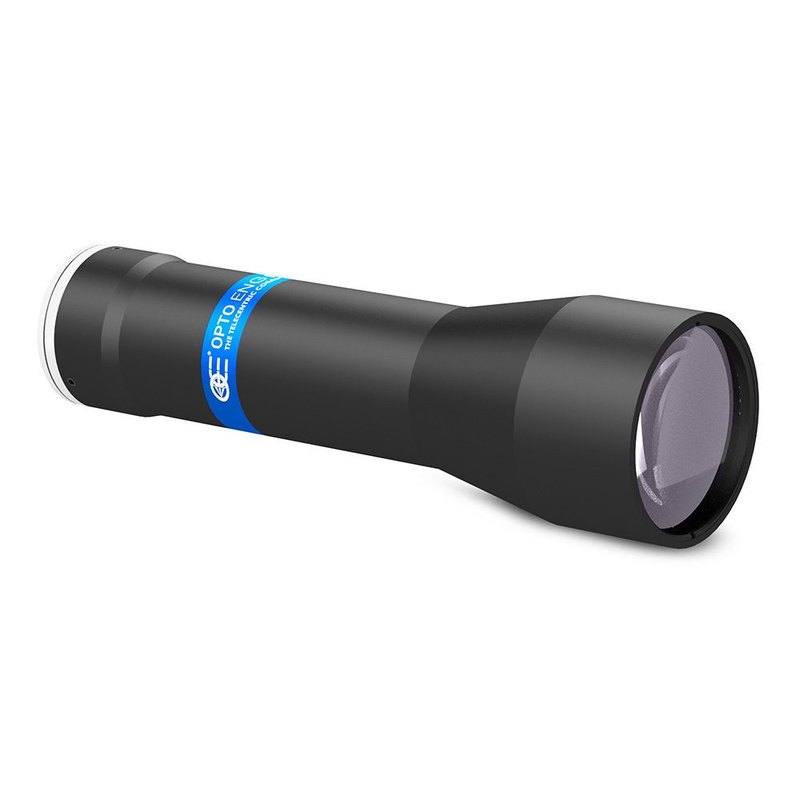
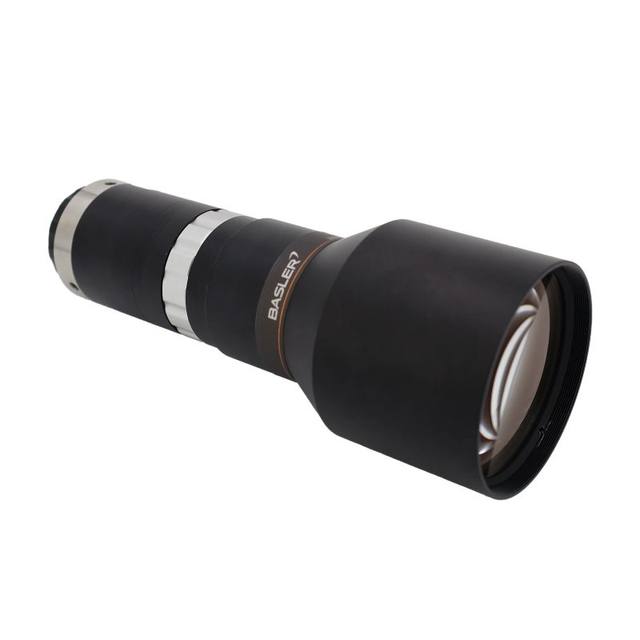
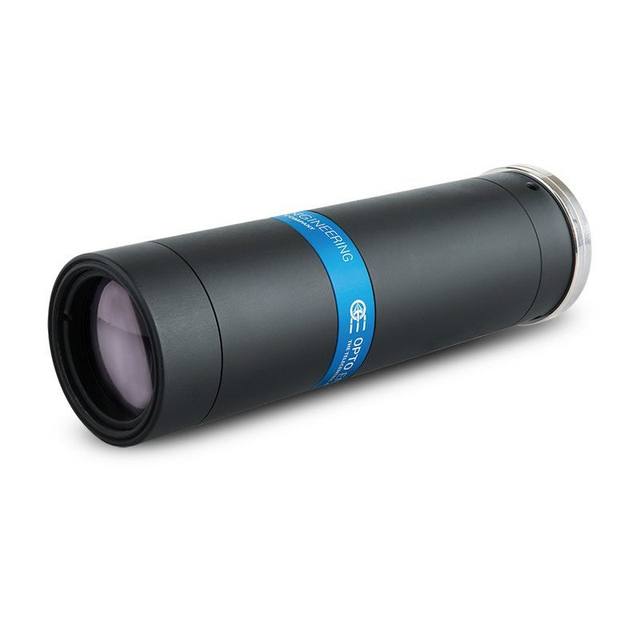
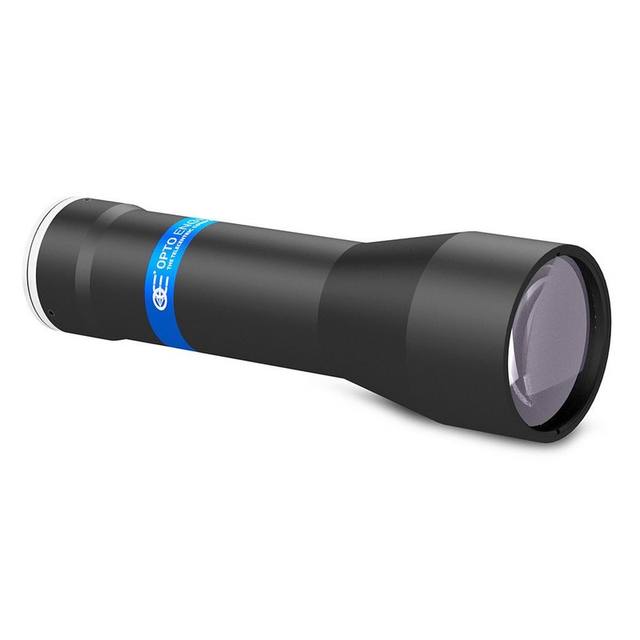
The TCLWD055-110-3M belongs to the TCLWD3M series, described as fixed working distance telecentric lenses for sensors up to 1.1″. It combines 0.550× magnification, a 110 mm working distance and a Ø 17.6 mm image circle (max sensor 1.1″), so the optical coverage is set for sensors up to 1.1″ with the object imaged at a fixed distance of 110 mm. The lens uses a C-mount, which sets the camera side of the installation.
At 0.550× the sensor image is 0.55 times the object size, so each sensor pixel covers a larger area of the object than its own size. The object-side pixel size is the sensor pixel size divided by 0.550, which is the basic calculation for matching a measurement tolerance to a camera before the system is built. The working f-number is wF/# 10: a lower working f-number passes more light and gives a shallower depth of field than a higher one, so exposure and depth of field should be checked together for the parts being measured.
The lens is telecentric, so magnification stays close to constant across the depth of field, which suits gauging where parts sit at slightly different heights. The 110 mm working distance means the part plane is set by the mechanical layout. Once focus is set at 110 mm, lock the camera and lens position so the calibration holds across the production run.
Best for
Dimensional measurement of parts on 1.1″ sensors at a 110 mm working distance
Presence and dimension checks on fixed-height parts presented at 110 mm from the lens
Telecentric gauging of parts with some height variation within the depth of field
Inspection at 0.550× on a 1.1″ sensor, where the object field is larger than the sensor
Selection notes
Match the sensor to the Ø 17.6 mm image circle, which is rated for sensors up to 1.1″.
Calculate the object-side pixel size from the sensor pixel pitch and the 0.550× magnification before selecting a camera for a given tolerance.
Place the part plane at 110 mm using a fixture, and lock the lens and camera position after focusing.
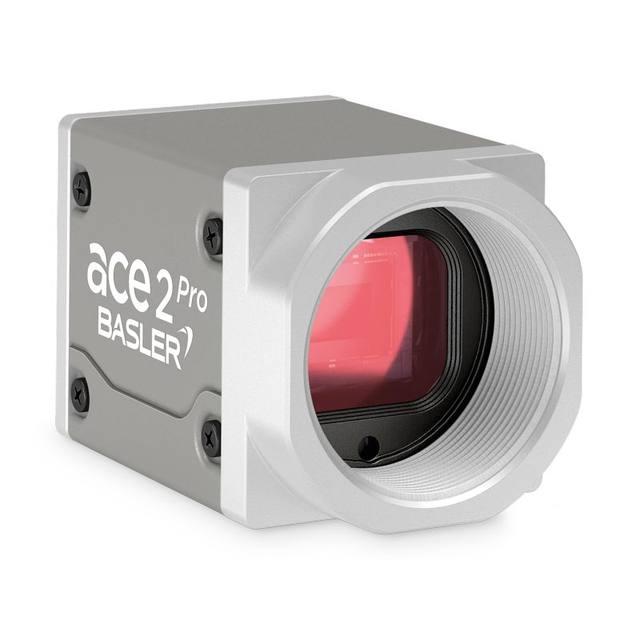
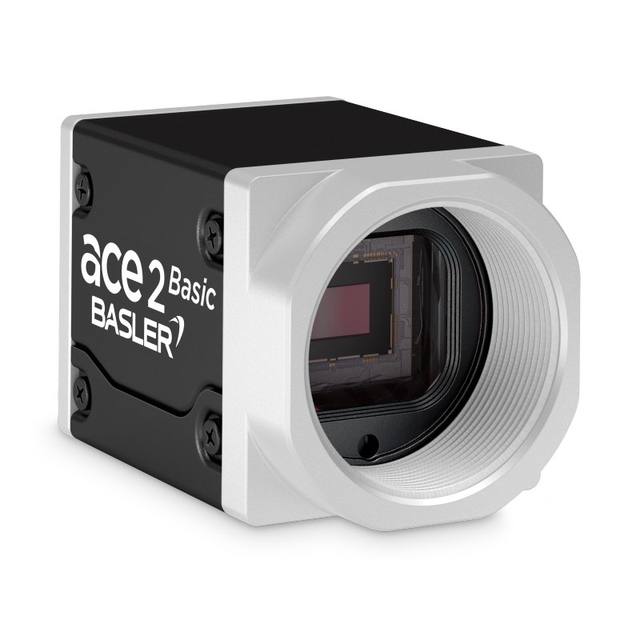
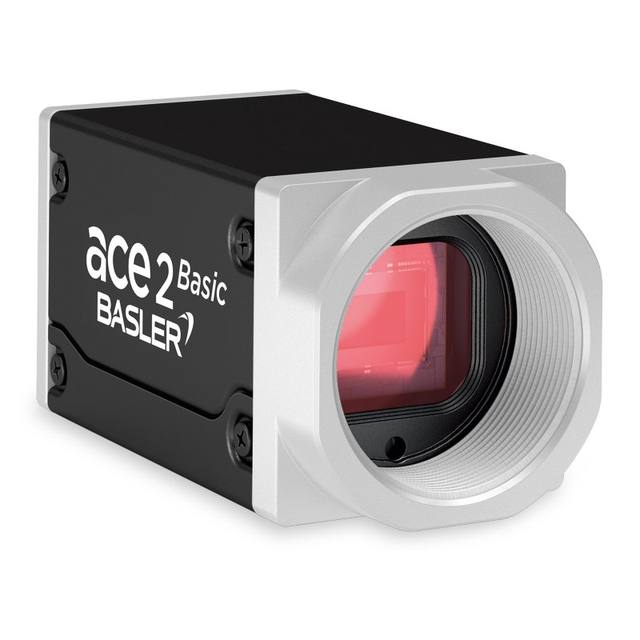
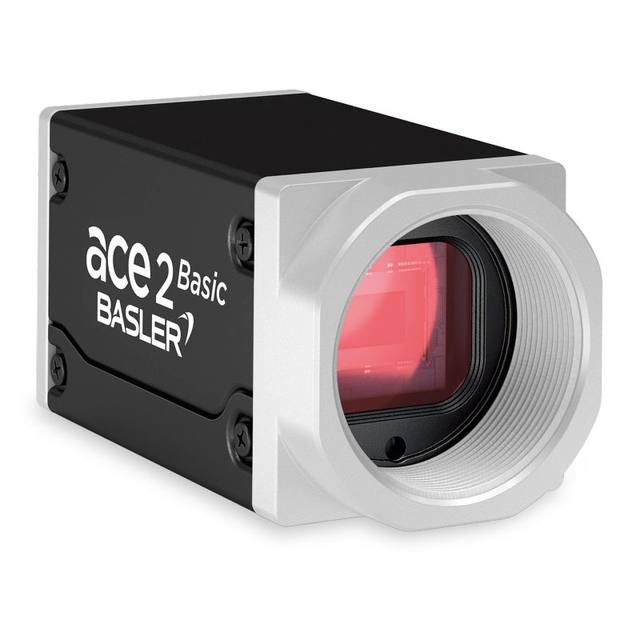
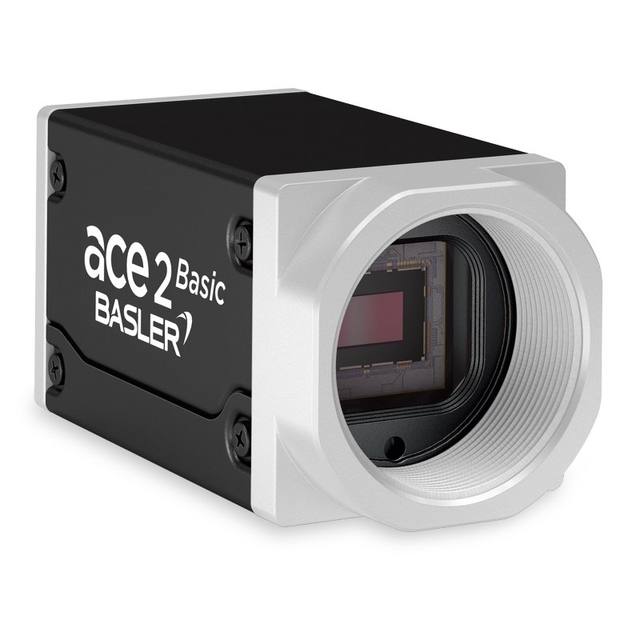
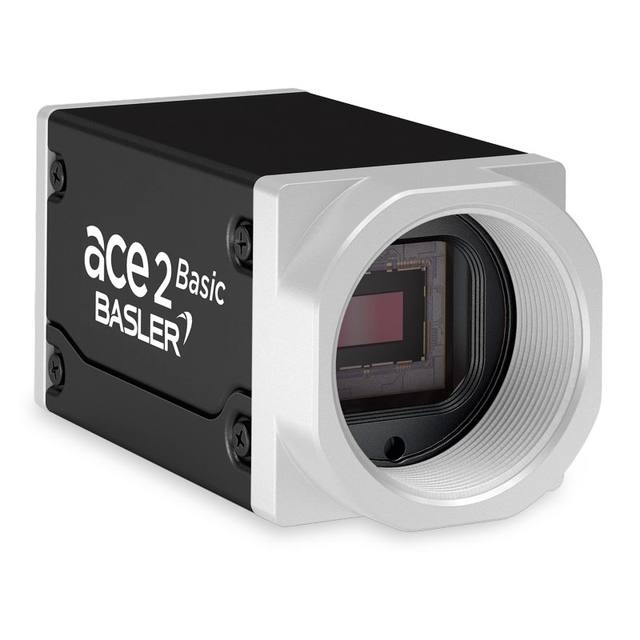
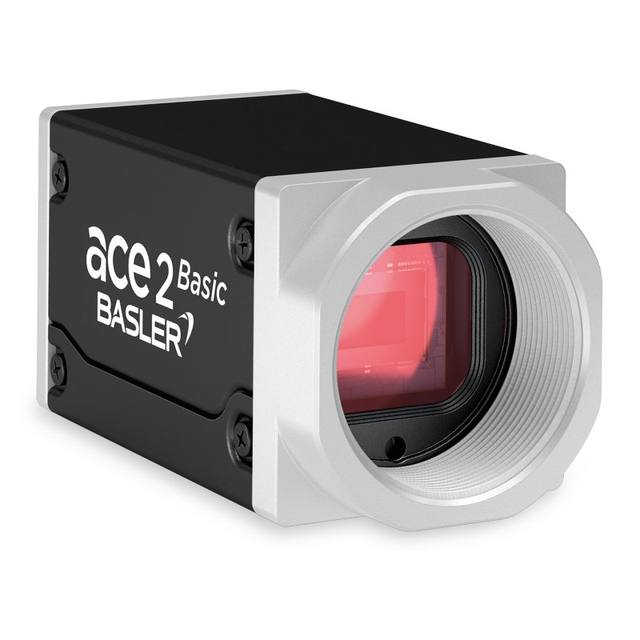
Confirm a C-mount on the camera body, since this lens uses that mount.
Specifications: General
Brand
Opto Engineering
Specifications: Optical
Lens mount
C-mount
Image circle / max sensor
Ø 17.6 mm (max sensor 1.1″)
Magnification
0.550×
Working distance
110 mm
Telecentric
Yes
Applications this product is commonly selected for. Open one to see the full recommended hardware and approach.
Matched automatically by: camera mount fits the lens mount · camera sensor is covered by the lens image circle — this lens: C-mount · Ø 17.6 mm (max sensor 1.1″) image circle.