Vision controllers and industrial PCs: how to choose
How to choose between a vision controller, a generic industrial PC and a smart camera, and how to size CPU, GPU, ports, I/O, storage and cooling.
Vision controller, generic IPC or smart camera
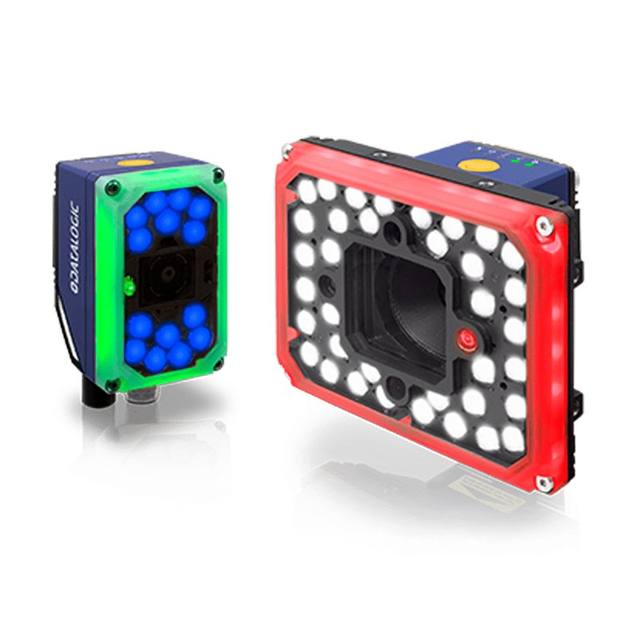
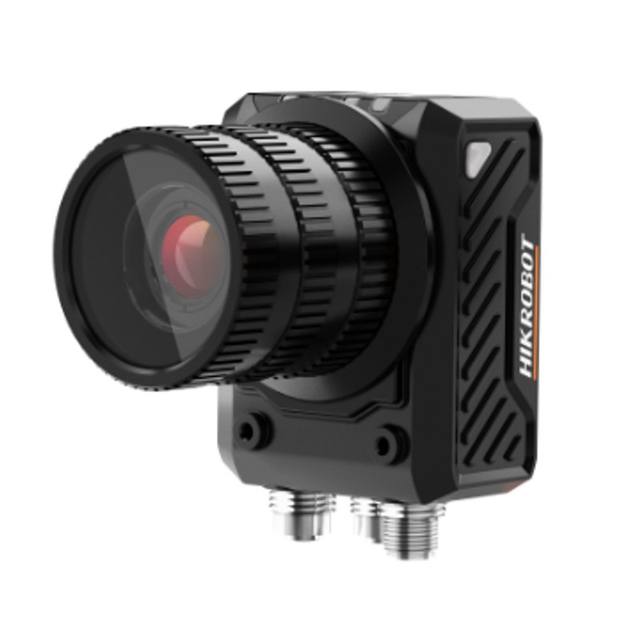
Decide the architecture before comparing specifications. A smart camera carries sensor, processor and I/O in one housing and is the simplest answer when one view and its on-board tools can solve the job. Once you need several cameras, larger sensors, a frame grabber or substantial deep learning, you need a separate computer, and the question becomes which kind.
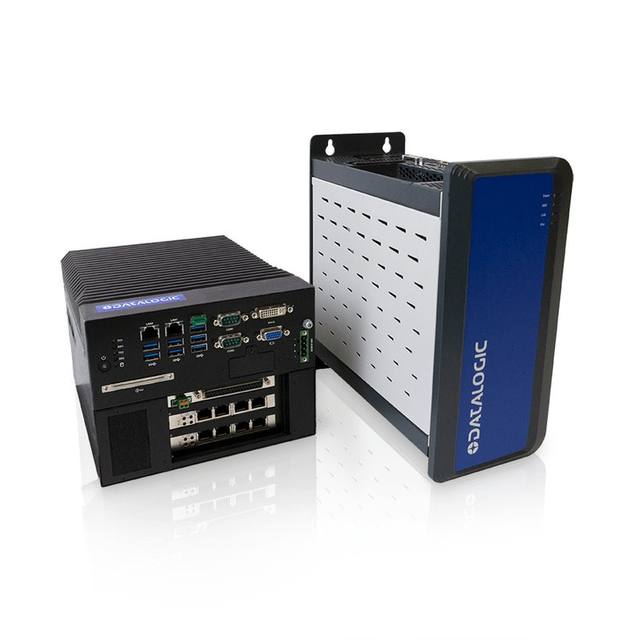
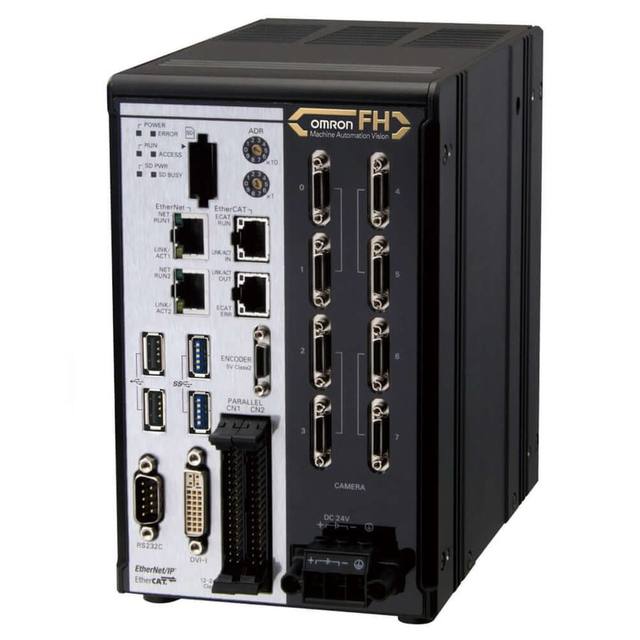
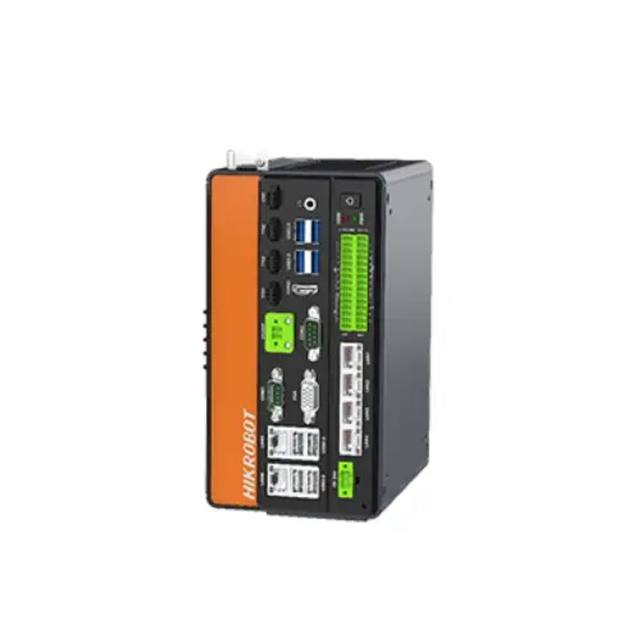
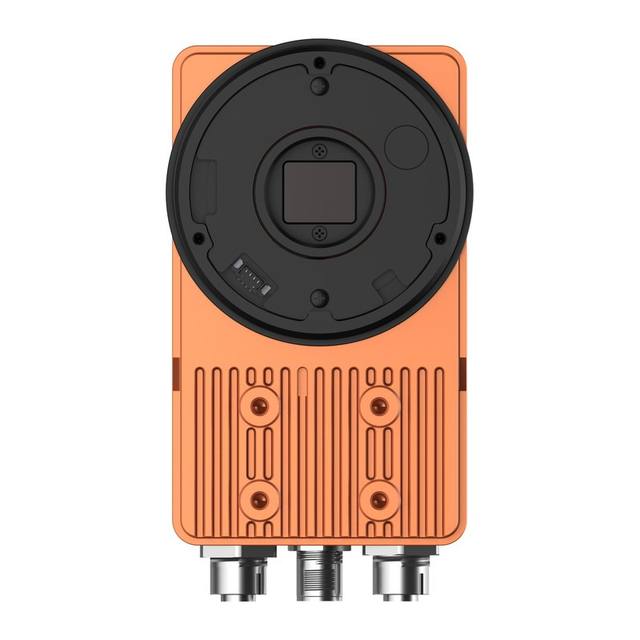
A vision controller is an industrial PC built for this task. It typically arrives with PoE camera ports, USB3 ports, isolated trigger and strobe I/O and sometimes lighting outputs, in a compact wide-temperature housing. Some are open machines running a standard OS and whichever software you choose, and others are closed appliances tied to one vendor's application. Establish which kind you are looking at early, because the two have very different long-term consequences.
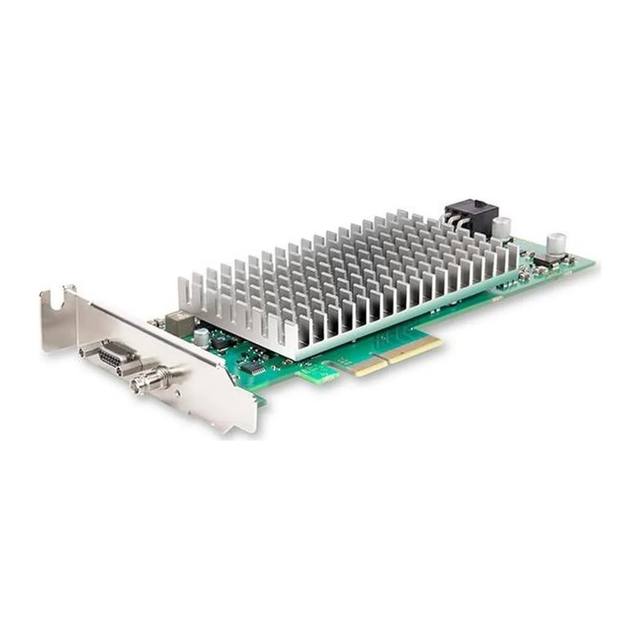
A generic IPC is a general-purpose industrial computer that you complete with PoE NICs, USB cards, a grabber, a GPU and I/O modules. It offers the widest choice of compute and expansion, and it suits unusual combinations, but you carry the integration work: compatibility, drivers, thermal design and lifecycle management.
- Smart camera: one view, bounded tools, moderate data rate, minimal wiring and cabinet space.
- Vision controller: several GigE or USB3 cameras, standard inspection or moderate AI, and a preference for a pre-integrated platform.
- Generic IPC: high-end GPU or several expansion cards, specific compute needs, or an in-house platform standard across machines.
- Mixed: smart cameras on simple stations and one PC node where compute or AI is needed. This is common and often the most practical design.
CPU and memory sizing for classic inspection
Do not size from a datasheet benchmark. Measure the tool chain on real images, on hardware close to the target, then calculate load. Take four 5 MP GigE cameras at 10 fps each, with a tool chain measured at 40 ms per frame on one thread. Load is 4 x 10 x 0.040 = 1.6 cores. At a 65% target load that needs about 2.5 cores of processing. Add acquisition (200 MB/s in total), the OS, the HMI and logging, and a 6-core CPU leaves sensible margin, with 8 cores if the line may grow.
Throughput and latency are separate tests. More cores raise frames per second but do not shorten one frame's processing unless the tool itself is multithreaded. The deadline usually comes from the line: a reject station 300 mm after the camera on a 1 m/s belt allows 300 ms for exposure, transfer, processing and communication. If one tool alone takes 250 ms on a single thread, adding cores will not help. You need a faster core, a parallel implementation or a smaller region of interest.
Check how your library uses threads, because many classic tools remain sensitive to single-core speed. On hybrid CPUs that mix performance and efficiency cores, keep time-critical threads on performance cores. Measure at sustained clocks, since a compact IPC may not hold its boost frequency under continuous load.
For memory, 16 GB is a typical baseline for a multi-camera classic system, and 32 GB or more is common with large images, long ring buffers or deep learning. Populate all memory channels, since image processing is sensitive to memory bandwidth. A ring buffer of 30 frames for four 5 MP cameras needs only 600 MB, but large models, logging queues and the vision software itself often use far more.
GPU sizing for deep-learning inspection
Classic tools rarely benefit from a GPU unless the library specifically accelerates them. Deep learning does, but the required hardware depends on the model, input size and image rate. Small classification networks at low rates may run acceptably on a CPU or on an integrated GPU or NPU. Segmentation or detection on high-resolution images at line rate usually needs a discrete GPU. As a rough order of magnitude, a mid-size segmentation network at about 512 x 512 input typically takes single-digit to low tens of milliseconds per tile on a mid-range discrete GPU, and tens to hundreds of milliseconds on a CPU. Use those figures to plan a benchmark, not to size a system.
Tile count is usually what decides the outcome. A 5472 x 3648 (20 MP) image cut into 512 px tiles with 64 px overlap makes 13 x 8 = 104 tiles. At an assumed 5 ms per tile that is about 520 ms per image, or 52% GPU load at one part per second, while two parts per second exceeds capacity. The options are to crop to the region of interest, use a more efficient model, or use a faster GPU. Downsampling by 2 per axis cuts the count to 24 tiles, but a 6 px defect becomes 3 px, which may no longer be detectable.
Separate training from inference. Training benefits from much more GPU memory and runs for long periods, and it does not need to happen on the line controller. A workstation or server can train while the controller runs a frozen model. Inference typically fits in 8-16 GB of GPU memory, with training commonly wanting 16-24 GB or more, depending on the model and batch size.
Plan for the physical and lifecycle consequences. A PCIe x16 slot supplies up to 75 W, and more powerful cards need auxiliary power connectors, a suitable supply and airflow. Consumer GPUs tend to have short production lives, and a replacement model can change timing and force re-validation, so consider long-lifecycle parts or hold spares. Measure 99th-percentile and maximum inference time under load, because a line must survive the worst frame, not the average one.
Camera ports, PoE and expansion
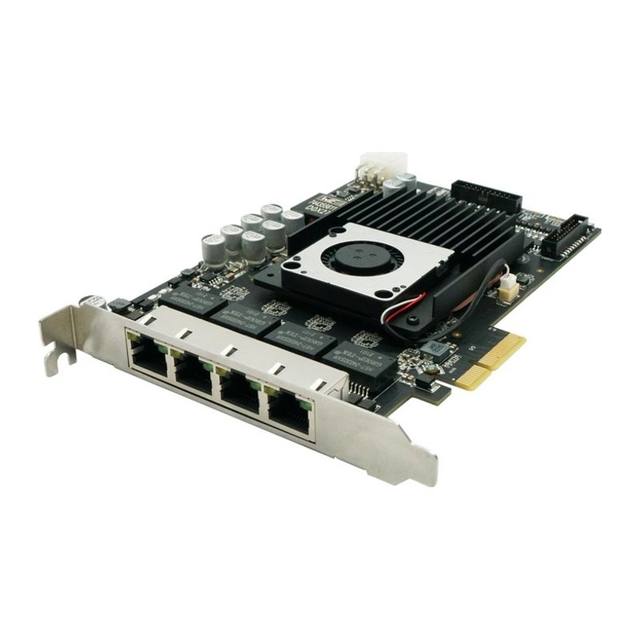
Check how ports are connected internally, not just how many there are. Four PoE ports with independent controllers can each carry 110-120 MB/s. Four ports behind an internal switch with one 1GigE uplink share that same 110-120 MB/s. The four 5 MP cameras above need 50 MB/s each, or 200 MB/s in total, so the first design works and the second one fails. The same applies to USB3: several ports on one controller share its practical 350-400 MB/s.
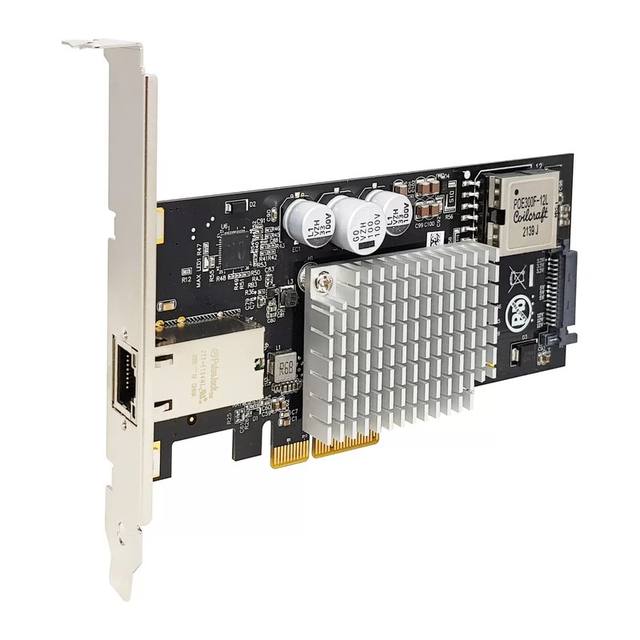
PoE has a per-port limit and a total limit. IEEE 802.3af supplies up to 15.4 W at the port and 12.95 W at the device, and 802.3at supplies 30 W and 25.5 W. Compare the total budget with the sum of all camera loads at maximum ambient temperature. If a controller also drives lights, check the voltage, current and strobe timing of its outputs, or use an external lighting controller.
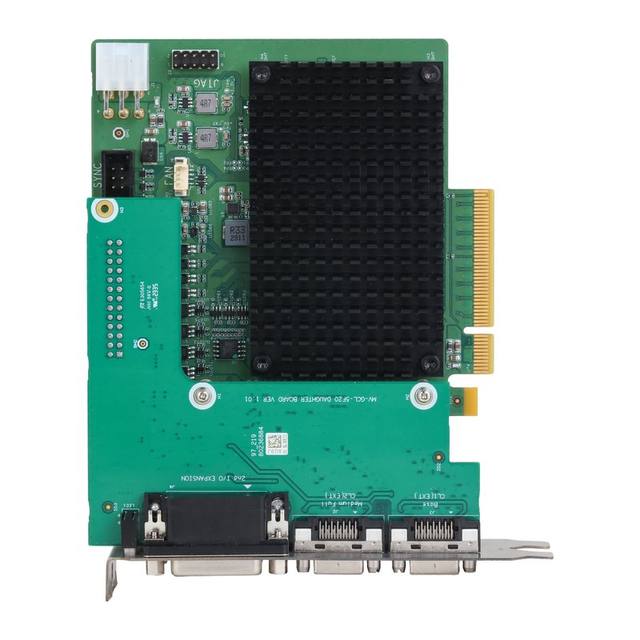
If a frame grabber, GPU or extra NIC is in scope, count lanes as well as slots. A compact box may offer no PCIe slot at all, and a chassis with an x16 slot and an x4 slot cannot host two cards needing x8 each at full bandwidth, unless the higher PCIe generation of both card and slot makes up the difference. Slots behind the chipset also share its uplink with other devices.
- List each camera's interface, data rate and power draw, then add them up per controller.
- Prefer independent ports for cameras running near the link limit.
- Plan spare ports and slots if the line may gain more views.
- Use locking connectors on cables wherever the machine vibrates or moves.
Digital I/O and fieldbus
Count discrete I/O by function: one trigger per camera or camera group, strobes, part-detect inputs, reject, ready and alarm. Check isolation, voltage and whether the outputs are hardware-timed or set by software. Software-driven I/O on a general-purpose OS commonly shows jitter of milliseconds with occasional larger outliers, so it is not suitable for precise timing. Trigger cameras directly from the sensor or PLC, and treat the PC as a source of results.
The most robust reject pattern puts timing in the PLC. The camera is triggered, the controller returns a result with a part or tracking ID, and the PLC fires the reject from encoder counts. In the 300 ms example above, if the controller's worst case is 150 ms there is ample margin. If a result misses its deadline, the PLC should treat the part as failed by default rather than letting it pass.
PROFINET, EtherNet/IP, EtherCAT and Modbus TCP are the usual options, and support varies by platform. On a PC, a software stack on a standard NIC is a common way to act as a PROFINET RT device or an EtherNet/IP adapter. An EtherCAT slave normally needs dedicated slave-controller hardware, so plan for a card, and PROFINET IRT also needs hardware support. Check conformance and licensing for the stack. PROFINET RT update cycles are commonly 1-10 ms, more than adequate for results and recipes. OPC UA is useful for MES and plant data rather than for tight machine timing.
- Define the handshake: ready, trigger acknowledge, busy, result, part ID, error code.
- Add a heartbeat so that the PLC detects a hung vision application.
- Send recipe selection and results over fieldbus, and keep fast edges on hardwired lines.
- Do not use a vision PC as a safety function: safety belongs in safety-rated devices.
Storage, fanless operation and thermal design
Keep the OS and the image data on separate SSDs, so that a full or worn data drive does not stop the machine. Then calculate the logging load. The four cameras above produce 200 MB/s. Over 16 hours a day that is 200 MB/s x 57,600 s = 11.5 TB per day. A drive with an illustrative endurance of 2,400 TBW would reach its rating in about 7 months. Saving rejects and samples, or compressing by 10:1, cuts that to about 1.15 TB per day and gives about 5.7 years, though a 4 TB drive then holds only about 3.5 days of images. Lossy compression may not suit audit or retraining purposes, so decide what you must keep and move it off the machine.
Check sustained write speed as well as the headline figure, since many SSDs slow down once their fast cache fills, and queued writes can back up into acquisition. Look for an industrial temperature rating and power-loss protection on a machine that can lose power abruptly. Keep a tested disk image of the configured system, as this is what makes recovery fast after a failure.
Fanless means the housing is the heatsink, so mounting orientation, clearance and cabinet air temperature become part of the design. Compact fanless boxes usually suit CPUs of about 15-35 W and larger finned designs reach about 65 W, while discrete GPUs above about 75 W generally need fans or an actively cooled design. The cost of removing fans is lower compute density. The benefit is eliminating a common wear item and reducing dust ingress. Fans remain a sound choice with filters and a maintenance plan, particularly for GPUs.
Check the rated ambient temperature against cabinet air, not room air. A cabinet often runs 10-15 °C above the room, and an IPC at its limit throttles quietly, so cycle time gets worse before anything raises an alarm. The practical test is to run the worst-case job at maximum cabinet temperature while logging cycle time, CPU and GPU frequency and temperature. Also check 24 VDC input tolerance, shock and vibration ratings, and how long the platform will stay available, since embedded-roadmap parts typically remain available for longer than consumer parts.
Software lock-in: what to check before you buy
Hardware usually gets replaced more easily than software. Lock-in is not automatically bad, since a closed, pre-validated stack from one supplier can reduce support effort and risk. It should simply be a conscious decision, tested at four levels: runtime licence, camera support, program portability and model portability.
Your labelled image set is the most valuable asset in a deep-learning project, so keep your own copy outside any one tool. A model can be retrained on another platform if you hold the data, while exported weights alone may only run on one runtime. Export to an open format such as ONNX can help, but check that pre-processing and post-processing behave the same after conversion, and re-validate.
Sizing depends on the software as much as the hardware. If the inspection will run deep-learning models, test inference time on your own images: Rosepetal, the group's AI inspection platform, and the AIS Vision integration team can help size the controller against a real model.
- Runtime: is the licence bound to specific hardware, a dongle or a cloud activation? Does it work offline on a plant network?
- Cameras: does the software use standard GigE Vision, USB3 Vision and GenICam, or only one vendor's cameras?
- Programs: can recipes and inspection programs be exported, versioned and restored without the vendor's help?
- Models: who owns the data and trained models, and can a model run outside the training tool?
- Updates: who controls OS and software updates, and how is a validated state preserved?
- Replacement: if the controller fails in five years, what runs your application, and does it need re-validation?
Frequently asked questions
Related categories
- Vision controllers
- Acquisition and control
- Smart cameras
Related guides
Smart camera vs PC-based vision
How to choose between all-in-one smart cameras and PC/embedded vision with a separate camera, based on inspection complexity, throughput, flexibility, AI needs and total cost of ownership.
When do you need a frame grabber?
CoaXPress and Camera Link always need a frame grabber; other cameras rarely do. How to decide, and how to budget link and PCIe bandwidth.
GigE Vision vs USB3 Vision vs CoaXPress
A practical decision guide to the three dominant machine-vision interfaces: bandwidth, cable length, multi-camera support, PoE, latency, frame grabber needs and cost.
How to validate a machine vision application: a practical checklist
A field checklist to de-risk a machine vision project before you buy hardware: define defects and tolerances, collect representative samples, prove the imaging, budget resolution and field of view, lock motion and triggers, then run a structured proof of concept against measurable acceptance criteria.