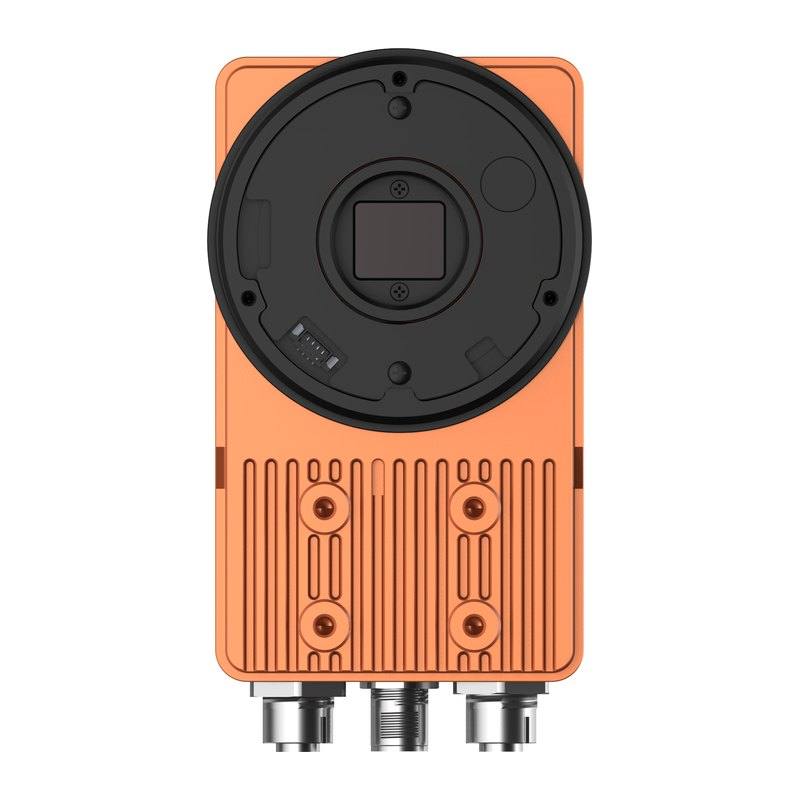
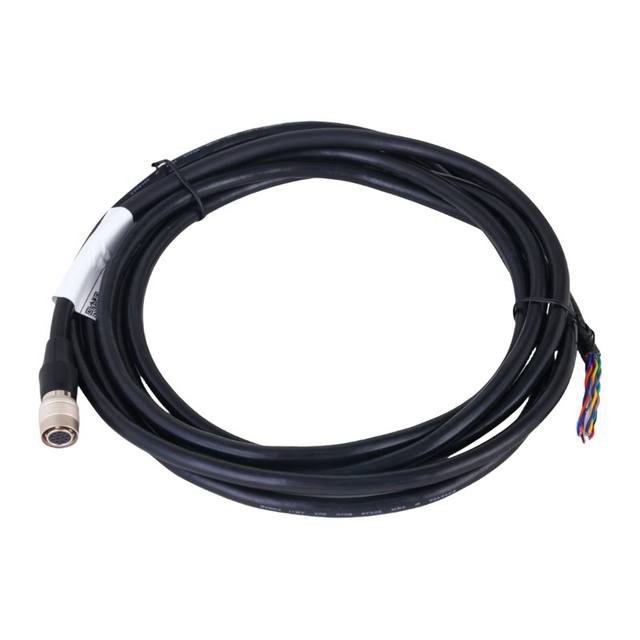
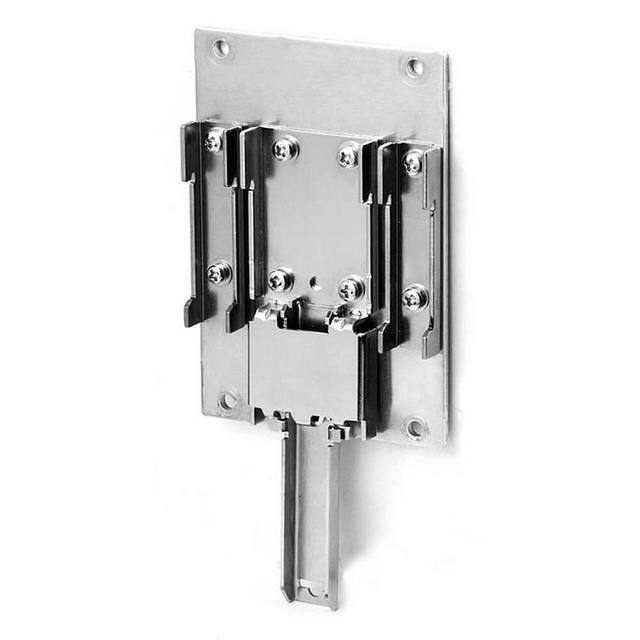
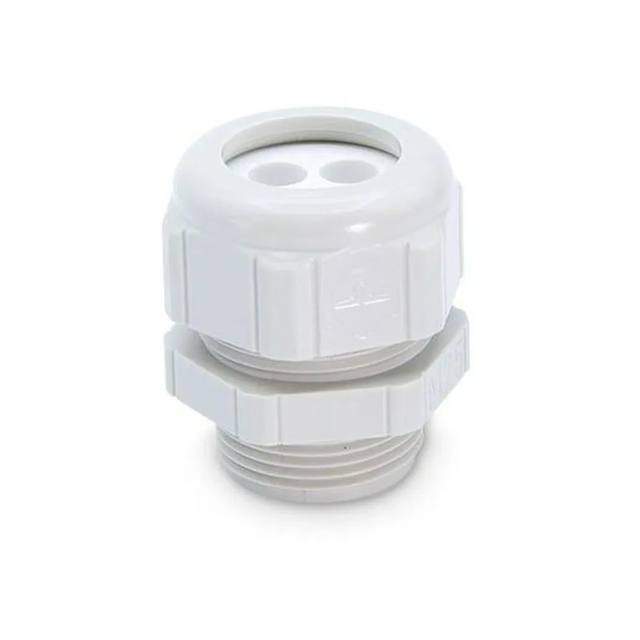
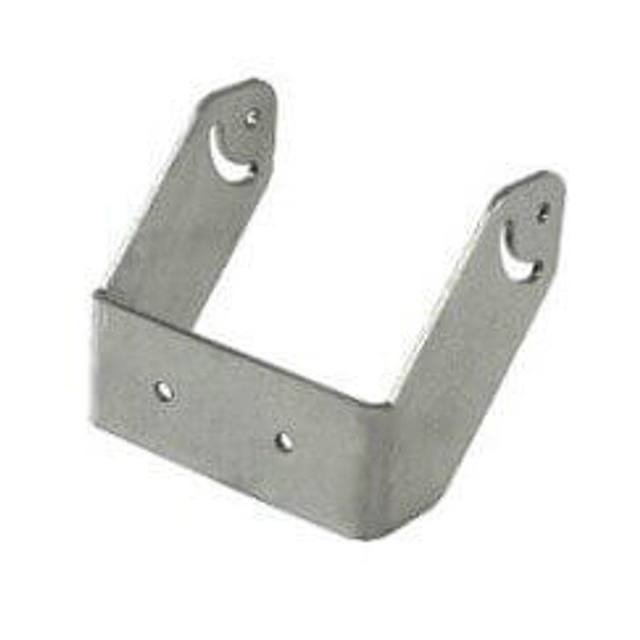
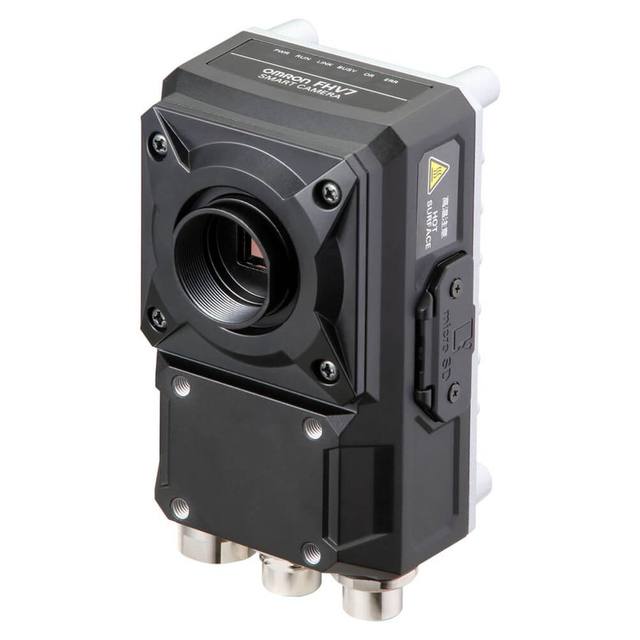
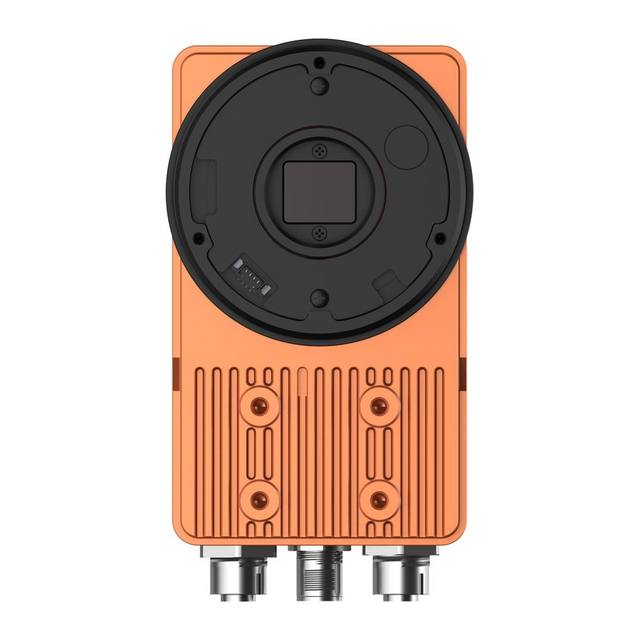
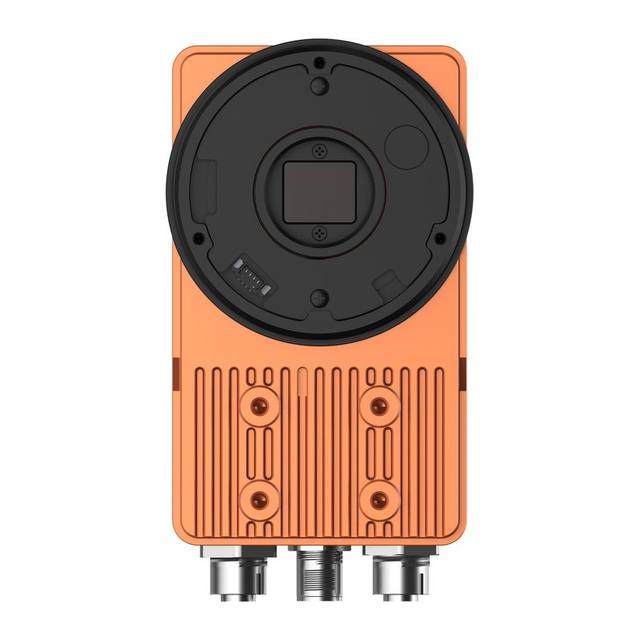
Windows 10 runs on the camera itself: an embedded x86 platform hosts the iRAYPLE MVP algorithm platform, or an application you write against the SDK, so a small station needs no separate industrial PC. The 5 MP mono sensor has a global shutter and delivers 2448 × 2048 px at 35 fps with 3.45 µm pixels, an active area of about 8.4 mm × 7.1 mm (2448 × 3.45 µm by 2048 × 3.45 µm) and a diagonal near 11 mm, the 2/3-inch format.
Full-rate output is more than the link carries: 5.0 MB per frame × 35 fps ≈ 175 MB/s at 8 bits per pixel against the roughly 115 MB/s a 1 Gbit/s port typically carries, about 23 fps at best. Keep the analysis on the camera and send results by TCP server or client, PROFINET, Modbus TCP or serial. Because the global shutter exposes all rows together, moving parts keep their shape. Up to 30 W is dissipated in a sealed aluminium housing, so mount the camera on a surface that carries heat away, especially near the +50 °C limit.
Best for
Measurement and pattern matching on moving parts, where the global shutter keeps edges straight; an example 100 mm field gives 100 mm ÷ 2448 ≈ 41 µm per pixel.
Position guidance and defect detection with custom logic, because the Windows platform and the SDK let you add your own code beside the supplied tools.
Dusty or splash-exposed machines, where the IP67 aluminium housing rated -20 °C to +50 °C can sit directly on the equipment.
Selection notes
Lens and lighting are separate purchases. Choose a C-mount lens made for 2/3 inch (image circle of at least 11 mm) that resolves the 3.45 µm pixel.
The 12-pin I/O gives three inputs and three outputs, none opto-isolated; add isolation or relays between camera and machine in electrically noisy cabinets. Triggering is software, hardware or free run.
Windows 10 reached end of support for most editions in October 2025, while some long-term servicing editions run longer. Confirm the Windows edition on the camera and how it is updated with your IT team before it joins a plant network.
The supplied tools are pattern matching, measurement and defect inspection. SI5501CG002E (colour) adds code reading, and DH-MV-SI5600MG002E offers 6.3 MP for stationary parts.
Follow these steps to bring up your iRAYPLE camera, capture a first image, and move from the viewer to your own application. The flow is the same across the A, AE, AX and L series; only the physical interface differs.
Download and install the iRAYPLE machine-vision SDK together with its viewer client for your operating system. The installer provides the camera drivers, the GenTL producer, and the viewer you will use for first light. For GigE Vision models, also install or enable the bundled filter/performance driver on the network adapter to maximize throughput.
2. Connect the camera to the correct interface
Wire the camera to its matching host interface: a dedicated Gigabit (or 10 GigE) NIC for GigE Vision models, a USB3 Vision port with a quality cable for USB3 models, or a frame grabber for CoaXPress models. Power the camera (PoE, USB bus power, or PoCXP / external supply as applicable). For GigE Vision, put the NIC and camera on the same subnet and, where supported, enable jumbo frames.
3. Detect and open the camera in the viewer
Launch the iRAYPLE viewer, run device enumeration, and select your camera from the discovered list. Open it to load the device feature tree (GenICam node map). If a GigE camera is found but cannot be opened, correct the IP configuration so the camera and NIC are in the same address range.
4. Set exposure, gain and trigger, then grab a first image
Start with continuous (free-run) acquisition under stable lighting. Adjust exposure time and gain for a well-exposed, low-noise image, set the pixel format (e.g. Mono8 or a Bayer/RGB format), and tune white balance on color models. Once the live image looks correct, switch trigger mode to hardware or software trigger to synchronize capture with your process, and verify a single triggered frame.
5. Move from the viewer to the SDK or a GenICam library
With imaging confirmed, reproduce the same settings in code using the SDK's C/C++ or Python API: enumerate, open, configure the relevant GenICam features, register a frame callback or grab loop, and convert frames to your pipeline's buffer format. Since the cameras are GenICam/GenTL-compliant, you can alternatively drive them from a third-party GenICam vision library. From here a stable image stream can feed a deep-learning inspection step such as Rosepetal for automated quality control.
Frequently asked questions
Not for the vision logic: Windows 10 and the MVP platform run on the camera.
One Gigabit Ethernet port, one 12-pin GPIO connector, one VGA output and one USB port, plus five status indicators.
Camera Housing: Basler Camera housing ace 2 GigE, Basler Camera housing ace 2 USB / CXP / GMSL, Basler Camera housing ace USB, Basler Camera housing ace GigE