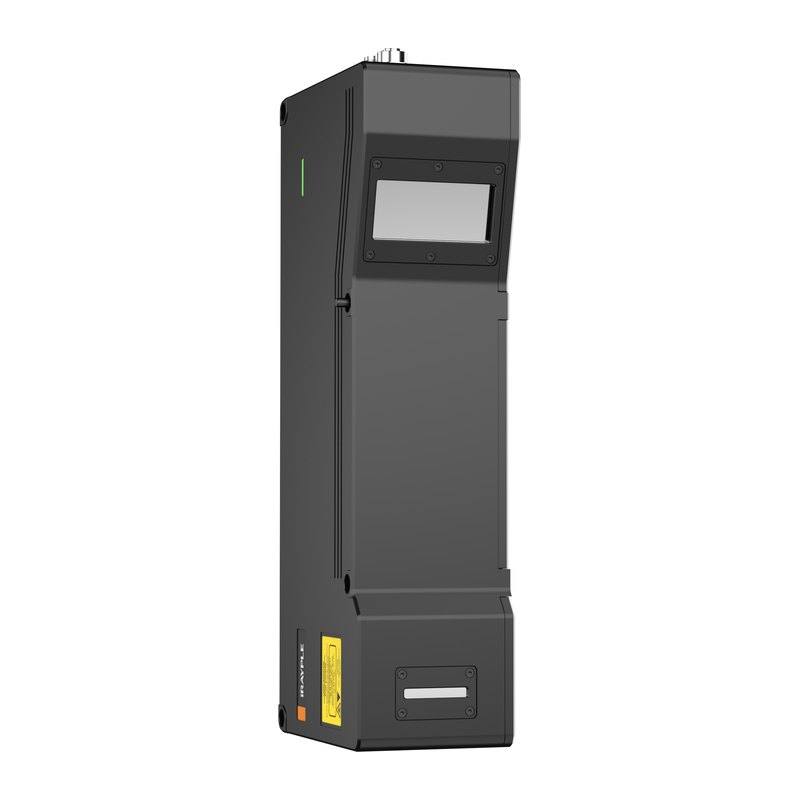
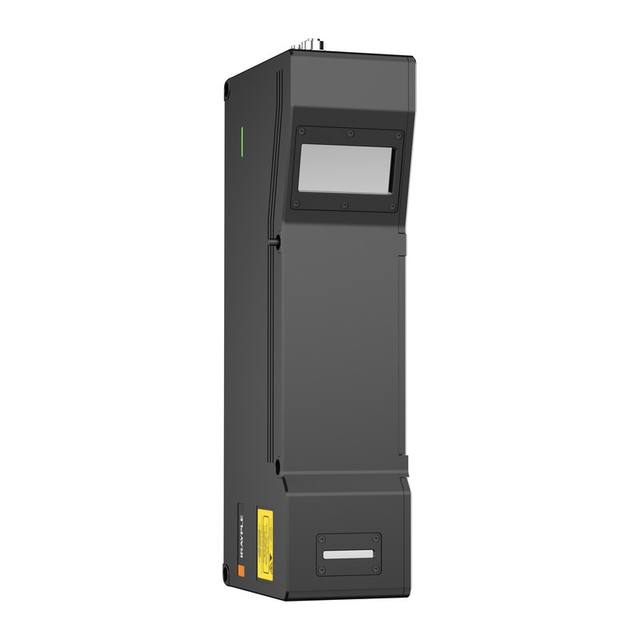
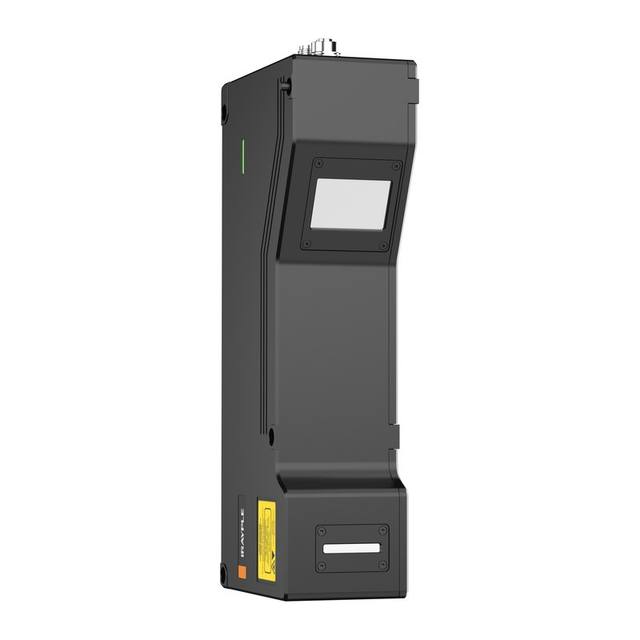
iRAYPLE DL3000 3D laser line profiler DL3400RE-H-S2
DL3400RE-H-S2
iRAYPLE DL3400RE-H-S2 — DL3000 3D laser line profiler, working range 336–1058.7 mm (clearance 336 mm + measuring range 722.7 mm), 3200 points per profile, GigE (Gigabit Ethernet) interface, IP67.
Brand
iRAYPLE
Camera type
3D camera
3D technology
Laser line profiler
Working range
336–1058.7 mm (clearance 336 mm + measuring range 722.7 mm)
Field of view
X width 437.3 mm (near) / 959.4 mm (reference) / 1197.3 mm (far)
The iRAYPLE DL3400RE-H-S2 is a DL3000 3D laser line profiler with a 650 nm light source, laser class 3R, and 3200 points per profile. Its working range is 336–1058.7 mm, a clearance of 336 mm followed by a measuring range of 722.7 mm, so the surface to be measured must sit inside that window in front of the sensor. The X width of the profile is listed as 437.3 mm (near) / 959.4 mm (reference) / 1197.3 mm (far): it grows from the near to the far end of the measuring range while the profile keeps 3200 points, so the spacing between points along X increases with distance.
The profile rate is 3.3 kHz (full frame) / 49 kHz (ROI); the second figure applies when an ROI is used instead of the full frame. For a moving part, the profile rate together with the transport speed sets the spacing between successive profiles along the direction of travel. A 722.7 mm measuring range and an X width of 437.3–1197.3 mm suit very large objects, with scan widths beyond a metre at the far end of the range. The interface is GigE (Gigabit Ethernet).
Mechanically, the profiler measures 288 mm × 125 mm × 71 mm, weighs about 2500 g, is rated IP67 and is specified for 0℃~+45℃. The supply is 24 VDC@1A with a listed power consumption of 10 W. Because the light source is laser class 3R, the installation should be planned with the laser-safety requirements of that class in mind.
Best for
Profile and height inspection of very large objects whose surface varies within a 722.7 mm measuring range.
Profile inspection of features across an X width of 437.3 mm (near) / 959.4 mm (reference) / 1197.3 mm (far).
Inline scanning of moving parts at the 3.3 kHz full-frame profile rate, or at 49 kHz when an ROI is used.
Production lines with room for a 288 mm × 125 mm × 71 mm housing and a 336 mm clearance to the part, where IP67 protection is needed.
Selection notes
Mount the profiler so the part surface falls between 336 mm and 1058.7 mm; the first 336 mm is clearance and the remaining 722.7 mm is the measuring range.
Check the part against the X width of 437.3 mm (near) / 959.4 mm (reference) / 1197.3 mm (far); anything wider than the width at your mounting distance is not covered by a single profile. The 3200 points per profile are spread over an X width that grows toward the far end, so mount as close as the part height allows.
Decide early whether the application needs the full-frame rate (3.3 kHz) or an ROI configuration (49 kHz); the line speed of the conveyor or axis determines the spacing between profiles.
The 650 nm source is laser class 3R; include the laser-safety measures required for that class in the machine design. Parts taller than the 722.7 mm measuring range cannot be covered from one mounting position.
Check the manufacturer datasheet for the connector pin-out before planning the cabling.
Specifications: General
Brand
iRAYPLE
Camera type
3D camera
Specifications: Interface
Interface
GigE (Gigabit Ethernet)
Specifications: Optical
Field of view
X width 437.3 mm (near) / 959.4 mm (reference) / 1197.3 mm (far)
Specifications: Electrical
Supply voltage
24 VDC@1A
Power consumption
10 W
Specifications: Environment
IP rating
IP67
Operating temperature
0℃~+45℃
Specifications: 3D
3D technology
Laser line profiler
Working range
336–1058.7 mm (clearance 336 mm + measuring range 722.7 mm)
Points per profile
3200
Profile rate
3.3 kHz (full frame) / 49 kHz (ROI)
Illumination / laser class
650 nm, laser class 3R
Specifications: Mechanical
Dimensions
288 mm × 125 mm × 71 mm
Weight
about 2500 g
Applications this product is commonly selected for. Open one to see the full recommended hardware and approach.
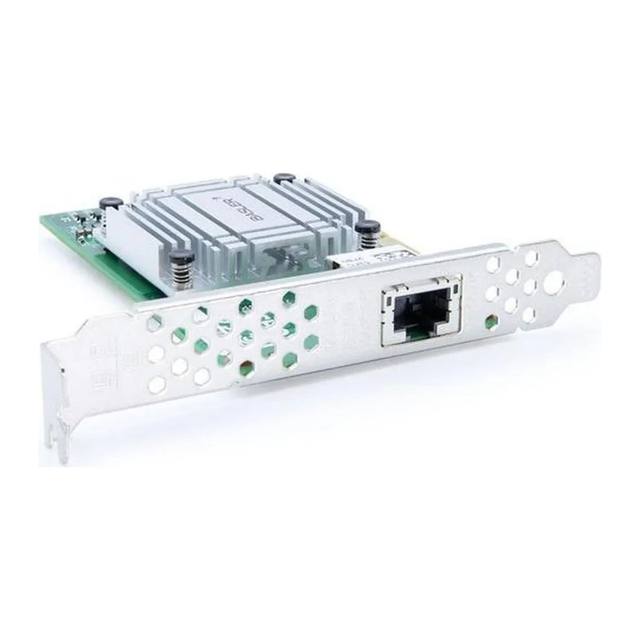
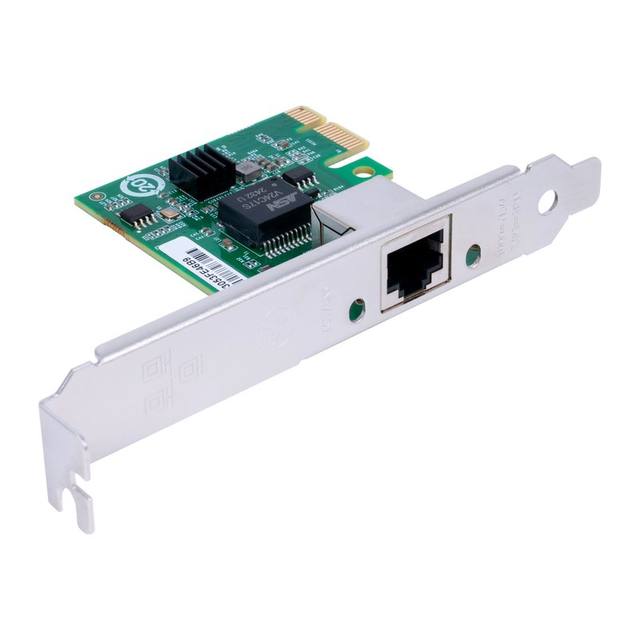
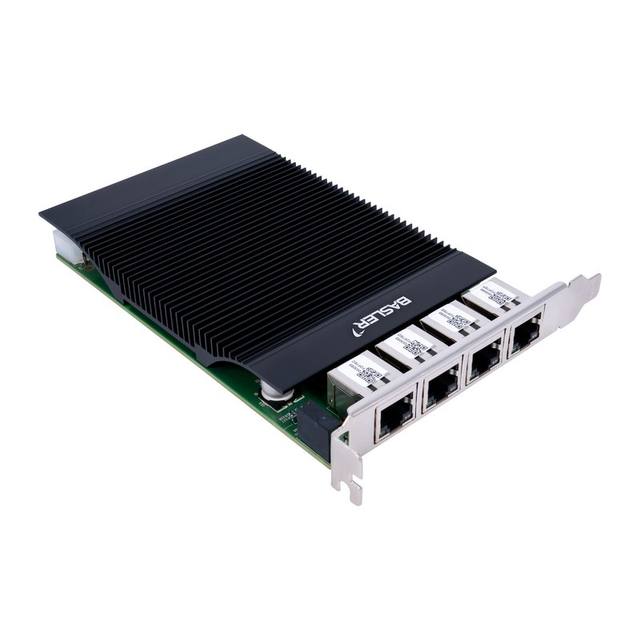
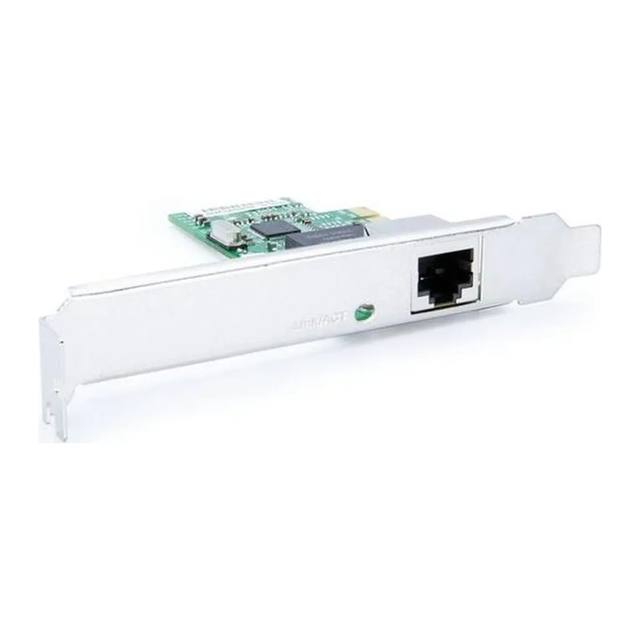
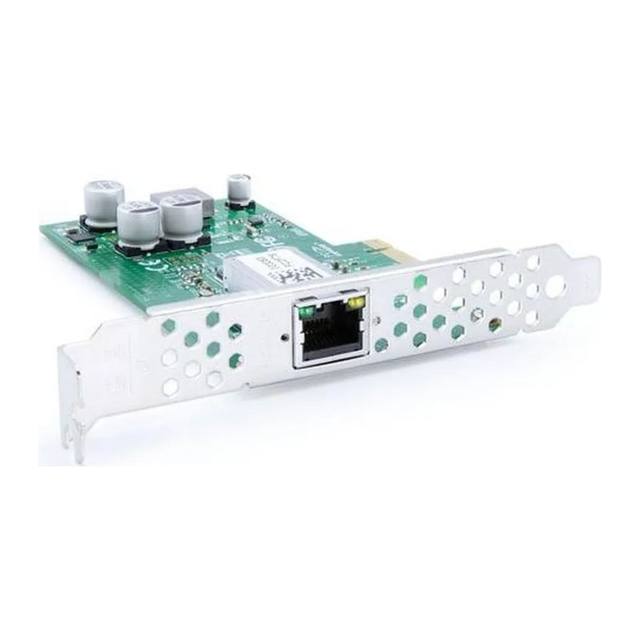
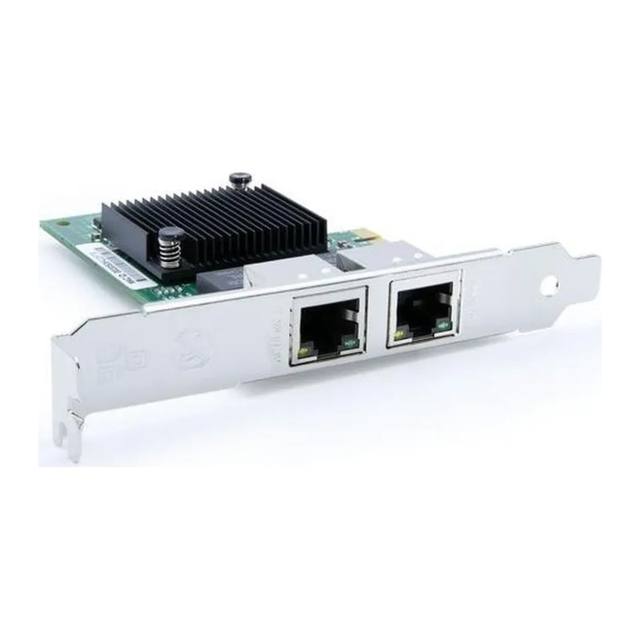
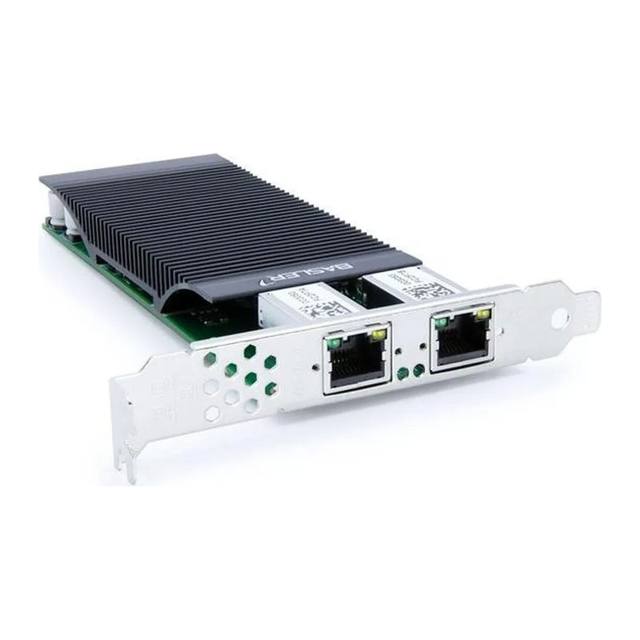
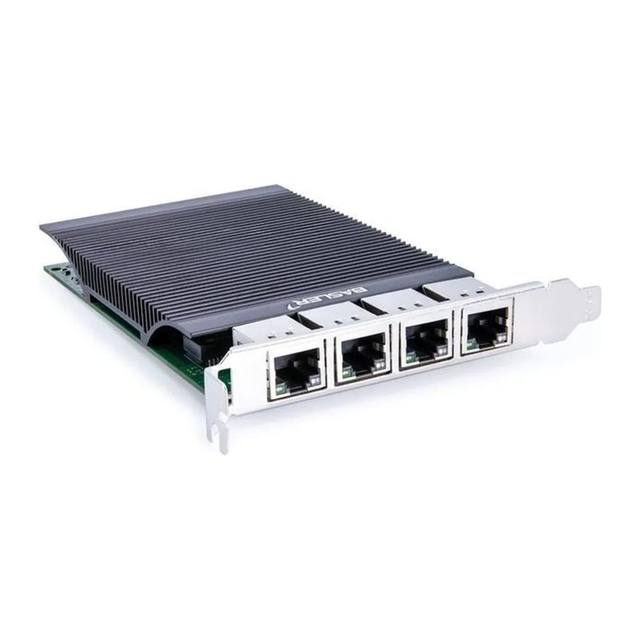
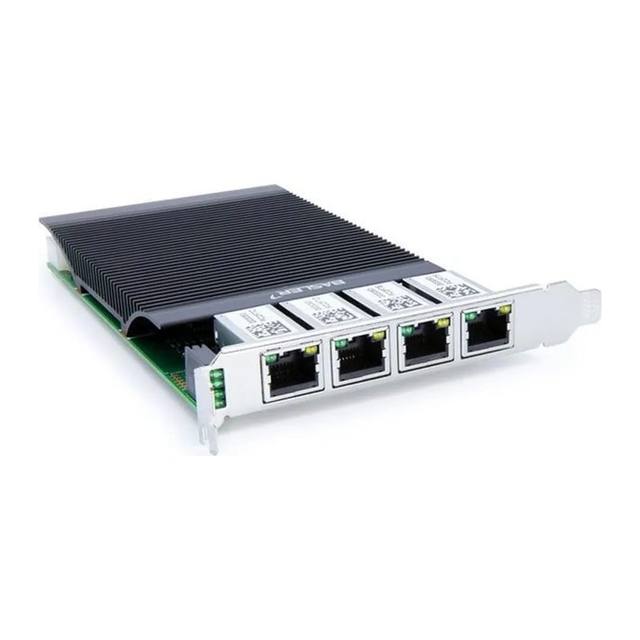
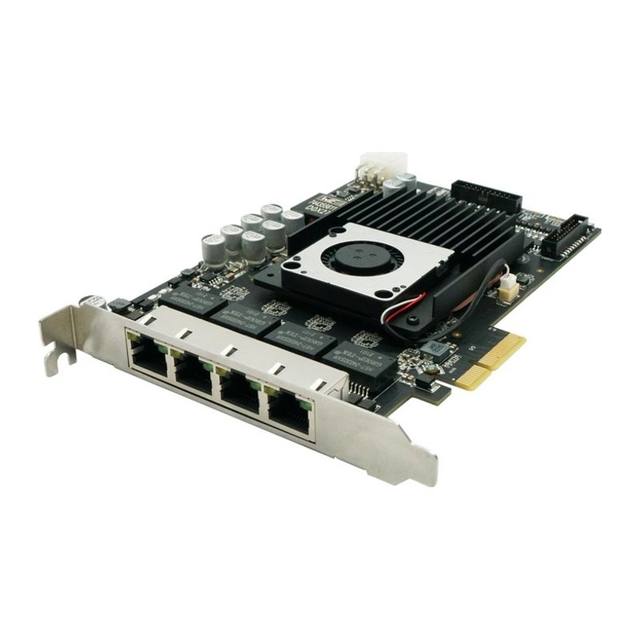
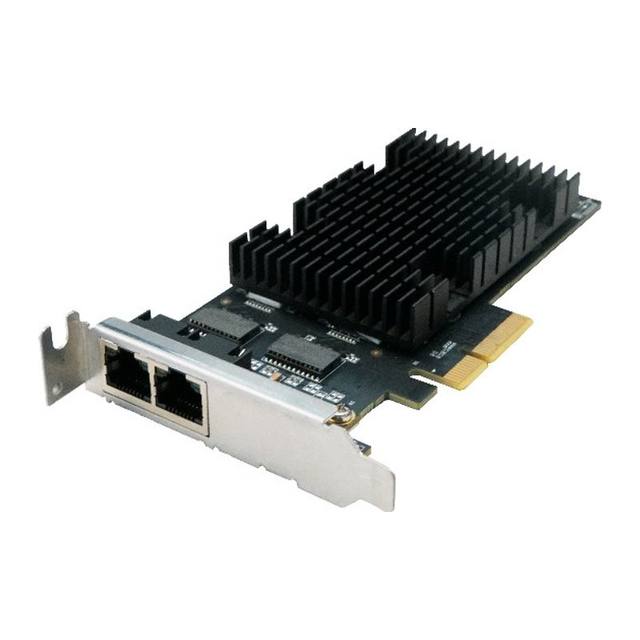
30 frame grabbers / interface cards are compatible with this camera.
Matched automatically by: card supports the camera interface (gige vision) · card link speed is at least the camera link speed (cxp-6 / cxp-12, 1–10 gige) — this camera: GigE (Gigabit Ethernet).
By brand
All 30Hikrobot 15Basler 9iRAYPLE 4Opto Engineering 2
Follow these steps to bring up your iRAYPLE camera, capture a first image, and move from the viewer to your own application. The flow is the same across the A, AE, AX and L series; only the physical interface differs.
Download and install the iRAYPLE machine-vision SDK together with its viewer client for your operating system. The installer provides the camera drivers, the GenTL producer, and the viewer you will use for first light. For GigE Vision models, also install or enable the bundled filter/performance driver on the network adapter to maximize throughput.
2. Connect the camera to the correct interface
Wire the camera to its matching host interface: a dedicated Gigabit (or 10 GigE) NIC for GigE Vision models, a USB3 Vision port with a quality cable for USB3 models, or a frame grabber for CoaXPress models. Power the camera (PoE, USB bus power, or PoCXP / external supply as applicable). For GigE Vision, put the NIC and camera on the same subnet and, where supported, enable jumbo frames.
3. Detect and open the camera in the viewer
Launch the iRAYPLE viewer, run device enumeration, and select your camera from the discovered list. Open it to load the device feature tree (GenICam node map). If a GigE camera is found but cannot be opened, correct the IP configuration so the camera and NIC are in the same address range.
4. Set exposure, gain and trigger, then grab a first image
Start with continuous (free-run) acquisition under stable lighting. Adjust exposure time and gain for a well-exposed, low-noise image, set the pixel format (e.g. Mono8 or a Bayer/RGB format), and tune white balance on color models. Once the live image looks correct, switch trigger mode to hardware or software trigger to synchronize capture with your process, and verify a single triggered frame.
5. Move from the viewer to the SDK or a GenICam library
With imaging confirmed, reproduce the same settings in code using the SDK's C/C++ or Python API: enumerate, open, configure the relevant GenICam features, register a frame callback or grab loop, and convert frames to your pipeline's buffer format. Since the cameras are GenICam/GenTL-compliant, you can alternatively drive them from a third-party GenICam vision library. From here a stable image stream can feed a deep-learning inspection step such as Rosepetal for automated quality control.
Frequently asked questions
The working range is 336–1058.7 mm, made up of a clearance of 336 mm plus a measuring range of 722.7 mm.
The X width is listed as 437.3 mm (near) / 959.4 mm (reference) / 1197.3 mm (far), with 3200 points per profile.
The profile rate is 3.3 kHz (full frame) / 49 kHz (ROI).
The light source is 650 nm, laser class 3R.
It has a GigE (Gigabit Ethernet) interface, a 24 VDC@1A supply with 10 W power consumption, and IP67 protection. The operating temperature is 0℃~+45℃.