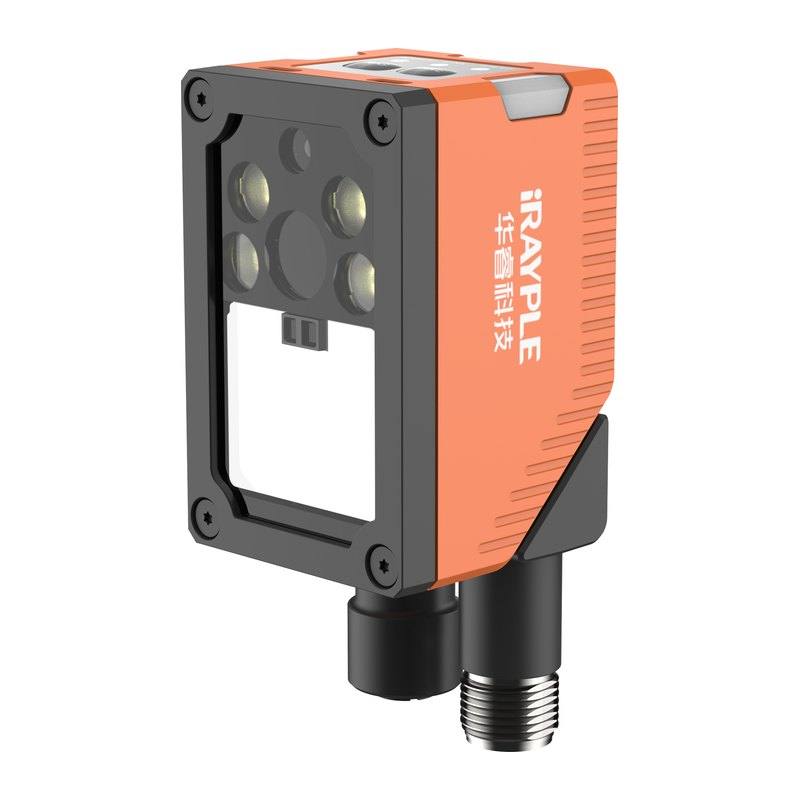
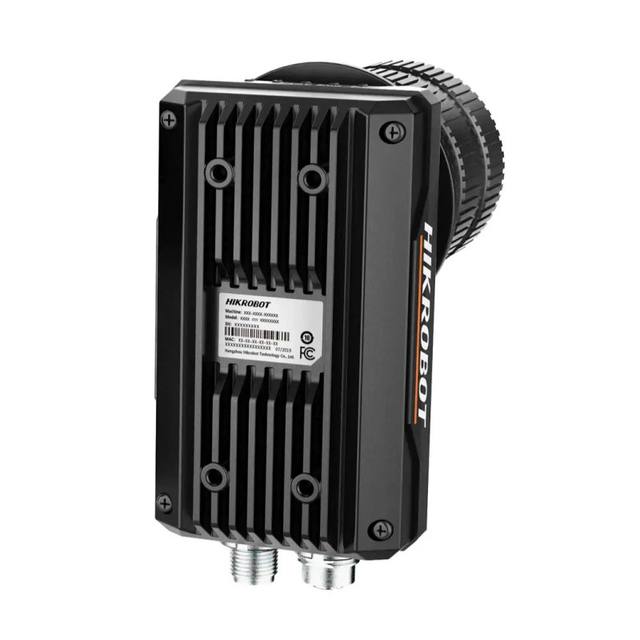
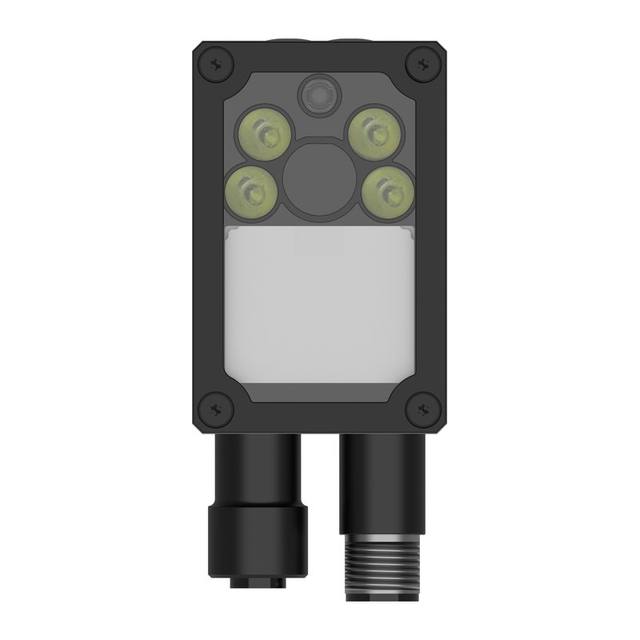
iRAYPLE R5030PMG-12L — R5000 Series fixed-mount code reader; 3.1 MP (2048 × 1536) at 60 fps; 12 mm liquid lens; read distance 90–2000 mm; min. code 1D code 0.028 mm / 2D code 0.059 mm; integrated red/white illumination; Ethernet, RS-232, PROFINET, EtherNet/IP, Digital I/O; IP67.
Brand
iRAYPLE
Form factor
Fixed-mount
Reader type
Code reader
Scan technology
2D area imager (global shutter)
Supported codes
1D: Code 39/Code 93/Code128/CodaBar/EAN8/EAN13/UPCA/UPCE/ITF25/2of5 (Industrial2of5)/standard25/GS1-128 etc. and 2D: Data Matrix/MQR/GS1 DM/GS1QR/PDF417 etc.
A liquid lens with ToF-assisted real-time focusing meets a 3.1 MP sensor: 34 × 26 mm at the 90 mm limit and 695 × 521 mm at 2000 mm. A pixel near the lens covers 34 mm ÷ 2048 px ≈ 0.0166 mm, the same as R5016PMG-12L's 24 mm ÷ 1440 px ≈ 0.0167 mm, so the larger sensor widens the window without finer detail, and the 0.059 mm 2D minimum is still about 3.6 px.
Focus follows a measured distance, which suits conveyors where product height varies. At 2000 mm a pixel covers 695 ÷ 2048 ≈ 0.34 mm, so a 3 px read needs modules near 1 mm. Decoding is rated at 120 codes/s, against 100 codes/s on the motorised 3.1 MP models, and deep-learning decoding is built in.
Best for
Conveyors carrying products of different heights, with focus tracking the code from 90 mm out to 2000 mm.
Stations that need positional tolerance around a code: 34 × 26 mm at 90 mm is about twice the area of the 24 × 18 mm window on R5016PMG-12L.
Reads at 0.5–2 m on boxes and totes, where a 695 × 521 mm field at 2000 mm still resolves modules of about 1 mm.
Selection notes
For tiny marks R5030PMG-12M reaches 0.026 mm 2D modules from 50 mm, against 0.059 mm here.
Keep the enclosure between 0 and +45 °C, allowing for heat soak near drives; the motorised models run from −20 to +50 °C.
Pick the light variant by order code (red or white; polarized, non-polarized or diffuse) and test it on glossy packaging.
Specifications: General
Brand
iRAYPLE
Form factor
Fixed-mount
Reader type
Code reader
AI / deep learning
Built-in deep-learning algorithms and multi-parameters polling to ensure effects of complex applications
Specifications: Sensor
Resolution
3.1 MP (2048 × 1536)
Horizontal resolution
2048 px
Specifications: Performance
FPS
60 fps
Specifications: Interface
Communication
100M Ethernet; protocols: SDK,TCP Client,TCP Server,FTP,RS232,Profinet,Modbus,EtherNet/IP,MC(SLMP),FINS/UDP,FINS/TCP
Connection
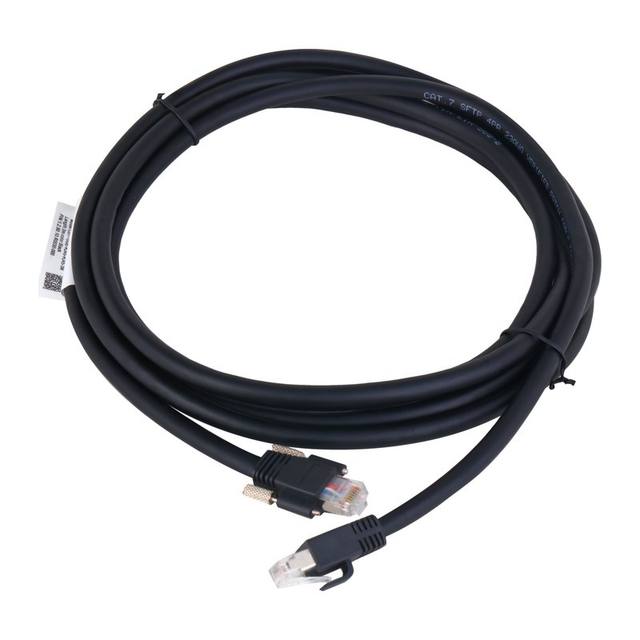
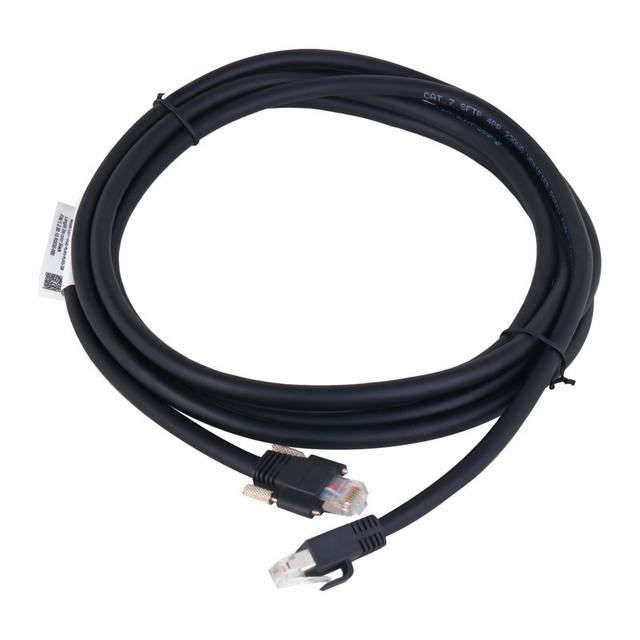
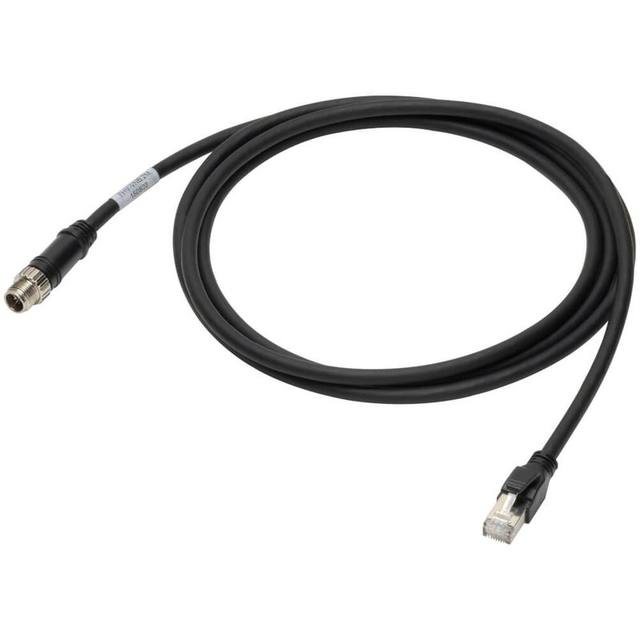
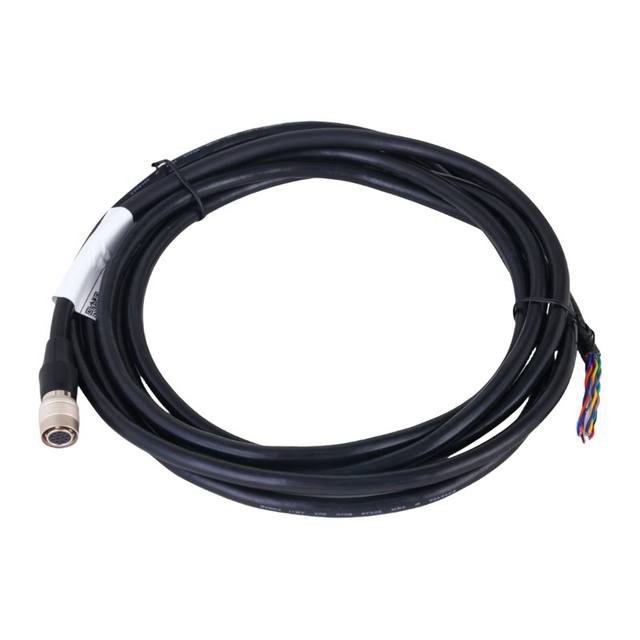
2 Industrial M12 connectors support GigE and GPIO
Specifications: Optical
Field of view
34 mm × 26 mm – 695 mm × 521 mm
Focal length
12 mm
Focus
Liquid lens (auto focus) with ToF-assisted real-time focusing
Integrated lighting
Red, Polarized/Non-polarized; White,diffuse light · White, Polarized/Non-polarized/diffuse light — depending on order code
Illumination colour
Red, Polarized/Non-polarized; White,diffuse light · White, Polarized/Non-polarized/diffuse light — depending on order code
Specifications: Electrical
Supply voltage
16–26V DC, 1A input
Power consumption
<6 W(light included)
Specifications: Environment
IP rating
IP67
Operating temperature
0 °C to +45 °C
Specifications: Reading
Scan technology
2D area imager (global shutter)
Supported codes
1D: Code 39/Code 93/Code128/CodaBar/EAN8/EAN13/UPCA/UPCE/ITF25/2of5 (Industrial2of5)/standard25/GS1-128 etc. and 2D: Data Matrix/MQR/GS1 DM/GS1QR/PDF417 etc.
This product groups every purchasable order code that shares the same sensing method, range and output. Cable length, connector type and operation mode (Light-ON/Dark-ON, NO/NC) vary by order code below.
Family variants with highlighted differences
Model
Integrated lighting ●
Illumination colour ●
Availability
red/white light Base
Red, Polarized/Non-polarized; White,diffuse light
Red, Polarized/Non-polarized; White,diffuse light
On request
white light
White, Polarized/Non-polarized/diffuse light
White, Polarized/Non-polarized/diffuse light
On request
Applications this product is commonly selected for. Open one to see the full recommended hardware and approach.
Follow these steps to bring up your iRAYPLE camera, capture a first image, and move from the viewer to your own application. The flow is the same across the A, AE, AX and L series; only the physical interface differs.
Download and install the iRAYPLE machine-vision SDK together with its viewer client for your operating system. The installer provides the camera drivers, the GenTL producer, and the viewer you will use for first light. For GigE Vision models, also install or enable the bundled filter/performance driver on the network adapter to maximize throughput.
2. Connect the camera to the correct interface
Wire the camera to its matching host interface: a dedicated Gigabit (or 10 GigE) NIC for GigE Vision models, a USB3 Vision port with a quality cable for USB3 models, or a frame grabber for CoaXPress models. Power the camera (PoE, USB bus power, or PoCXP / external supply as applicable). For GigE Vision, put the NIC and camera on the same subnet and, where supported, enable jumbo frames.
3. Detect and open the camera in the viewer
Launch the iRAYPLE viewer, run device enumeration, and select your camera from the discovered list. Open it to load the device feature tree (GenICam node map). If a GigE camera is found but cannot be opened, correct the IP configuration so the camera and NIC are in the same address range.
4. Set exposure, gain and trigger, then grab a first image
Start with continuous (free-run) acquisition under stable lighting. Adjust exposure time and gain for a well-exposed, low-noise image, set the pixel format (e.g. Mono8 or a Bayer/RGB format), and tune white balance on color models. Once the live image looks correct, switch trigger mode to hardware or software trigger to synchronize capture with your process, and verify a single triggered frame.
5. Move from the viewer to the SDK or a GenICam library
With imaging confirmed, reproduce the same settings in code using the SDK's C/C++ or Python API: enumerate, open, configure the relevant GenICam features, register a frame callback or grab loop, and convert frames to your pipeline's buffer format. Since the cameras are GenICam/GenTL-compliant, you can alternatively drive them from a third-party GenICam vision library. From here a stable image stream can feed a deep-learning inspection step such as Rosepetal for automated quality control.
Frequently asked questions
When code height changes: ToF-assisted focus follows a measured distance across 90–2000 mm. For fixed-height work with the finest marks, R5030PMG-12M has smaller minimum modules.
RS232 plus 2 opto-isolated inputs and 3 opto-isolated outputs, on two industrial M12 connectors that also carry the network.
Camera Housing: Basler Camera housing ace 2 GigE, Basler Camera housing ace 2 USB / CXP / GMSL, Basler Camera housing ace USB, Basler Camera housing ace GigE