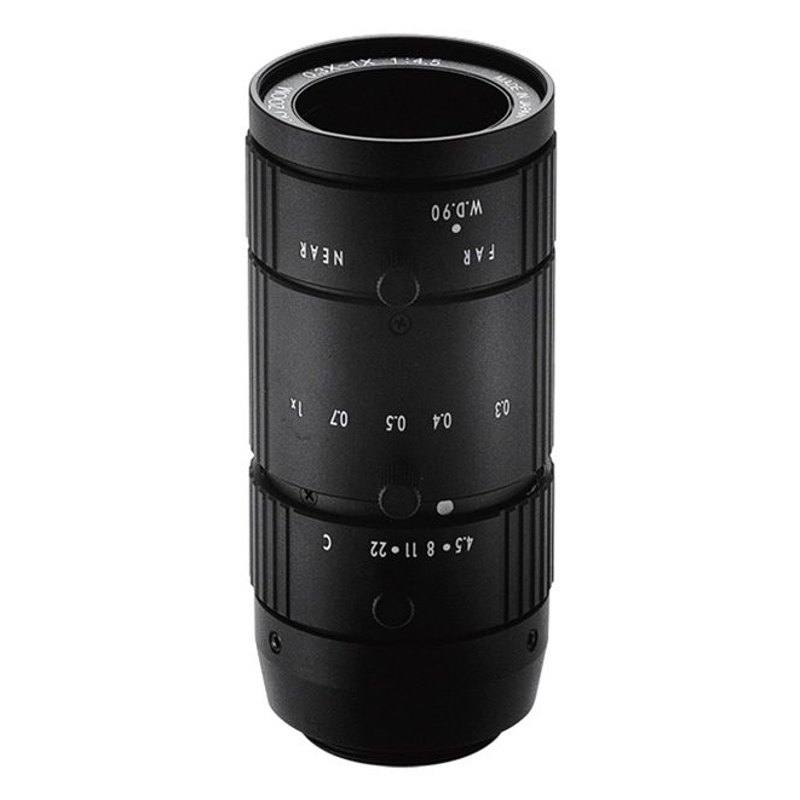
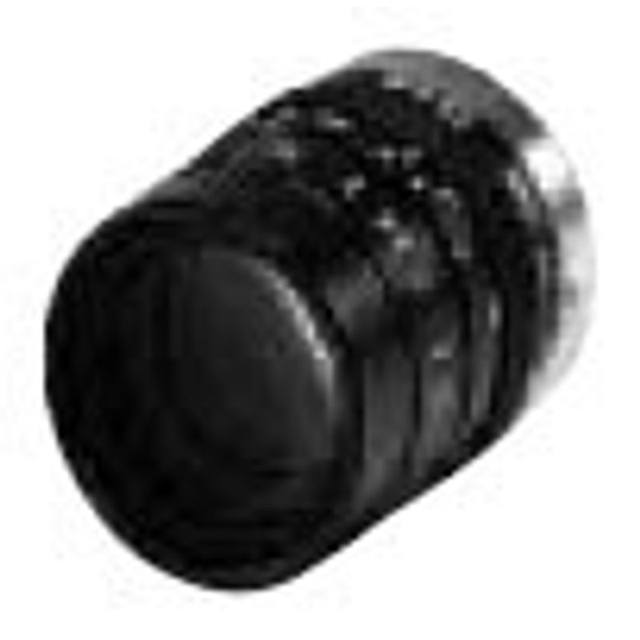
The RT-MLM-3XMP is a C-mount macro zoom lens with a 3.3x zoom range, covering magnification 0.300 / 1.000×. Its aperture range is F4.5–F22, and its Ø 11 mm image circle is rated for sensors up to 2/3″. The zoom gives a wide adjustment window, from a larger overview at 0.300× to a 1.000× (1:1) view at the other end, so one lens can cover several field sizes on a 2/3″ camera.
The listed working distance is 90 mm, a short standoff between the lens and the part, so plan the illumination and any fixtures around that distance. Magnification is set by the zoom, and the scale on the sensor changes as the zoom is adjusted, so calibrate the field of view at each setting you use. The short standoff makes the lens suited to close-range work on small components.
The aperture runs from F4.5, which gives brighter images, to F22, which gives deeper focus. The C-mount thread size is M34 × 0.5. Choose the zoom and aperture together: at 1.000× the sensor records the object at 1:1 scale, which is useful when real dimensions matter, while the 0.300× end covers a larger part of the object in one frame.
Best for
Close-range inspection of small components at a 90 mm working distance
Jobs that need a 1:1 (1.000×) view at one zoom setting and a wider overview at the other
Macro inspection that needs one lens to cover several part sizes on 2/3″ cameras
Setups where the F4.5 opening gives brighter images at the cost of depth of field
Feature inspection at short standoff distances
Selection notes
Plan the camera and light placement within the 90 mm working distance, since that leaves little room between the lens and the part.
Calibrate the field of view at each zoom setting, because magnification changes across 0.300 / 1.000×.
Keep the sensor at 2/3″ or smaller to remain within the Ø 11 mm image circle.
Balance F4.5 brightness against F22 depth of field according to the height variation of the feature you inspect.
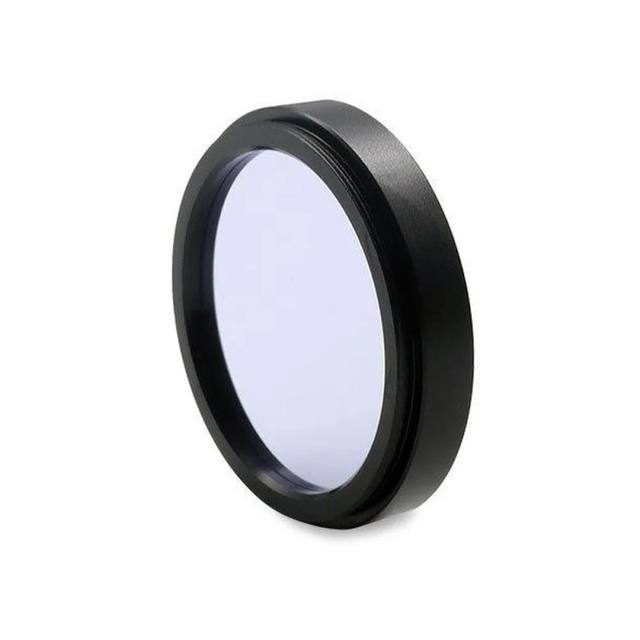
Check the M34 × 0.5 thread for filters or accessories before ordering.
Specifications: General
Brand
Opto Engineering
Specifications: Optical
Aperture (f-number)
F4.5–F22
Lens mount
C-mount
Image circle / max sensor
Ø 11 mm (max sensor 2/3″)
Magnification
0.300 / 1.000×
Working distance
90 mm
Specifications: Mechanical
Thread / filter size
M34 × 0.5
Applications this product is commonly selected for. Open one to see the full recommended hardware and approach.
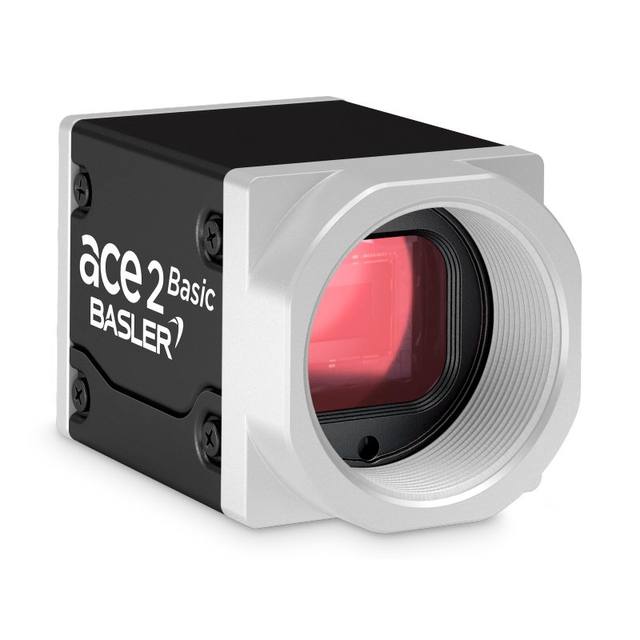
Matched automatically by: camera mount fits the lens mount · camera sensor is covered by the lens image circle — this lens: C-mount · Ø 11 mm (max sensor 2/3″) image circle.