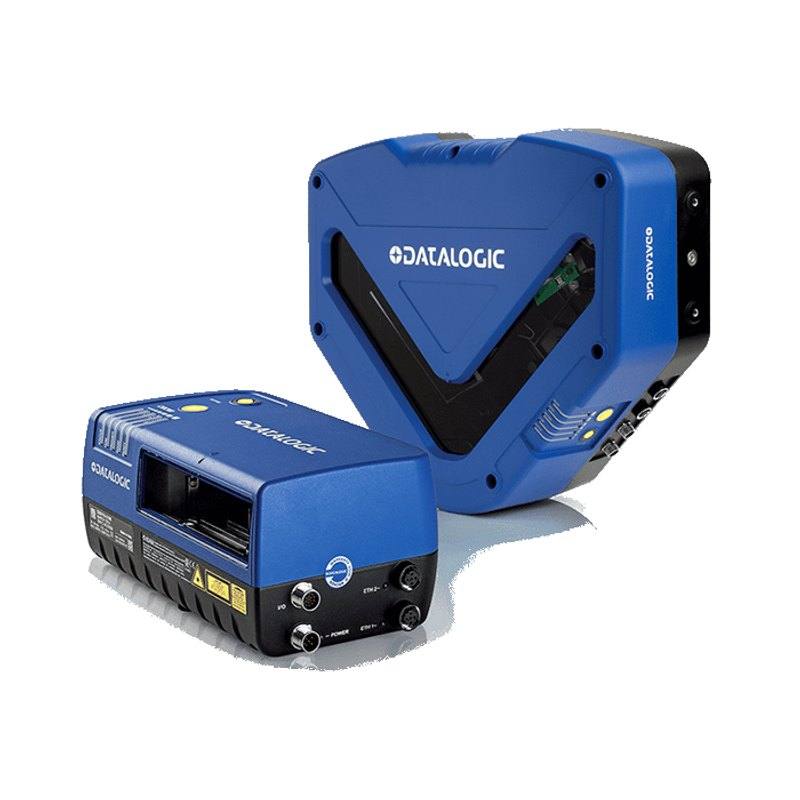
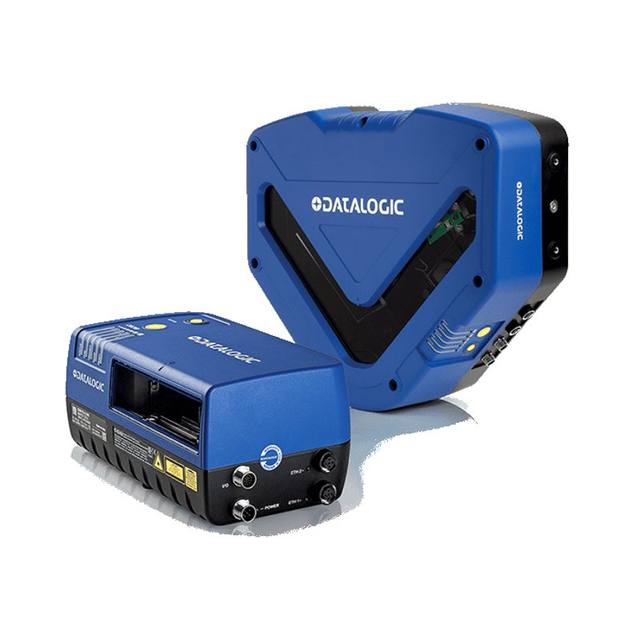
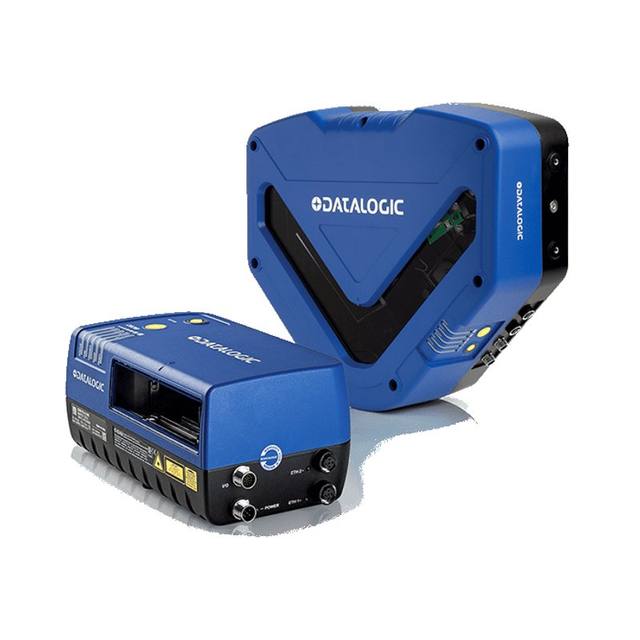
An X-pattern laser scan with a 60° aperture angle over a 900 × 900 mm reading area makes this an omnidirectional station: a 1D label does not have to be turned to meet a single scan line, because one of the crossing lines typically meets the bars at a usable angle. ACR G5 code reconstruction rebuilds a code from partial reads, which is what matters for torn or poorly printed labels.
It reads 1D codes only: 22 symbologies including the 2/5 family, Code 39, Code 93, Code 128, EAN/UPC, EAN 128 and ISBN 128. As an all-in-one station it brings its own communications: 2 Ethernet TCP/IP ports, RS232/RS422 with an aux RS232, embedded EtherNet/IP, PROFINET-IO and PROFIBUS-DP support, EBC (Ethernet Bus Connection) and 2 NPN outputs.
Best for
Parcel or carton lines where labels arrive in any orientation and anywhere within a 900 × 900 mm window, so a single scan line would miss some of them.
Sites with a mixed PLC network: EtherNet/IP is embedded in the head, and PROFINET-IO and PROFIBUS-DP are supported, so one station type fits different controllers.
Several omnidirectional stations on one line, linked over EBC.
Selection notes
This -2100 is the standard-resolution code; the DX8210-4100 is standard resolution in the Extended version and the DX8210-4200 is high resolution in the Extended version. Choose the class from the narrowest bar on your labels, and ask us for the reading window at your belt distance before layout.
1D only: Data Matrix and QR need an imager, such as the Matrix 830 (16 MP), which covers belts up to 1.2 m wide.
The 2 outputs are NPN, so check that the PLC input accepts NPN signals.
Specifications: General
Brand
Datalogic
Reader type
Code reader
Form factor
Fixed-mount all-in-one omnidirectional reading station
This product groups every purchasable order code that shares the same sensing method, range and output. Cable length, connector type and operation mode (Light-ON/Dark-ON, NO/NC) vary by order code below.
Family variants with highlighted differences
Model
Availability
DX8210-2100 Standard Resolution Base
On request
Applications this product is commonly selected for. Open one to see the full recommended hardware and approach.
1. Install the IMPACT Software Suite and connect the camera
Install the IMPACT Software Suite on your PC, which provides both the configuration/viewer tools and the SDK. For a GigE Vision model (E100, M or U series), connect it to a dedicated NIC and, for USB3 models, use a certified USB3 cable and port. Power the camera and confirm it enumerates.
2. Bring the camera online and verify the link
For GigE Vision, put the camera and the host NIC on the same subnet (a static IP on the camera matching the NIC range is the most reliable starting point); for USB3, confirm the device is recognized. Open the IMPACT viewer/device tool, discover the camera, and verify a stable connection before streaming. Enabling jumbo frames on the NIC helps GigE throughput.
3. Set exposure, gain and trigger, then grab a first image
In the IMPACT tools, start a live stream and adjust exposure and gain until the image is well-lit without saturation; set white balance on color models. Begin in free-run (continuous) mode to confirm imaging, then switch to hardware or software trigger as your application requires. Capture and save a reference image once the scene looks correct.
4. Build a vision tool or move to the SDK/API
Use the IMPACT point-and-click vision tools to assemble an inspection, or use the IMPACT SDK to access the camera and results programmatically and feed them into your HMI/PLC application. As these are GenICam/GenTL-compliant devices, you can alternatively drive them from any GenICam-compliant third-party vision library if your pipeline standardizes on one.
5. Route the stable feed to deep-learning inspection (optional)
Once you have a stable, repeatable image, the feed can be sent to a deep-learning inspection platform such as Rosepetal for defect detection or classification tasks that go beyond rule-based tooling. Keep lighting, optics and trigger timing fixed so the images reaching the model stay consistent.
Frequently asked questions
No. It is a laser scanner for 1D symbologies; Data Matrix, QR and DPM marks need a 2D imager.
20–30 VDC at 20 W: up to 1.0 A at the 20 V end of the range (20 W ÷ 20 V) and about 0.83 A at 24 V. The head weighs 7.7 kg, so plan the bracket for that mass.
Camera Housing: Basler Camera housing ace 2 GigE, Basler Camera housing ace 2 USB / CXP / GMSL, Basler Camera housing ace USB, Basler Camera housing ace GigE