The 35 mm f/4 lens changes the mounting height, not the pitch across the belt. At a given distance it covers 25 ÷ 35 ≈ 0.71 of the width of the 25 mm version, so covering the same belt takes about 35 ÷ 25 = 1.4 times the height; at the 1.2 m limit the pitch is 1200 ÷ 8000 = 0.15 mm with either lens.
Example: at the height where the 25 mm version just covers a 1.2 m belt, this lens covers 1200 mm × 25 ÷ 35 ≈ 857 mm, so its pitch is 857 mm ÷ 8000 ≈ 0.107 mm and, at an example 3 px per module, the smallest 2D module is about 0.32 mm instead of 0.45 mm. The trade is coverage: parcels near the belt edges fall outside the narrower field, so at that height the lens suits single-lane or guided belts.
Best for
Small 2D codes read from a fixed mounting height that suits the long lens, since at equal distance it gives 35 ÷ 25 = 1.4 times the pixels per millimetre of the 25 mm.
Gantries high above the belt, since the 35 mm covers a belt of a given width from the greatest distance of the three lenses.
Narrow or guided lanes at a high mount, where the cropped field gives a finer pitch than the 1.2 m case.
Selection notes
Check position scatter: a narrower field leaves less margin for parcels shifting across the belt.
Higher mounting also costs light: if the lighting sits with the reader, at 1.4 times the distance it delivers about 1 ÷ 1.4² ≈ 0.51 of the irradiance, and the focus range must reach that height.
Dynamic focus uses an optional integrated range sensor, which suits varied parcel heights; sequential and software-adjustable focus are also offered.
Specifications: General
Brand
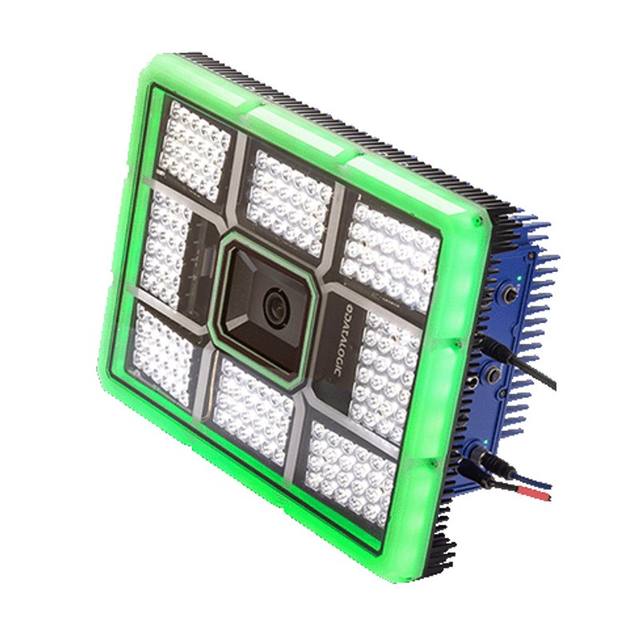
Datalogic
Reader type
Code reader
Form factor
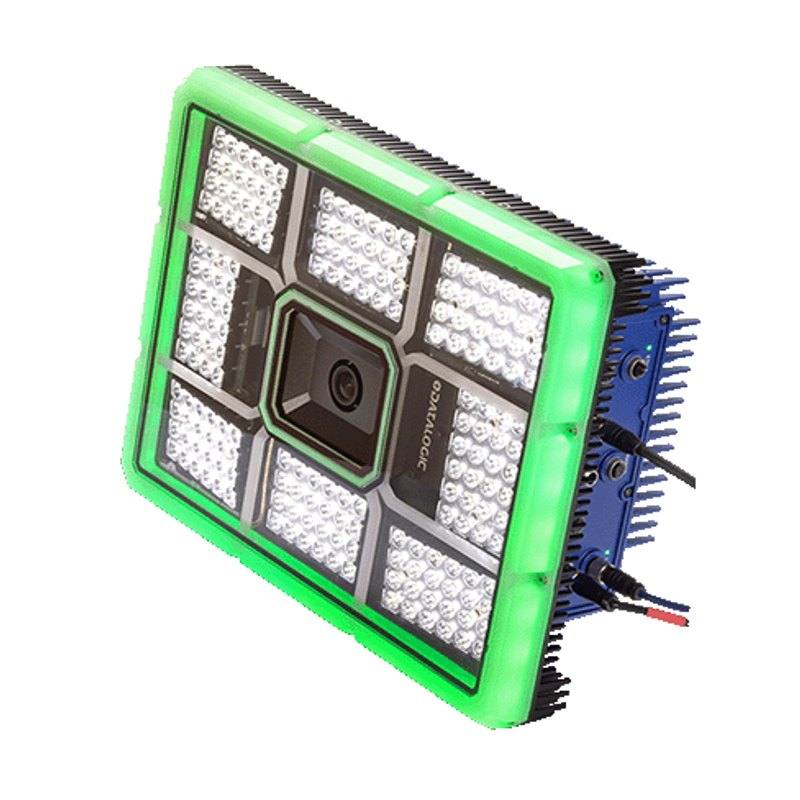
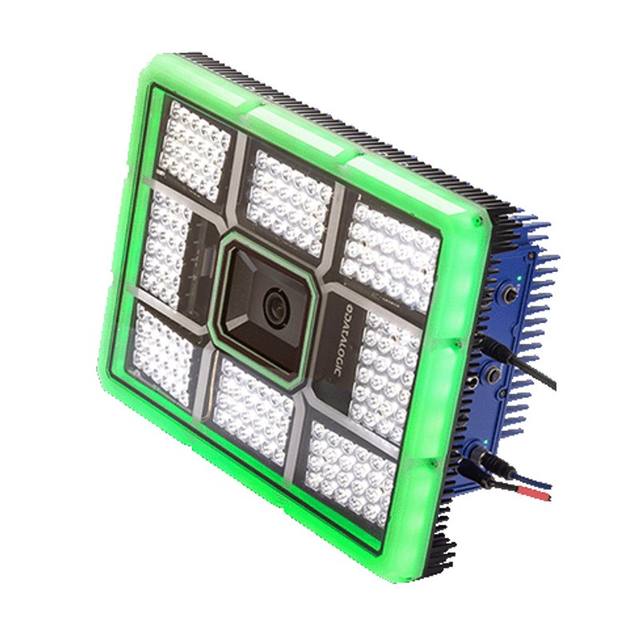
Fixed-mount (mirror-free) high-resolution 2D imager for conveyors
Specifications: Sensor
Resolution
28 MP
Specifications: Interface
Communication
Two Ethernet TCP/IP + two serial interfaces; PROFINET or EtherNet/IP PLC integration; SyncNet high-speed camera network
Specifications: Optical
Focus
Patented dynamic focus via optional integrated range sensor; adjustable software focus; patented sequential focus
Field of view
Covers belts up to 1.2 m wide with a single device
Focal length
35 mm, f/4 (order code)
Specifications: Environment
Operating temperature
0 – 50 °C
IP rating
IP65
Specifications: Reading
Scan technology
2D image-based reader
This product groups every purchasable order code that shares the same sensing method, range and output. Cable length, connector type and operation mode (Light-ON/Dark-ON, NO/NC) vary by order code below.
Family variants with highlighted differences
Model
Availability
MATRIX930-354WPN0,28Mp,35MM,F/4,W Base
On request
MATRIX930-354WSN0,28Mp,35MM,F/4,W
On request
Applications this product is commonly selected for. Open one to see the full recommended hardware and approach.
1. Install the IMPACT Software Suite and connect the camera
Install the IMPACT Software Suite on your PC, which provides both the configuration/viewer tools and the SDK. For a GigE Vision model (E100, M or U series), connect it to a dedicated NIC and, for USB3 models, use a certified USB3 cable and port. Power the camera and confirm it enumerates.
2. Bring the camera online and verify the link
For GigE Vision, put the camera and the host NIC on the same subnet (a static IP on the camera matching the NIC range is the most reliable starting point); for USB3, confirm the device is recognized. Open the IMPACT viewer/device tool, discover the camera, and verify a stable connection before streaming. Enabling jumbo frames on the NIC helps GigE throughput.
3. Set exposure, gain and trigger, then grab a first image
In the IMPACT tools, start a live stream and adjust exposure and gain until the image is well-lit without saturation; set white balance on color models. Begin in free-run (continuous) mode to confirm imaging, then switch to hardware or software trigger as your application requires. Capture and save a reference image once the scene looks correct.
4. Build a vision tool or move to the SDK/API
Use the IMPACT point-and-click vision tools to assemble an inspection, or use the IMPACT SDK to access the camera and results programmatically and feed them into your HMI/PLC application. As these are GenICam/GenTL-compliant devices, you can alternatively drive them from any GenICam-compliant third-party vision library if your pipeline standardizes on one.
5. Route the stable feed to deep-learning inspection (optional)
Once you have a stable, repeatable image, the feed can be sent to a deep-learning inspection platform such as Rosepetal for defect detection or classification tasks that go beyond rule-based tooling. Keep lighting, optics and trigger timing fixed so the images reaching the model stay consistent.
Frequently asked questions
Yes, with a single device, provided the reader is mounted high enough for the 35 mm lens to cover the width and the focus range reaches that height.
The 16, 25 and 35 mm optics are all f/4, so the aperture does not change with focal length; what changes is the field, the pitch and the mounting height.
Camera Housing: Basler Camera housing ace 2 GigE, Basler Camera housing ace 2 USB / CXP / GMSL, Basler Camera housing ace USB, Basler Camera housing ace GigE