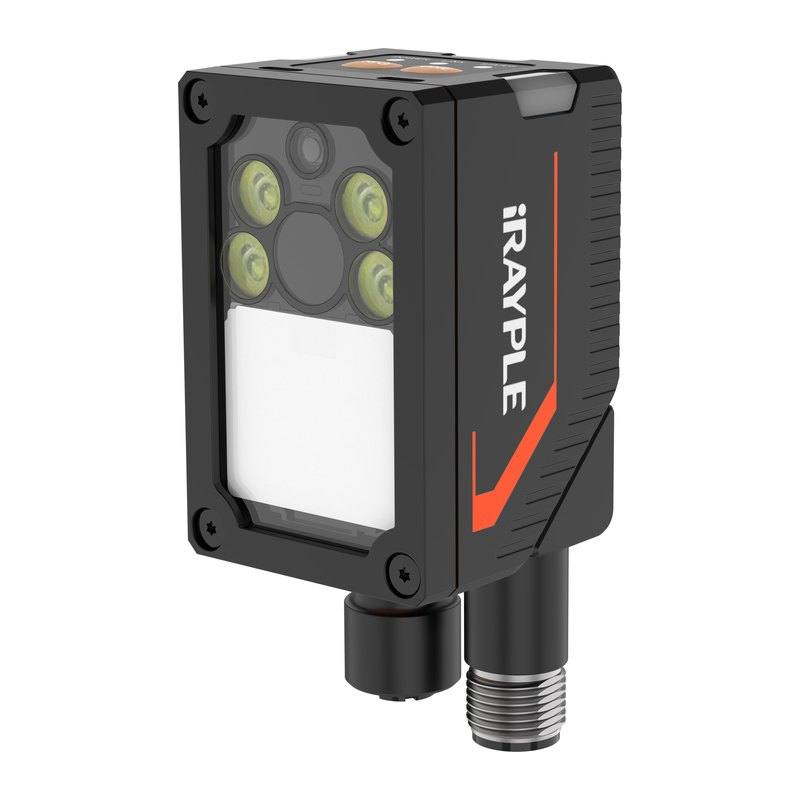
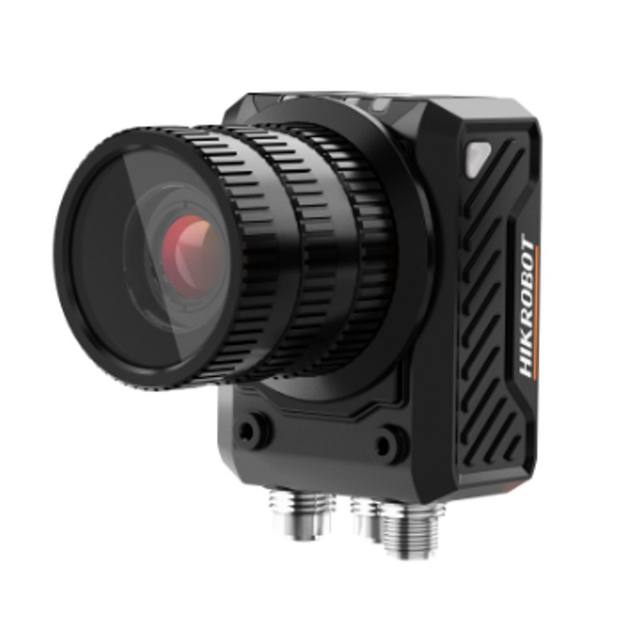
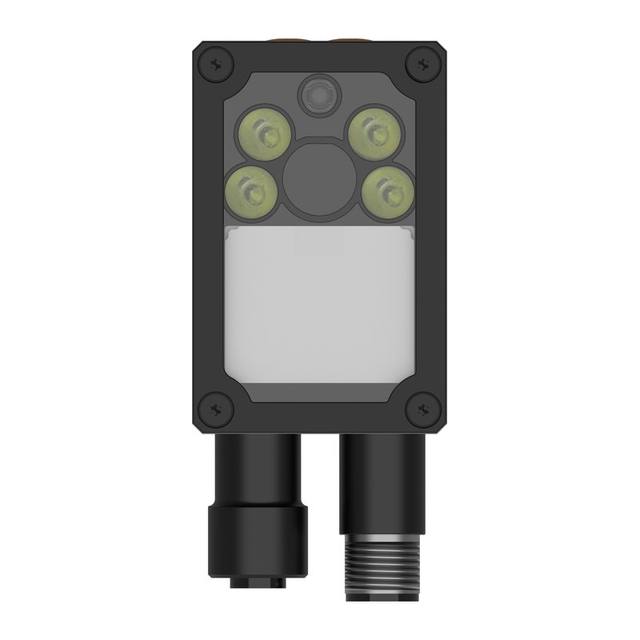
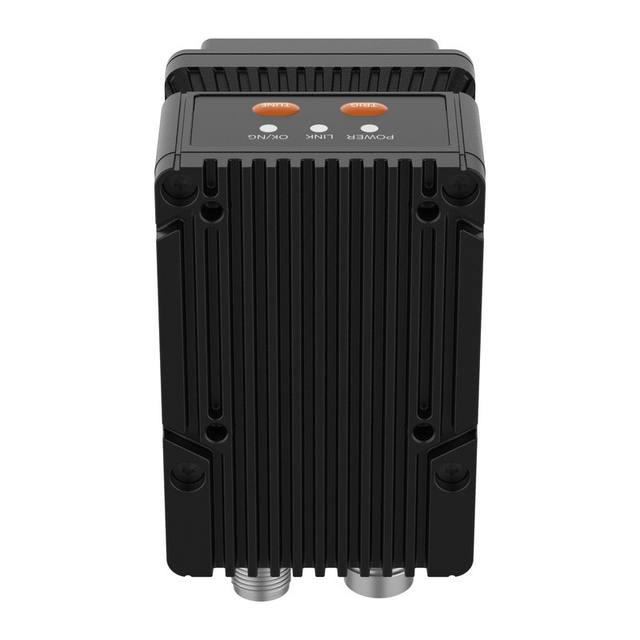
A longer lens in the same compact housing: the 12 mm optics narrow the field from 12 mm × 9 mm at the close end to 516 mm × 387 mm at the far end, 8.3 µm to 358 µm per pixel (12 mm ÷ 1440; 516 mm ÷ 1440). Against SS5016PMG-05M, whose far field is 1198 mm × 898 mm at 0.83 mm per pixel, the far field is 2.3 times narrower (1198 mm ÷ 516 mm) and the sampling 2.3 times finer, so a 2 mm feature spans about 5.6 px instead of 2.4 px (2 mm ÷ 0.358 mm; 2 mm ÷ 0.832 mm).
The closest working distance moves out from 25 mm to 50 mm, the price of the longer focal length. Everything else matches SS5016PMG-05M: a 57 mm × 37 mm × 39 mm body under 160 g, IP67, a draw under 6 W including the light, a 16 V to 26 V supply and a mono global-shutter sensor at 60 fps with AI classification on board. Triggers can be internal, external, Ethernet, serial or industrial Ethernet, and a green result indicator shows the outcome at the machine.
Best for
Position and presence checks out to 2 m, where the 516 mm field is still sampled at about 0.36 mm per pixel.
Close-range checks at the near end of the range, where the 12 mm optics reach about 8 µm per pixel.
Defect and surface checks (mono, red or white light) on a compact fixture where the 57 mm × 37 mm × 39 mm body leaves little room.
Selection notes
Choose the light by order code: red with polarized/non-polarized plus white diffuse, or white with polarized/non-polarized/diffuse. Polarized modes cut glare on shiny surfaces (typical) but cost light.
The 50 mm minimum working distance rules out very close macro work; SS5016PMG-05M reaches 25 mm.
A 16 V to 26 V supply at 1 A is required, so 12 V systems need a converter.
Specifications: General
Brand
iRAYPLE
Inspection tools
Presence / absence, Pattern matching / position, Measurement / dimension, Counting, OCR / OCV, Code reading, Defect / surface, AI classification (iRAYPLE tool list; defect inspection per the feature list)
AI / deep learning
On-device AI classification ("AI Tools: AI classification"); feature list: "Built-in ultra-high-performance AI processing chip, taking into account ease of use and flexibility while further improving processing efficiency"
Specifications: Sensor
Resolution
1.6 MP (1440 × 1080)
Horizontal resolution
1440 px
Mono / color
Mono
Shutter
Global shutter
Specifications: Performance
FPS
60 fps
AI accelerator (GPU / NPU)
Built-in ultra-high-performance AI processing chip, taking into account ease of use and flexibility while further improving processing efficiency (chip model not published)
RS232, 2 Opto-isolated inputs and 3 Opto-isolated outputs
Connection
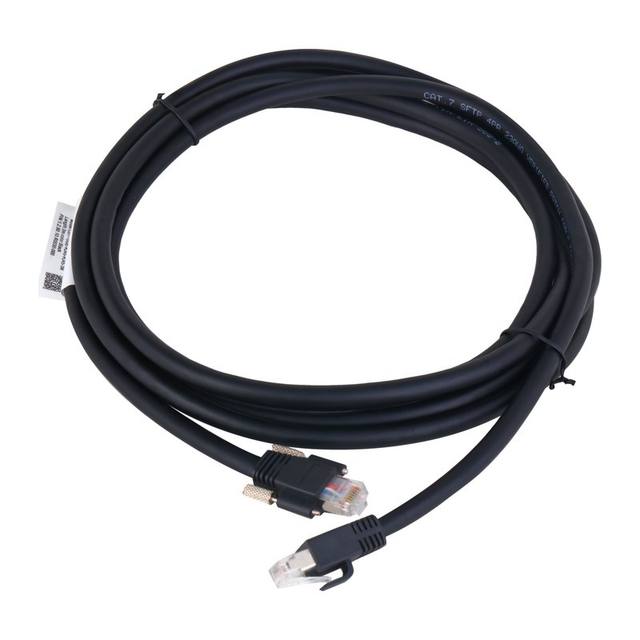
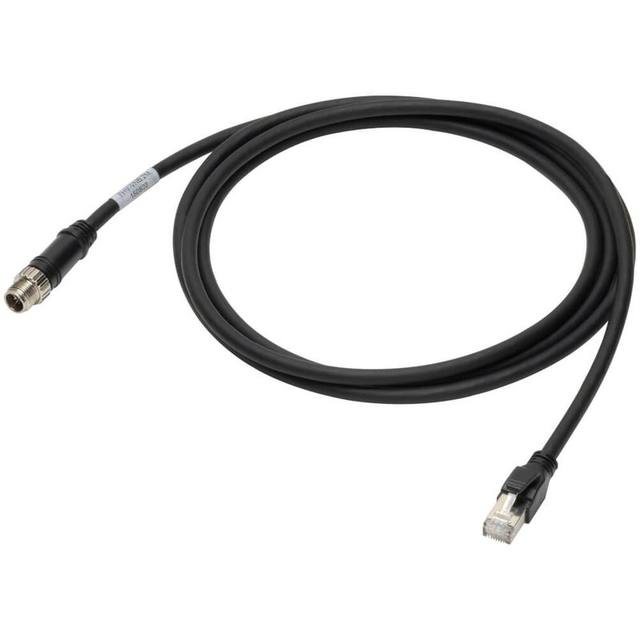
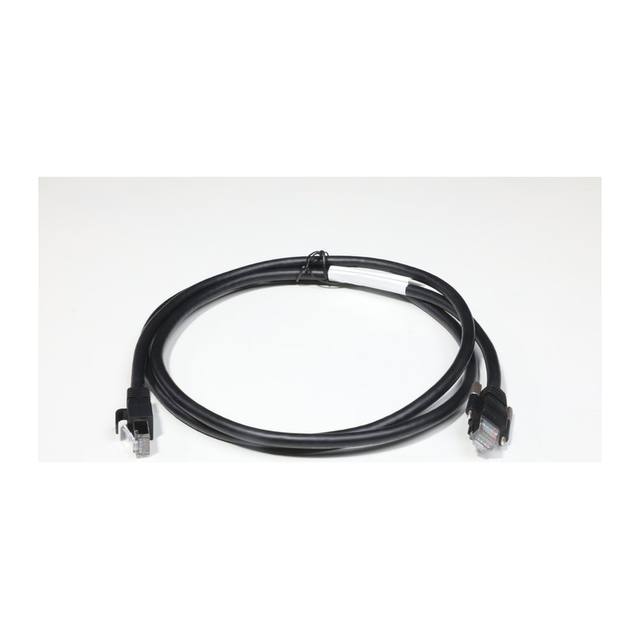
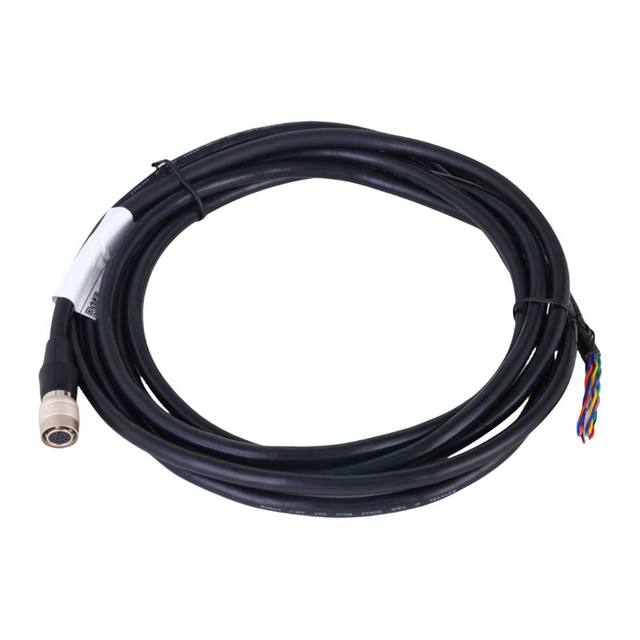
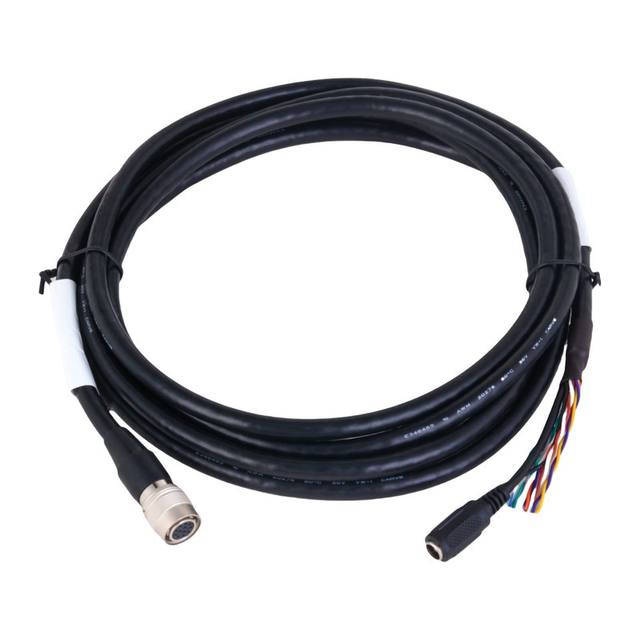
2 Industrial M12 connectors support GigE and GPIO
Specifications: Optical
Focus
Motorised auto focus (built-in M10 lens)
Focal length
12 mm
Field of view
12 mm × 9 mm – 516 mm × 387 mm
Working distance
50–2000 mm
Integrated lighting
Red, Polarized/Non-polarized; White, diffuse light · White, Polarized/Non-polarized/diffuse light — depending on order code
Illumination colour
Red or white illumination, depending on order code (see variants)
Specifications: Electrical
Supply voltage
16–26 VDC, 1 A input
Power consumption
< 6 W (light included)
Specifications: Environment
IP rating
IP67
Operating temperature
-20 °C to +50 °C
Specifications: Reading
Supported codes
Recognition tools: DataCode; BarCode; OCR (BarCode = 1D, DataCode = 2D; iRAYPLE does not itemise symbologies)
Specifications: Software
Software / API
EasyVS + web configuration interface
Specifications: Mechanical
Dimensions
57 mm × 37 mm × 39 mm (not including connector)
Weight
< 160 g
Housing material
Aluminum alloy + Front cover
This product groups every purchasable order code that shares the same sensing method, range and output. Cable length, connector type and operation mode (Light-ON/Dark-ON, NO/NC) vary by order code below.
Family variants with highlighted differences
Model
Integrated lighting ●
Illumination colour ●
Availability
Mono, red, Polarized/Non-polarized; White, diffuse Base
Follow these steps to bring up your iRAYPLE camera, capture a first image, and move from the viewer to your own application. The flow is the same across the A, AE, AX and L series; only the physical interface differs.
Download and install the iRAYPLE machine-vision SDK together with its viewer client for your operating system. The installer provides the camera drivers, the GenTL producer, and the viewer you will use for first light. For GigE Vision models, also install or enable the bundled filter/performance driver on the network adapter to maximize throughput.
2. Connect the camera to the correct interface
Wire the camera to its matching host interface: a dedicated Gigabit (or 10 GigE) NIC for GigE Vision models, a USB3 Vision port with a quality cable for USB3 models, or a frame grabber for CoaXPress models. Power the camera (PoE, USB bus power, or PoCXP / external supply as applicable). For GigE Vision, put the NIC and camera on the same subnet and, where supported, enable jumbo frames.
3. Detect and open the camera in the viewer
Launch the iRAYPLE viewer, run device enumeration, and select your camera from the discovered list. Open it to load the device feature tree (GenICam node map). If a GigE camera is found but cannot be opened, correct the IP configuration so the camera and NIC are in the same address range.
4. Set exposure, gain and trigger, then grab a first image
Start with continuous (free-run) acquisition under stable lighting. Adjust exposure time and gain for a well-exposed, low-noise image, set the pixel format (e.g. Mono8 or a Bayer/RGB format), and tune white balance on color models. Once the live image looks correct, switch trigger mode to hardware or software trigger to synchronize capture with your process, and verify a single triggered frame.
5. Move from the viewer to the SDK or a GenICam library
With imaging confirmed, reproduce the same settings in code using the SDK's C/C++ or Python API: enumerate, open, configure the relevant GenICam features, register a frame callback or grab loop, and convert frames to your pipeline's buffer format. Since the cameras are GenICam/GenTL-compliant, you can alternatively drive them from a third-party GenICam vision library. From here a stable image stream can feed a deep-learning inspection step such as Rosepetal for automated quality control.
Frequently asked questions
About 0.36 mm per pixel over 516 mm × 387 mm, which suits presence and position rather than fine defects.
Yes, IP67 in an aluminium alloy housing with a front cover; the operating range is -20 °C to +50 °C.
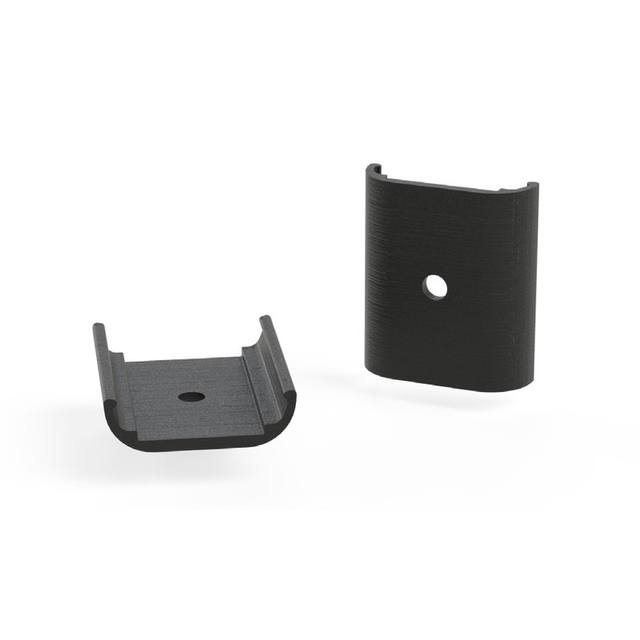
Camera Housing: Basler Camera housing ace 2 GigE, Basler Camera housing ace 2 USB / CXP / GMSL, Basler Camera housing ace USB, Basler Camera housing ace GigE
Hikrobot: "Adopts AI deep learning algorithm to achieve OCR, object recognition, defect detection, etc."
Adopts AI deep learning algorithm to achieve OCR, object recognition, defect detection, etc.; function module: Vision Master Platform (include deep learning module)
Presence / absence, Pattern matching / position, Measurement / dimension, Counting, OCR / OCV, Code reading, Defect / surface, AI classification (iRAYPLE tool list; defect inspection per the feature list)
On-device AI classification ("AI Tools: AI classification"); feature list: "Built-in ultra-high-performance AI processing chip, taking into account ease of use and flexibility while further improving processing efficiency"
On-device AI classification ("AI Tools: AI classification"); feature list: "Built-in ultra-high-performance AI processing chip, taking into account ease of use and flexibility while further improving processing efficiency"