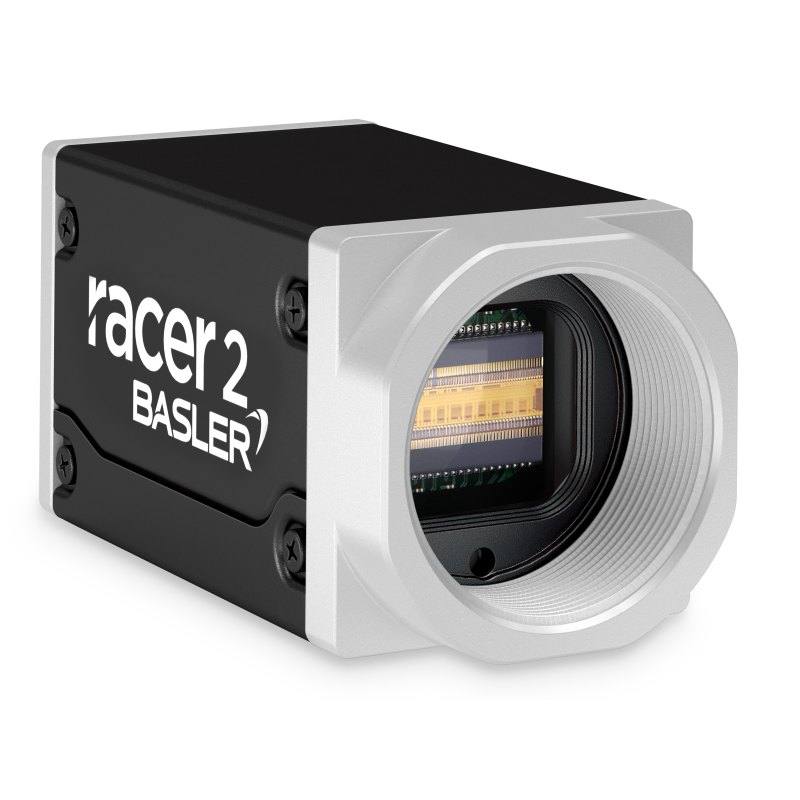
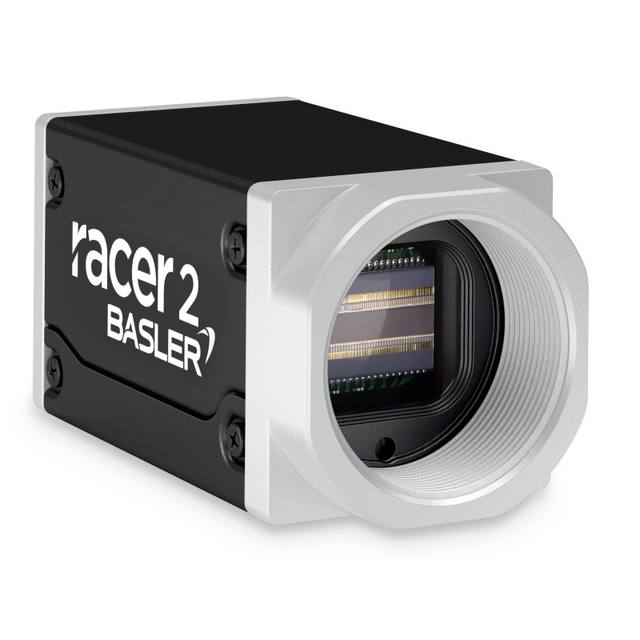
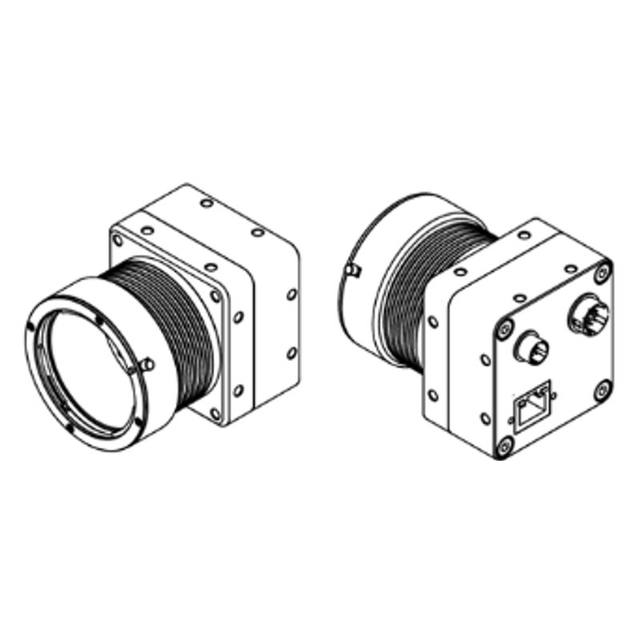
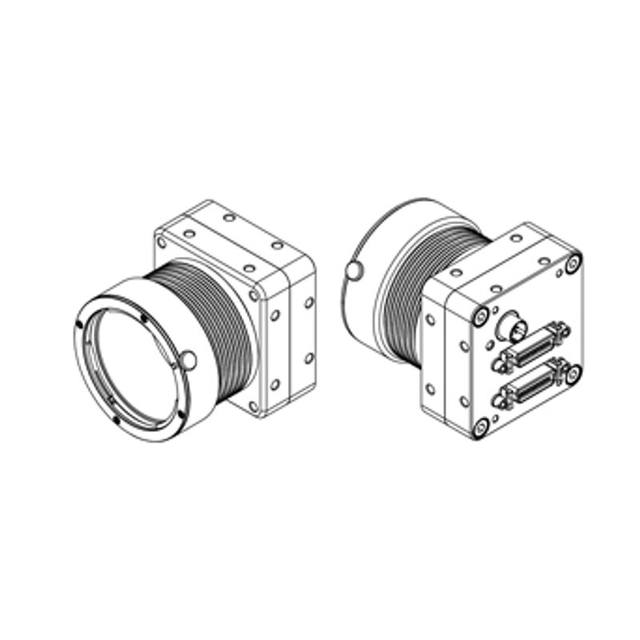
The Basler racer 2 r2L2048-172g5m is a high-speed line scan camera from the racer 2 S series featuring a GPixel GL3504 CMOS sensor with 2048 pixels at 7 µm pixel pitch, achieving up to 172.7 kHz line rate over a 5GigE interface. It supports global shutter operation, 8/10/12-bit pixel depth, and multiple trigger modes including free-run, hardware trigger, and software trigger. The camera complies with GigE Vision 2.0 and GenICam standards, supports PTP multi-camera synchronization, and carries IP30 ingress protection in a compact 55.5 x 29 x 29 mm body weighing ~102 g.
The Basler racer 2 r2L2048-172g5m is a 2048-pixel monochrome CMOS line scan camera built around the Gpixel GL3504 sensor, with a 14.34 mm sensor length and 7 × 7 µm square pixels. Global shutter operation across every pixel in the line eliminates the smear artifacts that rolling or TDI architectures can introduce on high-contrast edges — a meaningful advantage when inspecting materials with strong specular or structured illumination. At 172.7 kHz in free-run mode (171.5 kHz in triggered mode), the camera sustains throughput equivalent to imaging a continuous web at very high belt speeds without pixel accumulation or dwell-time penalties. Pixel depth is selectable at 8, 10, or 12 bits, giving integrators the choice between raw bandwidth efficiency and the extended dynamic range that 12-bit mode provides for grading subtly varying surfaces.
The 5GigE interface (auto-negotiating across 100 / 1000 / 2500 / 5000 Mbit/s) makes the camera compatible with standard network infrastructure while delivering the bandwidth a 2k sensor at 172 kHz demands. Compliance with GigE Vision 2.0 and GenICam means any standard vision SDK — Basler pylon, Halcon, Cognex VisionPro, or open-source alternatives — can enumerate and control the camera without vendor-specific drivers. PTP (IEEE 1588 Precision Time Protocol) multi-camera synchronisation is built in, allowing several racer 2 cameras to be phase-locked for multi-lane or multi-view web inspection without external trigger distribution hardware. Power arrives over a separate M8 connector at 12–24 VDC, drawing a typical 5.9 W — modest enough to power from a DIN-rail PSU shared with other devices on the same frame.
The compact 55.5 × 29 × 29 mm, ~102 g body — unusually small for a 5GigE line scan camera — eases integration into tight web-press enclosures, roller-gap mounts, and conveyor gantries where larger cameras do not fit. The C-mount lens interface is the widest-supported standard in industrial optics, giving access to telecentric, macro, and long-working-distance line scan lenses across the full 14.34 mm sensor length; integrators should confirm that any chosen lens covers the full sensor format and is rated for the pixel pitch to avoid centre-to-corner MTF fall-off. Trigger modes — free-run, hardware trigger, and software trigger — cover both encoder-synchronised belt inspection and free-running web applications. IP30 ingress protection is adequate for clean factory environments; applications in dusty or wet areas will require an enclosure. Operating temperature is rated −10 to +50 °C, supporting unheated but sheltered industrial spaces.
Best for
High-speed continuous web and sheet inspection — printing, film, textile, or laminate lines where 172 kHz line rate keeps pace with fast belt speeds without sacrificing the 2k cross-web resolution needed to detect fine surface defects.
Surface-quality grading on rolled metal, glass, or semiconductor wafers, where global shutter avoids geometric distortion on highly reflective materials and 12-bit depth captures subtle grey-level variations across the inspection swath.
Multi-camera synchronised inspection lines — PTP synchronisation allows several r2L2048-172g5m units to cover multiple lanes or views of the same web simultaneously without external trigger boards, reducing cabling and cabinet complexity.
Packaging and label print verification on high-output lines, where the combination of 2048-pixel resolution, monochrome sensitivity, and GigE Vision compatibility with mainstream OCR/OCV software provides reliable character and barcode contrast.
Pharmaceutical blister and foil inspection in controlled environments, exploiting the camera's compact footprint to mount inside machine guarding and its GigE connectivity to reach a remote PC without specialised framegrabber cards.
Selection notes
Line rate versus belt speed: at 172.7 kHz, verify that the chosen transport speed divided by the required cross-transport pixel pitch does not exceed this limit — running the camera below its maximum line rate is normal, but exceeding it produces image stretching. Use encoder-based triggering (hardware trigger mode) for variable-speed lines to maintain square pixels.
Lens coverage: the sensor is 14.34 mm long with 7 µm pixels. Select a C-mount line scan lens with an image circle that fully covers 14.34 mm and a resolution specification at or below 7 µm to avoid resolution loss at the field edges. Telecentric lenses are preferred for dimensional measurement to eliminate parallax error; standard lenses are acceptable for texture and defect detection.
Interface bandwidth budget: 5GigE at full line rate with 12-bit depth approaches the link ceiling. Confirm the host NIC and switch ports support 5GbE and that the cable run is within spec. For aggregated multi-camera systems, each camera needs a dedicated 5GbE port — they cannot share a single link.
Lighting and trigger pairing: global shutter allows strobe illumination synchronised to the line trigger, which is strongly preferred for high-contrast defect detection on metallic or glossy surfaces. Line scan bar lights matched to the 14.34 mm sensor length and the chosen working distance and angle should be selected alongside this camera.
Environmental suitability: IP30 means the camera has no protection against water, dust ingress, or coolant mist. For press or cutting environments with airborne particles or moisture, house the camera in a purged enclosure with a flat optical window and factor any window transmission loss into the lighting power budget.
Specifications: General
Brand
Basler
Camera type
Line scan
Specifications: Sensor
Horizontal resolution
2048 px
Mono / color
Monochrome
Sensor manufacturer
Gpixel
Sensor model
Gpixel GL3504-BVM-NCN-AU1
Shutter
Global shutter
Sensor size
14.34 mm (sensor length)
Pixel size
7 × 7 µm
Specifications: Performance
Line rate
172 kHz (172.7 kHz free-run, 171.5 kHz triggered)
Specifications: Interface
Interface
5GigE (100/1000/2500/5000 Mbit/s)
Protocols
GigE Vision 2.0, GenICam
Specifications: Optics
Mount
C-mount
Specifications: Electrical
Power
12–24 VDC via M8 connector (~5.9 W typical)
Power consumption
5.9 W
Supply voltage
12–24 VDC
Specifications: Environment
IP rating
IP30
Operating temperature
-10 to +50 °C
Specifications: Mechanical
Dimensions
55.5 x 29 x 29 mm
Weight
~102 g (per Basler shop); third-party sources vary from <100 g to 110 g
Applications this camera is commonly selected for. Open one to see the full recommended hardware and approach.
Matched automatically by: lens mount fits the camera mount · lens image circle covers the camera sensor — this camera: C-mount · 14.34 mm (sensor length) sensor.
By category
All 90C-mount lenses 66Telecentric lenses 24
By brand
All 90Basler 34iRAYPLE 26Omron / Sentech 24Datalogic / Datasensing 6
Get a first image quickly with the pylon Viewer, then move into the pylon SDK for your application. These cameras are GenICam/GenTL-compliant, so any compliant vision software can drive them as well.
Download and install the pylon Camera Software Suite for your OS from Basler. This provides the pylon Viewer, the GenTL transport-layer producers and the pylon SDK (C/C++/.NET/Python). On Windows the installer adds the needed drivers; on Linux follow the included setup notes for USB and network permissions.
2. Connect the camera and check the link
Cable the camera to its matching interface: GigE Vision to a GigE port (use a quality cable and, ideally, a dedicated NIC with jumbo frames enabled), USB3 Vision to a USB 3.x port with the supplied cable, or CoaXPress to the frame grabber. Provide power where required (PoE, USB bus power, or PoCXP). Open the pylon Viewer and confirm the camera appears in the device list; for GigE, make sure the camera and NIC are on the same subnet.
3. Grab a first image and set exposure, gain and pixel format
Select the camera in the pylon Viewer and start a continuous grab. Adjust exposure time and gain until the image is well exposed (avoid clipped highlights), set the pixel format (e.g. Mono8 or a Bayer/RGB format), and focus the lens. Use a test pattern if the lens or scene is not ready yet.
4. Configure triggering and acquisition
Decide between free-run and triggered acquisition. For synchronized capture, set the trigger source (software or a hardware line on the I/O connector), trigger mode and any debounce or exposure mode, then verify timing. Note the parameter names you change in the Viewer feature tree, as you will reuse them in code.
5. Move to the SDK or a GenICam-compliant library
Recreate your settings in code with the pylon SDK (C, C++, .NET or Python) to open the device, apply the same features and pull frames into your pipeline; pylon vTools and pylon AI can add processing blocks. Because the cameras are GenICam/GenTL standard, third-party vision libraries work too. Once the image stream is stable, you can route frames to a deep-learning inspection such as Rosepetal for automated defect detection.
Frequently asked questions
The camera reaches 172.7 kHz in free-run mode and 171.5 kHz in hardware- or software-triggered mode — a difference of less than 1%, which is negligible for most applications. Both figures are from the product specifications.
The 5GigE interface auto-negotiates down to 100/1000/2500 Mbit/s, but to sustain 172 kHz at useful bit depths you need a 5GbE-capable NIC and a switch port that supports 5GbE. Standard 1GbE infrastructure will negotiate a connection but will not sustain full-rate streaming without dropping lines.
The GL3504 sensor in this model is monochrome only. For colour web inspection, a different camera model with a colour sensor or a tri-linear colour line scan camera would be required. The monochrome variant offers higher sensitivity and is preferred for defect detection tasks where colour discrimination is not needed.
Yes. In line scan cameras, 'global shutter' means all pixels in the single line are exposed simultaneously rather than sequentially. This prevents geometric smear on the cross-scan axis when imaging very bright specular spots or structured light patterns, and it simplifies strobe synchronisation because the entire line is exposed in one defined window.
Power is supplied via a dedicated M8 connector accepting 12–24 VDC at a typical consumption of 5.9 W. A standard DIN-rail or cabinet PSU in that voltage range is sufficient; PoE is not used — power and data are on separate connections.