
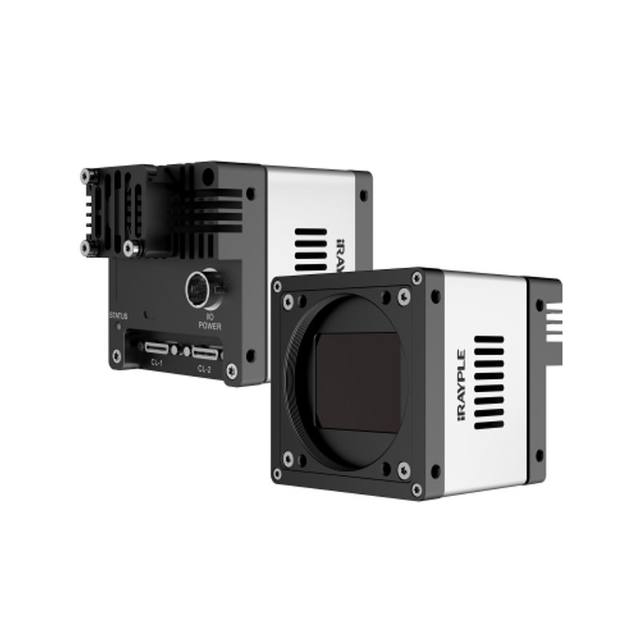
31 MP monochrome global-shutter CameraLink area scan camera with Sony IMX342 APS-C sensor, 24.8 fps, and M58 lens mount.
- Rosepetal compatible
- Recommended by AIS Vision
On request
Cameras of 20-25 MP and above, CXP/10GigE and large format for electronics, semiconductors, display and metrology.
Related searches: 20MP 25MP 50MP camera, high resolution machine vision
High-resolution cameras exist to resolve detail that ordinary sensors cannot: a few-micron defect on a wafer, a sub-pixel edge on a precision part, a hairline crack on a display panel, or a wide field of view that still has to be read at fine pitch. Once you pass roughly 20-25 MP and into large-format sensors, the camera stops being the hard part of the system. The optics, the bandwidth, the lighting uniformity and the processing budget become the constraints that decide whether all those pixels are actually usable.
This guide is about getting value from the pixels you pay for. It covers the optics challenge that defeats most high-resolution builds, how to size the interface so the data actually moves, why illumination uniformity matters more at large format, and the recurring decision between one big sensor and several smaller ones. The aim is a specification where every megapixel reaches your inspection software as real, in-focus, evenly-lit information.
316 results
31 MP monochrome global-shutter CameraLink area scan camera with Sony IMX342 APS-C sensor, 24.8 fps, and M58 lens mount.
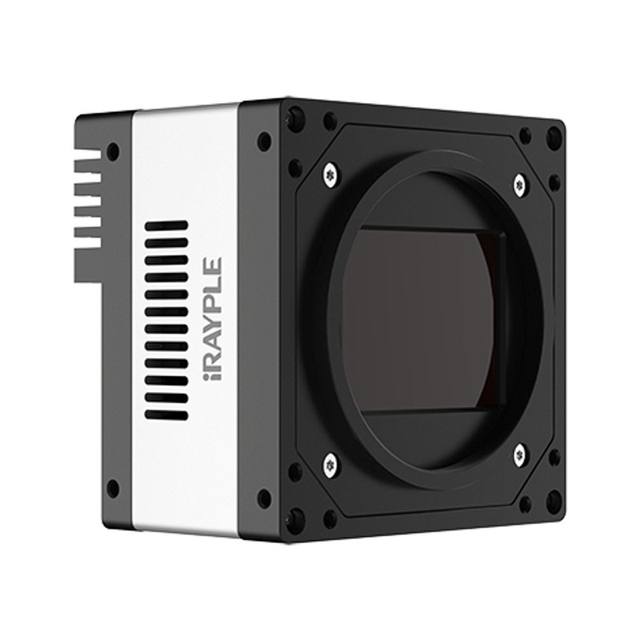
151 MP monochrome area scan camera with Sony IMX411 sensor and CameraLink interface, designed for large-format high-precision industrial inspection.
151MP CoaXPress CXP-6 industrial area-scan camera with a 14192x10640 Sony IMX411 sensor running at ~6 fps, available in monochrome (MX) and colour (CX) readout variants.
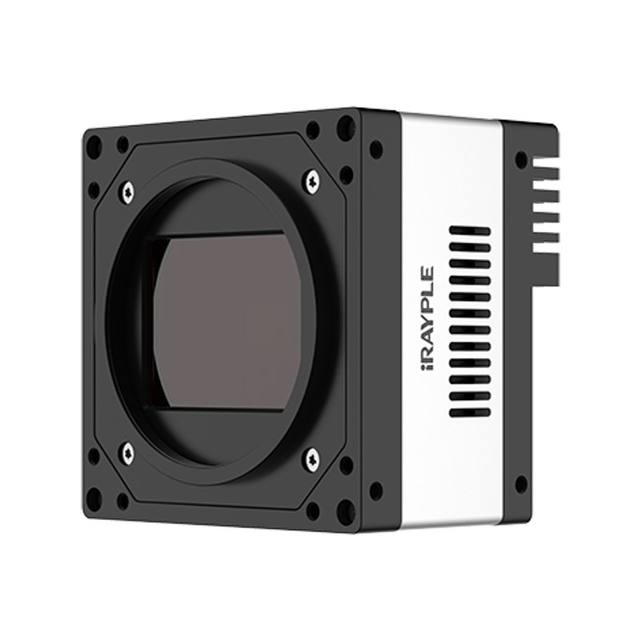
151-megapixel Sony IMX411 color CoaXPress-6 large-area-scan camera delivering 6.1 fps at 14192×10640 resolution via an M72 mount.
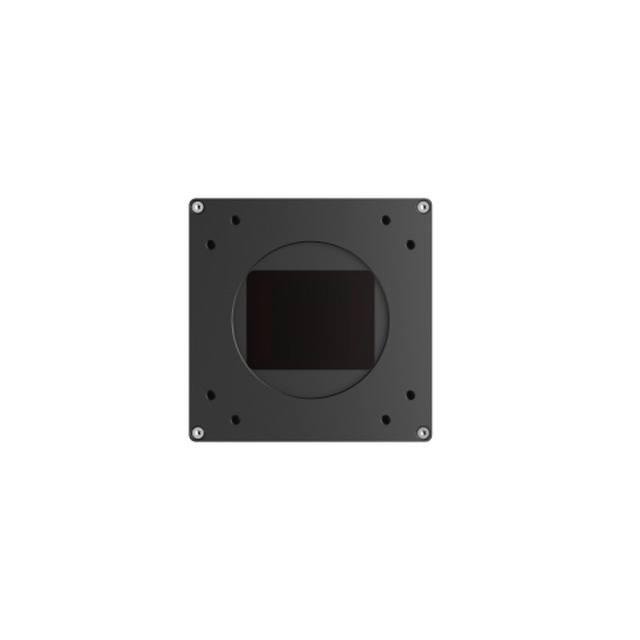
151 MP color CoaXPress-6 large-area-scan camera with Sony IMX411 CMOS sensor and rolling shutter, delivering 6.2 fps at 14192 × 10640 resolution.
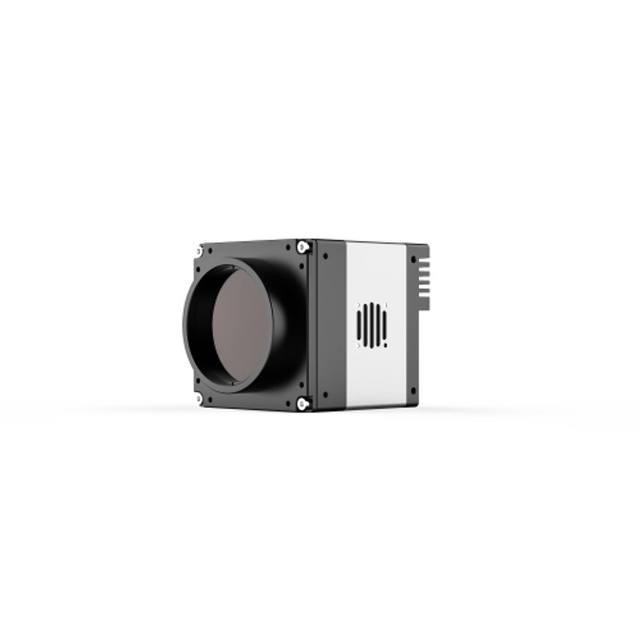
iRAYPLE AX7Q10MX670E industrial camera.
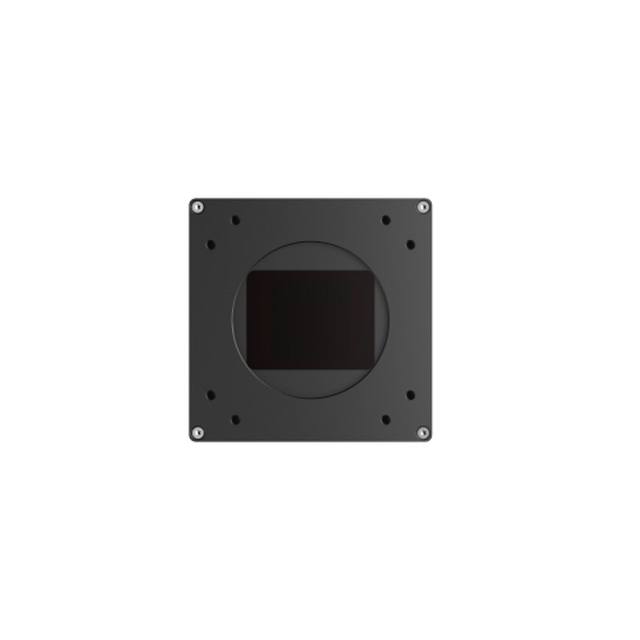
151 MP large area scan monochrome industrial camera with Sony IMX411 CMOS sensor, CXP-6 interface, and M72 lens mount designed for high-resolution machine vision inspection.
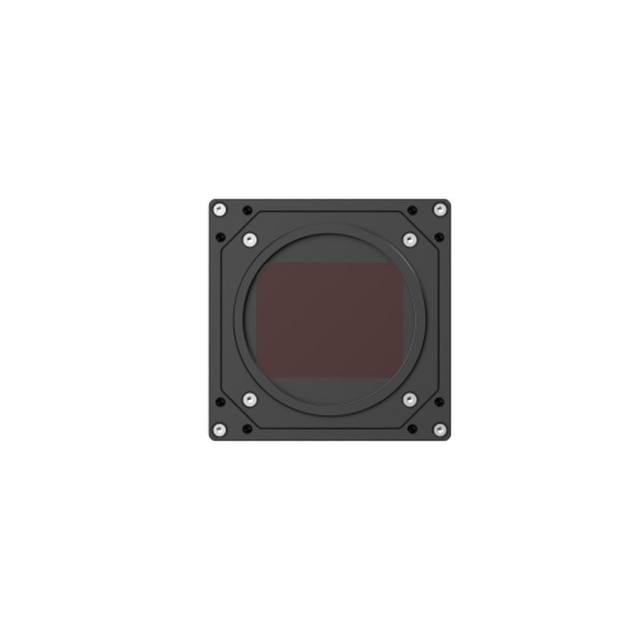
152 MP color CoaXPress-12 large area scan industrial camera with Gpixel GMAX32152 global shutter sensor, 16544 × 9200 resolution at 16 fps, and M72 lens mount.
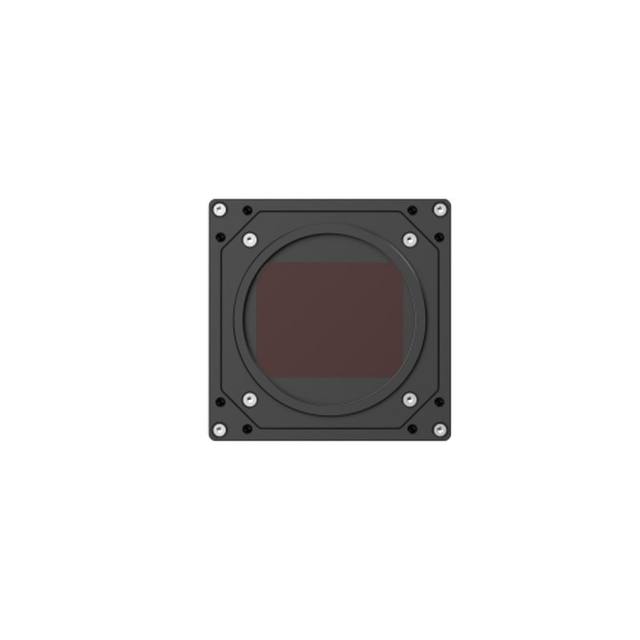
iRAYPLE AX7Q27CP470E industrial camera.
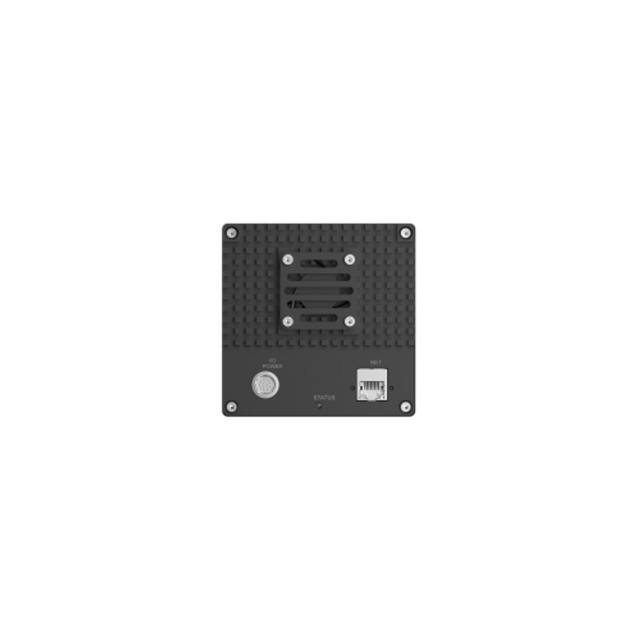
iRAYPLE AX7Q27CT470E industrial camera.
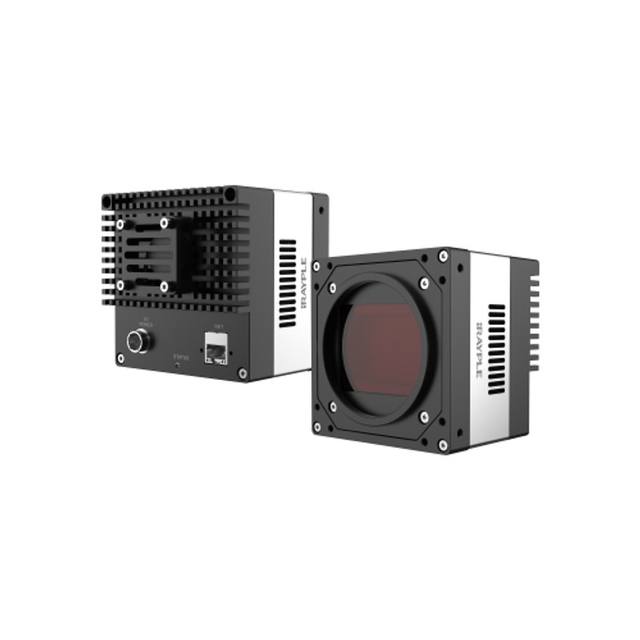
A 152-megapixel global-shutter color area scan camera with a Gpixel GMAX32152 sensor and 10GigE interface, designed for high-resolution industrial machine vision applications.
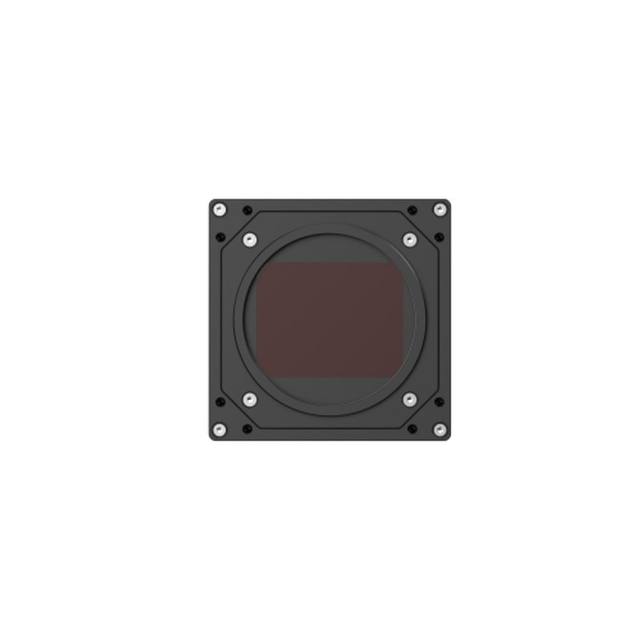
iRAYPLE AX7Q27MP470E industrial camera.
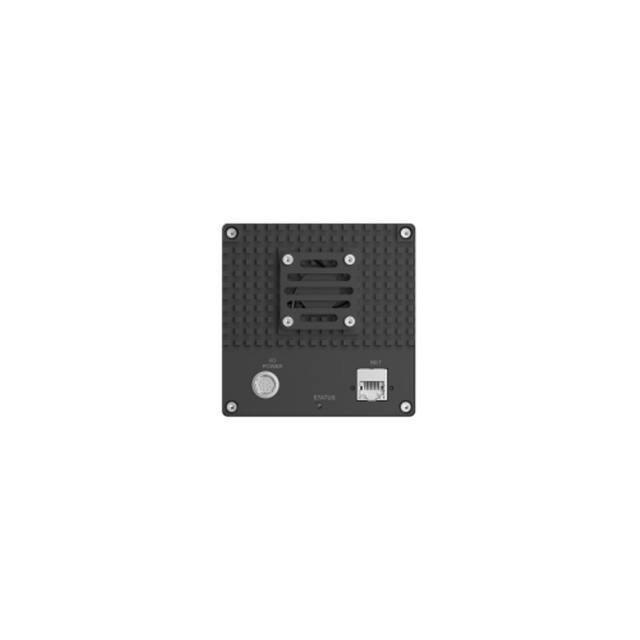
iRAYPLE AX7Q27MT470E industrial camera.
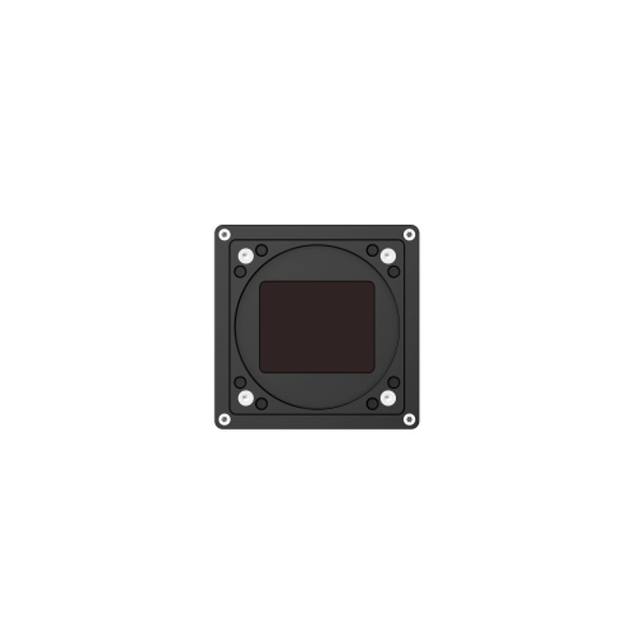
12 MP color area scan camera with CMV12000 global shutter sensor and CoaXPress CXP-6 interface, delivering 188 fps at 4096 × 3072 resolution for high-speed industrial inspection.
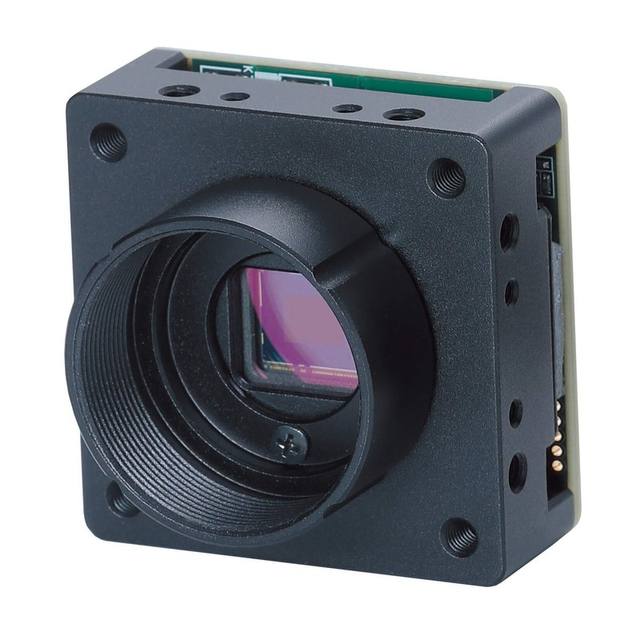
20 MP GigE Vision board-level area-scan camera built on a Sony IMX183 1-inch CMOS sensor, available in monochrome (BBS) or color (BCS), with C-mount and PoE.
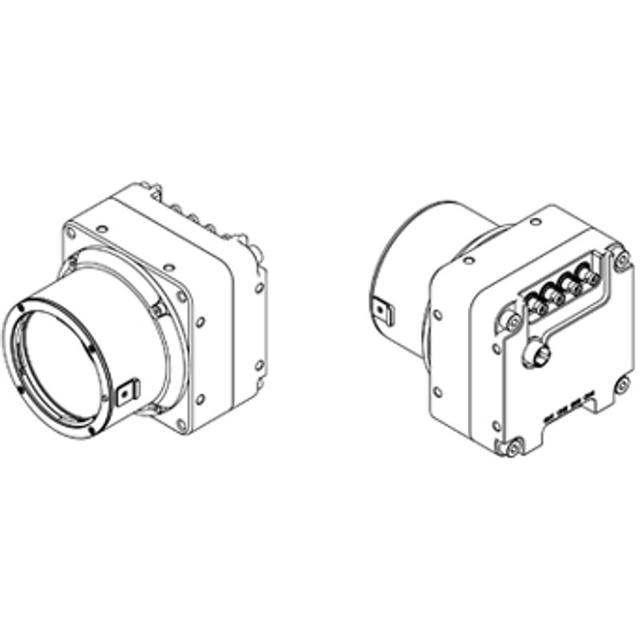
67-megapixel (8192 x 8192) area-scan industrial camera with a Teledyne e2v EV2S67M global-shutter CMOS sensor and a CoaXPress CXP-12 (4-lane) interface, available in monochrome (STC-LBE671FCXP124) and color (STC-LCE671FCXP124) versions.
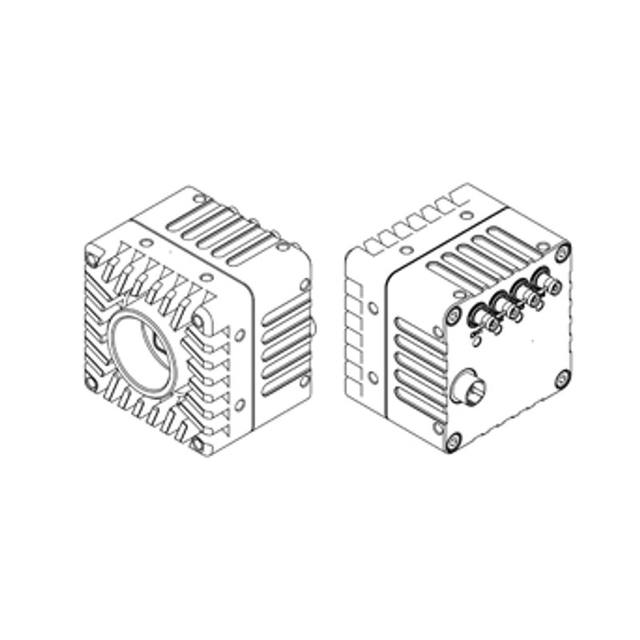
24.5MP CoaXPress CXP-12 area scan camera (mono/color) based on the Sony IMX530 global shutter sensor, delivering up to 106 fps at full resolution.
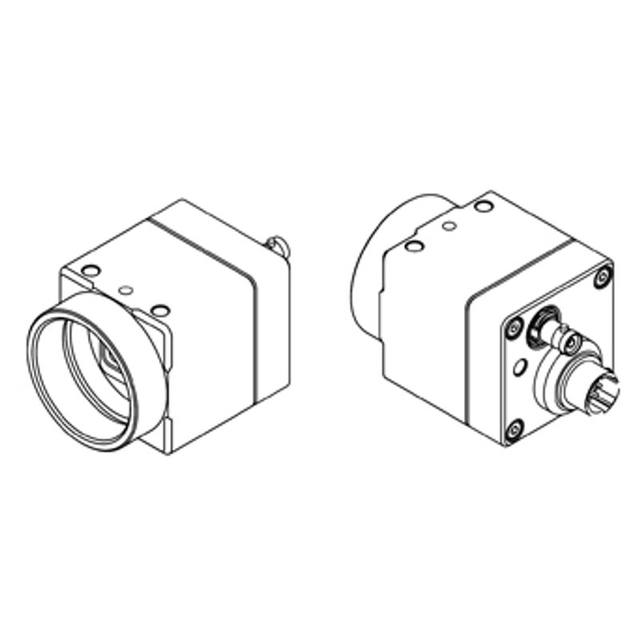
20-megapixel CoaXPress CXP-12 area-scan industrial camera with a Sony IMX541 1.1-inch global-shutter sensor, available in monochrome (MBS) and color (MCS) versions running at 42.7 fps.
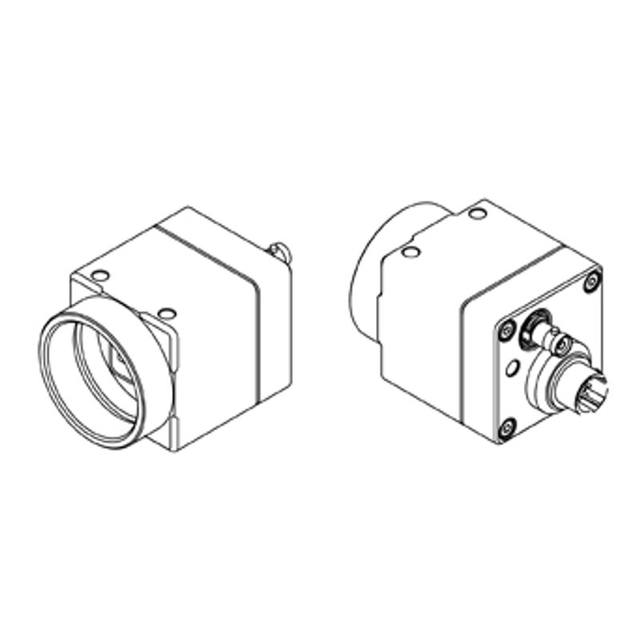
12 MP CXP-12 area scan camera (mono / color) with Sony IMX545 global shutter sensor delivering 68.3 fps over a single CoaXPress 2.0 lane in a compact 29 × 29 × 40 mm body.
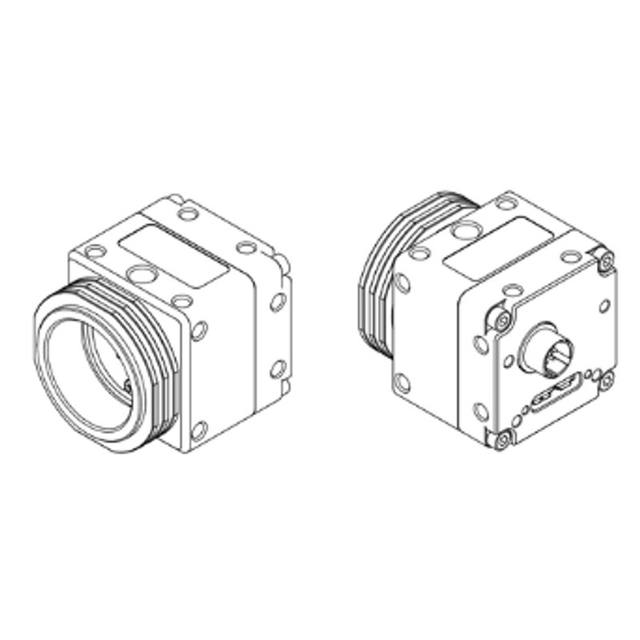
12.3 MP USB3 Vision industrial area-scan camera built on a 1.1-inch Sony IMX253 global-shutter CMOS sensor, available in monochrome (MBS) and color (MCS) versions.
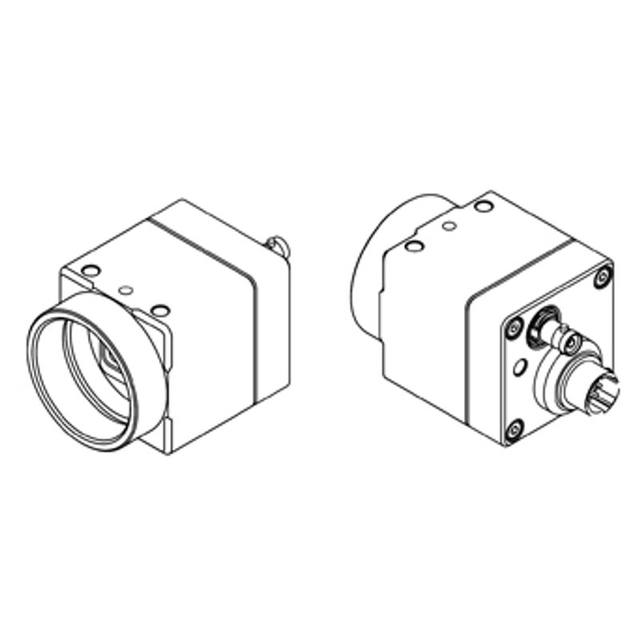
16MP CoaXPress (CXP-12) area-scan industrial camera with a 1.1" Sony IMX542 global-shutter CMOS sensor, available in monochrome (MBS) and color (MCS) versions.
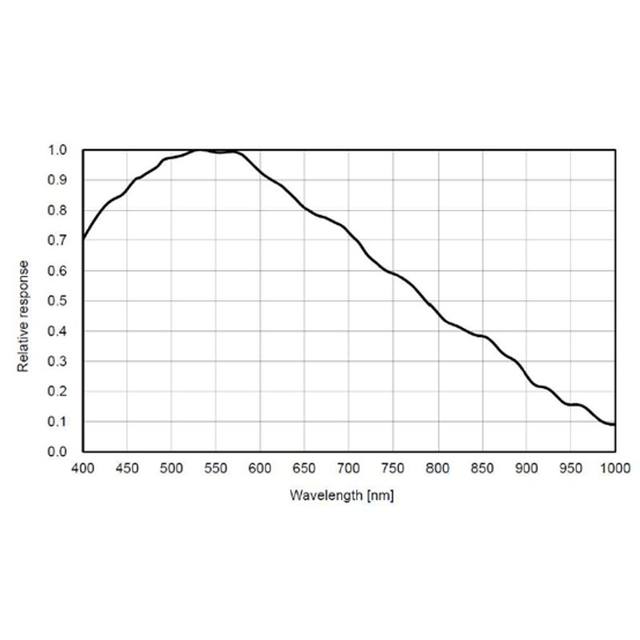
GigE Vision PoE area-scan camera with 20MP Sony IMX183 sensor (5472 x 3648 px) available in monochrome (STC-MBS2041POE) and color (STC-MCS2041POE) variants in a compact 29 mm square housing.
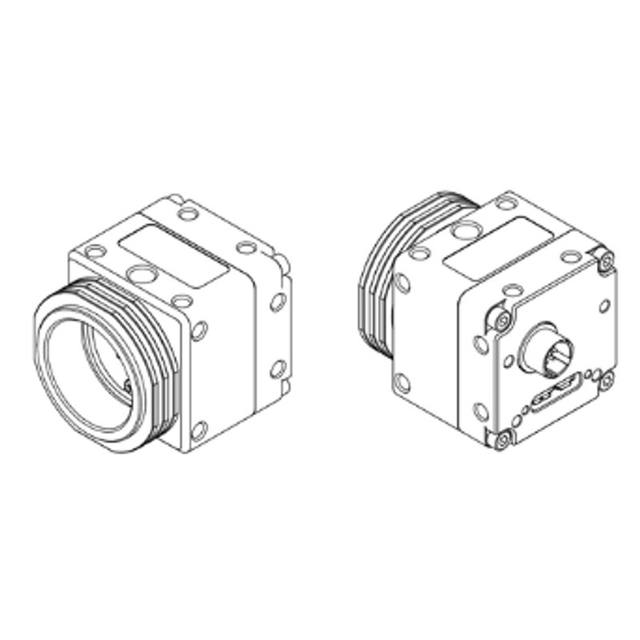
A 20.4 MP USB3 Vision area-scan industrial camera available in monochrome (STC-MBS2041U3V) and color (STC-MCS2041U3V) versions, built on a 1-inch Sony IMX183 CMOS sensor.
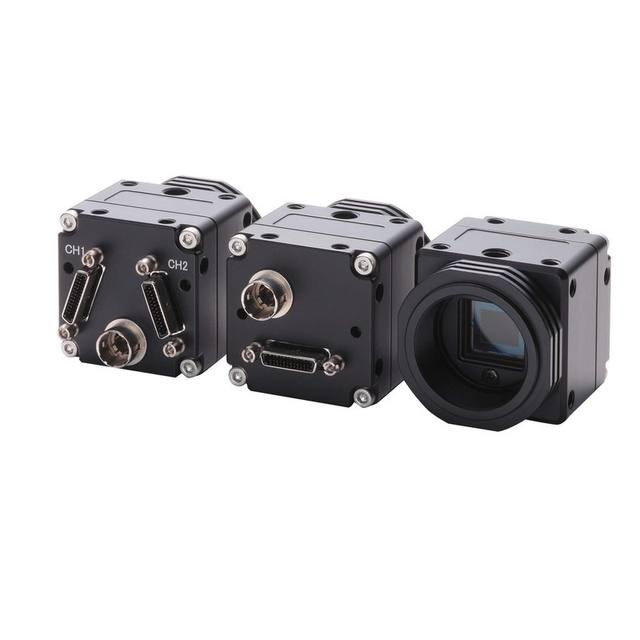
25 MP (5120 x 5120) Camera Link area-scan industrial camera based on the ON Semiconductor Python25K APS-H global-shutter CMOS sensor, available in monochrome (STC-OSB250CL) and color (STC-OSC250CL) versions.
The case for a high-resolution camera is built from two numbers: the field of view you must cover and the smallest feature you must reliably resolve. Divide one by the other, allow roughly three to five pixels across that smallest feature, and you have a target pixel count per axis. When that target lands beyond what a standard 5-12 MP sensor can deliver, you are genuinely in high-resolution territory. Typical drivers are large parts inspected whole at fine detail (electronics assemblies, full PCBs, display panels), metrology where sub-pixel edge fitting demands dense sampling, and semiconductor or wafer work where the feature size is simply tiny.
Before committing, test the cheaper alternatives honestly. If the part can be split into zones inspected in sequence on a stage, a smaller sensor with multiple acquisitions may cost far less in optics and processing. If the object moves continuously and is long or cylindrical, a line-scan camera often delivers effective resolution that no area sensor can match across a web. A high-resolution area-scan camera is the right answer specifically when you need the whole field at once, frozen in a single exposure, at a detail level a smaller sensor cannot reach. Choosing it for any other reason usually means paying the high-resolution tax — in lenses, bandwidth and compute — without the benefit.
This is where high-resolution projects most often fail. A large sensor demands a lens that covers its full diagonal — its image circle — without darkening or softening at the corners. Many familiar C-mount lenses are specified for sensors up to around 1 inch; a 20-25 MP or larger sensor frequently needs a larger format and a correspondingly larger mount (F-mount, M42, M58 or similar) just to be covered at all. Mount a sensor whose diagonal exceeds the lens image circle and you get vignetting and a blurred, low-contrast border that no software can recover. Confirm image-circle coverage before anything else.
Coverage is necessary but not sufficient. A large sensor at high pixel count has very small pixels, often in the low single-digit micron range, and the lens has to resolve detail at that pitch — across the entire frame, corner to corner, at the working aperture you intend to use. This is an MTF (modulation transfer function) question, not a megapixel-rating question: the lens must deliver adequate contrast at the spatial frequency your pixel pitch implies (roughly line pairs per millimetre equal to 1000 / (2 x pixel pitch in microns)). A sensor that out-resolves its lens simply spreads each real detail over several pixels — you store more data but see no more. Diffraction sets a hard ceiling too: stopping a lens down to gain depth of field eventually blurs fine detail (the diffraction spot grows past the pixel), so high-resolution systems often run at moderate apertures and recover depth of field through fixturing instead.
For metrology, telecentric lenses remove the perspective error that makes a part appear to change size with distance, but large-format telecentric optics are bulky and expensive because the front element must be at least as large as the field of view. Plan optics and budget together: at this resolution the lens can cost as much as the camera, and a cheap lens on an excellent sensor is the single most common way to waste the investment.
A high pixel count multiplies the data rate fast. A single 25 MP frame is around 25 MB at 8-bit, doubling near 50 MB at the 10-12 bit depths metrology often needs, and at even modest frame rates the resulting stream overwhelms ordinary interfaces. This is why the category is built around CoaXPress and 10GigE rather than standard GigE or USB3. The interface choice is dictated by the product of resolution, frame rate and bit depth, and it should be sized comfortably above your peak rate — running a link near its ceiling is how high-resolution systems acquire intermittent dropped frames that are miserable to debug on a line.
CoaXPress (CXP-12, and multi-link configurations) delivers multiple gigabytes per second over coax and is the workhorse for the fastest, largest sensors, at the cost of a frame grabber in the host and the slot, cabling and cooling that implies. 10GigE (NBASE-T / 10GBASE-T) reaches similar usable throughput over standard Ethernet with longer cable runs and no grabber, trading some host-side complexity for simpler, more distributed cabling — attractive when the camera sits far from the PC or when several cameras feed one network. Both are well represented in the catalog across Basler, iRAYPLE and Omron/Sentech (STC); let the required bandwidth and cabling topology drive the choice rather than the badge. Whichever you pick, verify the host can actually sustain the rate: PCIe lane allocation, NIC capability, CPU and storage all have to keep up with the camera, or the bottleneck simply moves downstream.
Illumination problems that are invisible at low resolution become glaring across a large, finely-sampled field. A big sensor covers more physical area, so any falloff, hotspot or gradient in the lighting is spread across millions of pixels and shows up as a shading pattern that masks low-contrast defects and shifts measured edge positions. The larger the field of view, the harder it is to light it evenly, and the more the lens's own corner falloff (natural vignetting, which worsens with field angle) adds to the problem.
Treat uniformity as a first-class requirement, not an afterthought. Favour lighting geometries that flood the whole field evenly — large diffuse or dome sources, properly sized backlights for silhouette and dimensional work, sometimes tunnel or coaxial arrangements for flat specular parts — and size the illuminated area generously beyond the field of view so you are using the flat centre of the light, not its falling edge. Short exposures, which large high-resolution sensors often need to freeze motion or hit a cycle time, demand a lot of light, so plan for strong, stable, ideally strobed sources synchronised to the trigger. Where residual non-uniformity remains, flat-field (shading) correction calibrated against a uniform reference can normalise the response, but it is a correction layer on top of good optics and lighting, never a substitute for them.
When one sensor cannot cover the field at the detail you need, the real decision is between one larger sensor and several smaller ones tiled across the field. A single high-resolution camera keeps the system mechanically and softwarely simple — one acquisition, one image, one calibration — but pushes the difficulty into the optics (a lens that covers and resolves a large format) and into a heavy per-frame data and processing load. A multi-camera array uses cheaper, more available sensors and lenses and spreads the bandwidth across links, but adds the engineering of mounting and aligning several cameras, synchronising their triggers, and stitching or registering the images into a coherent result. For very wide fields, multiple cameras (or line scan) are often the only practical route; for a compact field that simply needs dense sampling, one large sensor is usually cleaner.
Whichever path you take, budget for what happens after acquisition, because it is routinely underestimated. Large images are expensive to move, store and process: every algorithm runs over far more pixels, so inspection cycle times, memory footprint and CPU or GPU load all scale with resolution. A 50 MP frame is not five times the work of a 10 MP frame in isolation — host transfer, decoding, and any deep-learning inference can scale faster than linearly depending on the pipeline. If a deep-learning stage such as Rosepetal sits downstream, factor the inference cost of full-resolution images explicitly; tiling, region-of-interest cropping or running detection at reduced scale and confirming at full scale are common tactics to keep cycle time in budget. The honest comparison is total cost of ownership — camera plus optics plus grabber or NIC plus the compute to process every frame in time — not the price of the camera alone.
How to size camera resolution from field of view and the smallest defect using the 3-5 px rule, plus why optics, lighting and bandwidth cap usable resolution.
When to choose monochrome vs color machine-vision cameras: Bayer light loss and effective resolution, color-dependent tasks, wavelength-specific lighting, NIR sensitivity and processing cost.
When 20+ MP cameras earn their place in inspection: sensor formats, the optics and MTF challenge, bandwidth and interfaces, lighting uniformity, and single high-res vs multi-camera.
We help you choose high-resolution cameras based on your application, FOV, working distance and environment.