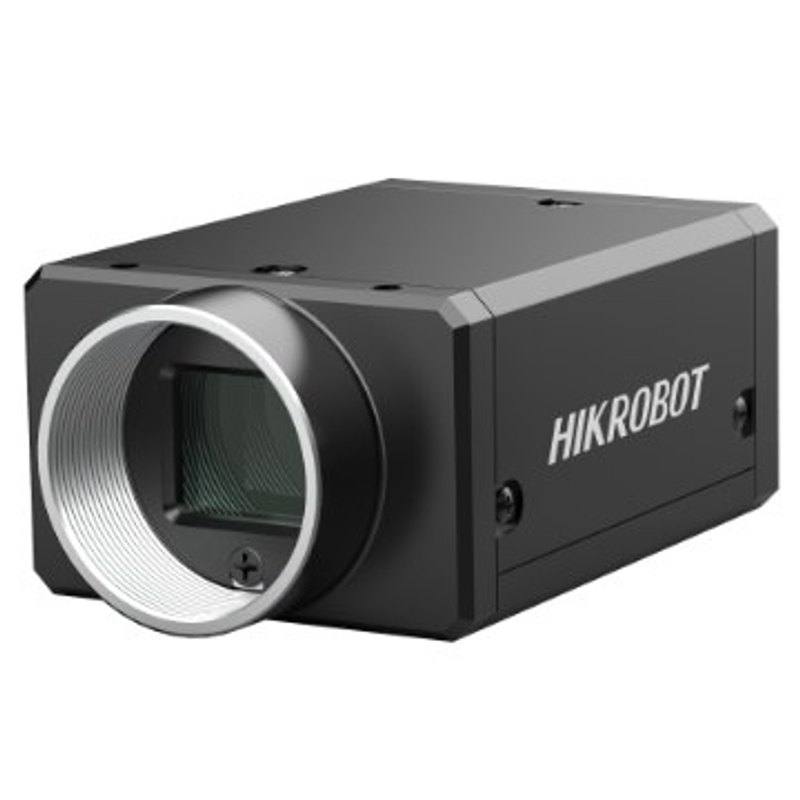
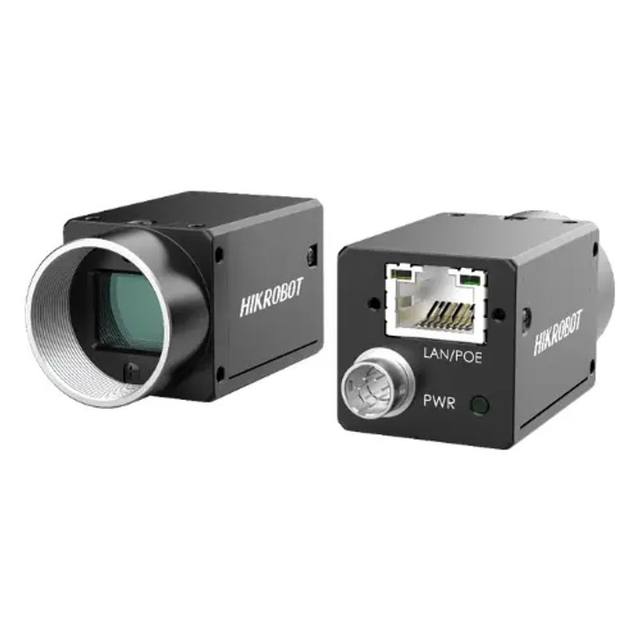
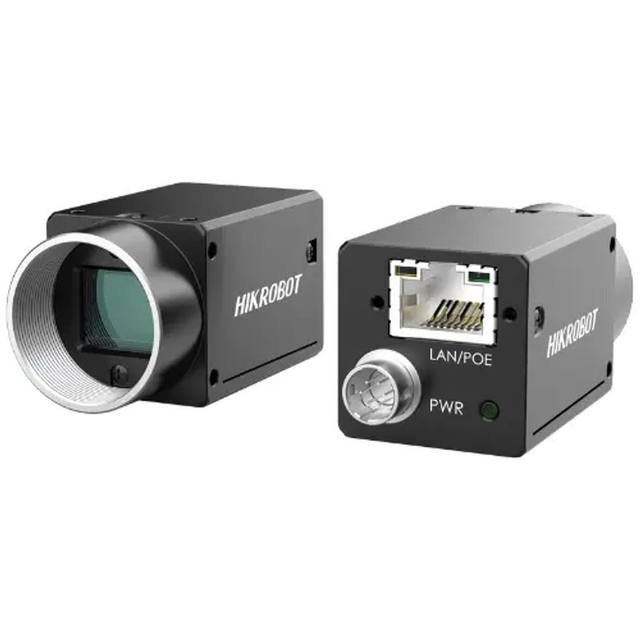
The Hikrobot MV-CH140-60GM is a 14 MP mono GigE area scan camera built on a Stacked BSI sensor with a CMOS global shutter. The sensor size is listed as 1" with 3 μm × 3 μm pixels, producing 4708 × 2824 px frames. The listed frame rate is 9 fps at that resolution in Mono 8 format, so the output is grayscale intensity data at the full listed resolution. That suits inspections where edge sharpness and fine-detail measurement matter more than color, and where the whole part must fit in one frame. The global shutter exposes every pixel at the same moment, which limits motion distortion on parts moving during exposure, though at 9 fps the camera fits stationary or slow-moving parts best.
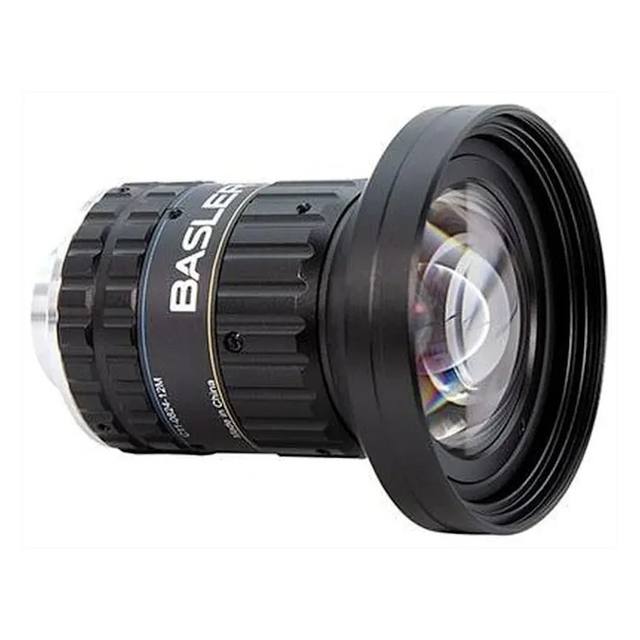
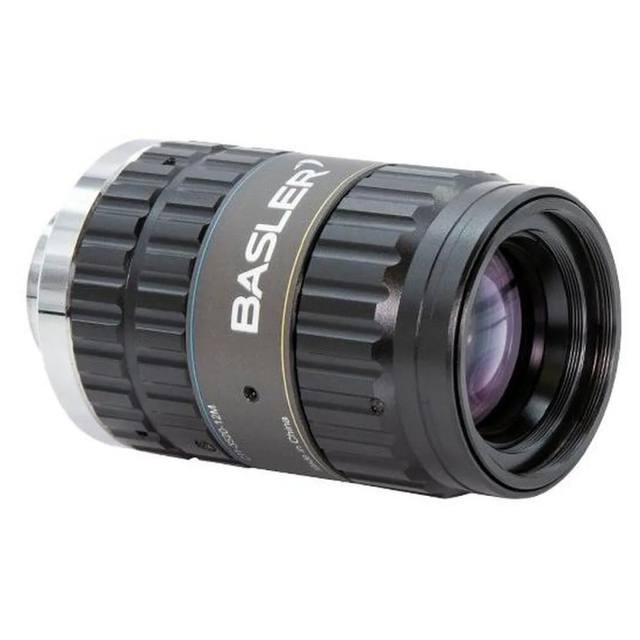
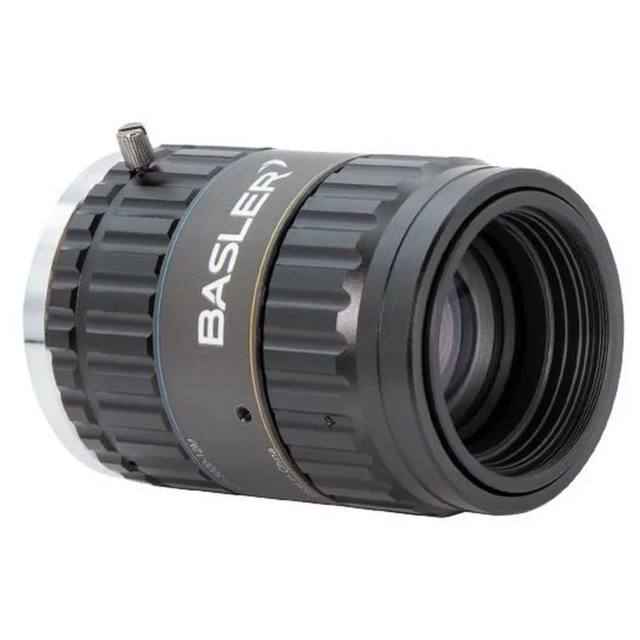
On the connection side, the camera uses GigE with GigE Vision V2.0 and GenlCam support, and it accepts 9 VDC to 24 VDC power or PoE. A PoE-capable switch can deliver both data and power over one Ethernet cable, which simplifies routing to a control cabinet. The C-mount is the lens interface, so choose a C-mount lens whose image circle covers the 1" sensor format and whose resolving power suits the 3 μm pixel pitch. The listed power consumption is 3 W, the weight is 117 g, and the IP rating is IP40 under proper lens installation and wiring, which calls for an enclosure in dusty or wet areas.
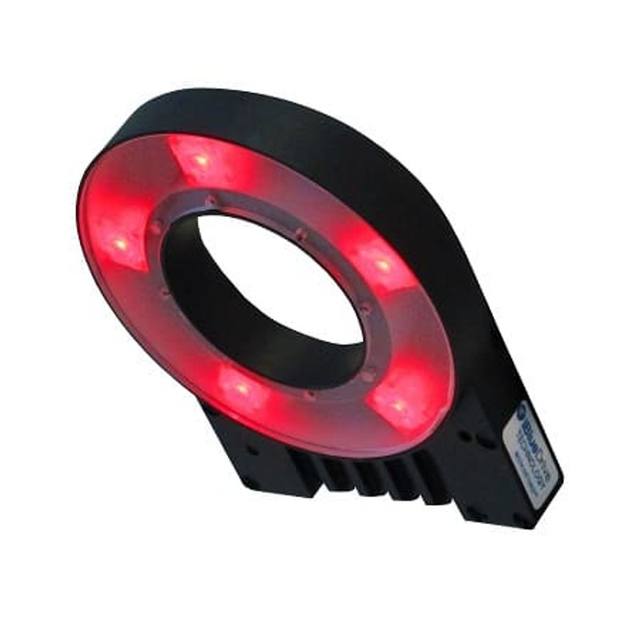
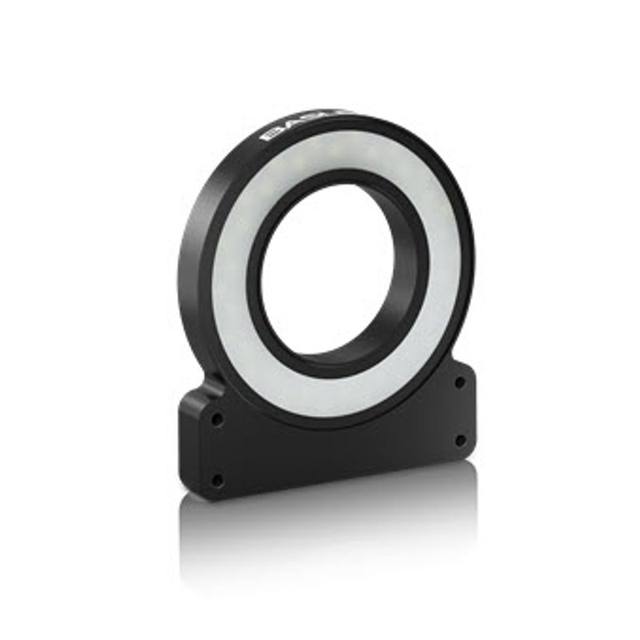
Lighting for a monochrome 14 MP camera is about contrast and uniformity. Backlight or diffuse geometries that produce high-contrast edges suit silhouette and edge tasks, and the light must cover the full 4708 × 2824 px field evenly because uneven illumination is easy to see at this resolution. For moving parts, a strobe with a controller keeps exposure short enough to freeze motion. For stationary parts, continuous light with stable output gives repeatable grayscale images. Set exposure with the lighting and optics in place, not before.
Best for
Grayscale edge and feature measurement across a 4708 × 2824 px field
Surface and feature inspection of stationary or slow-moving parts at up to 9 fps
Large-area presence and feature checks that need the whole part in one 14 MP frame
PoE-powered GigE installations with C-mount optics and a single-cable layout
Selection notes
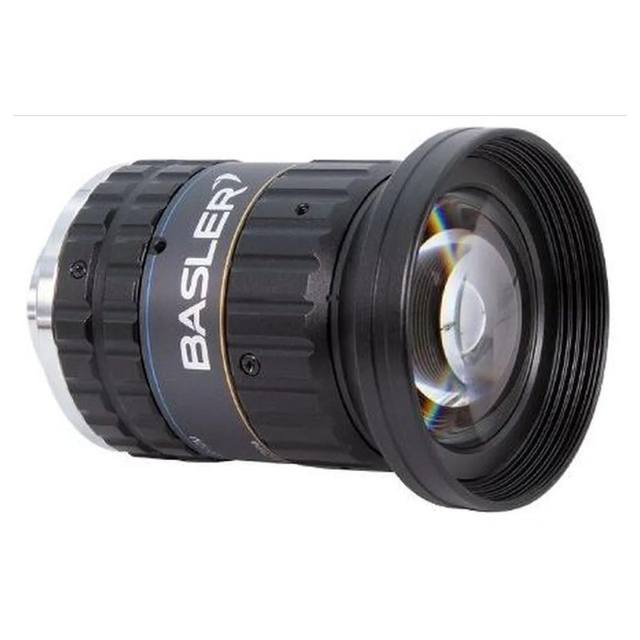
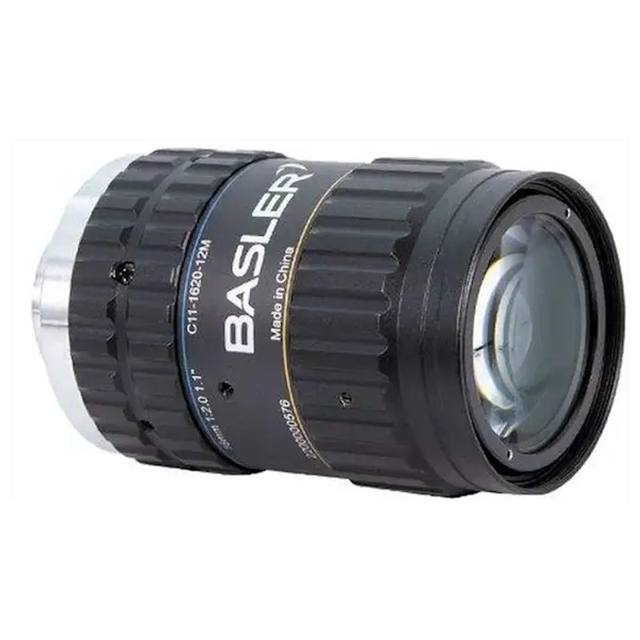
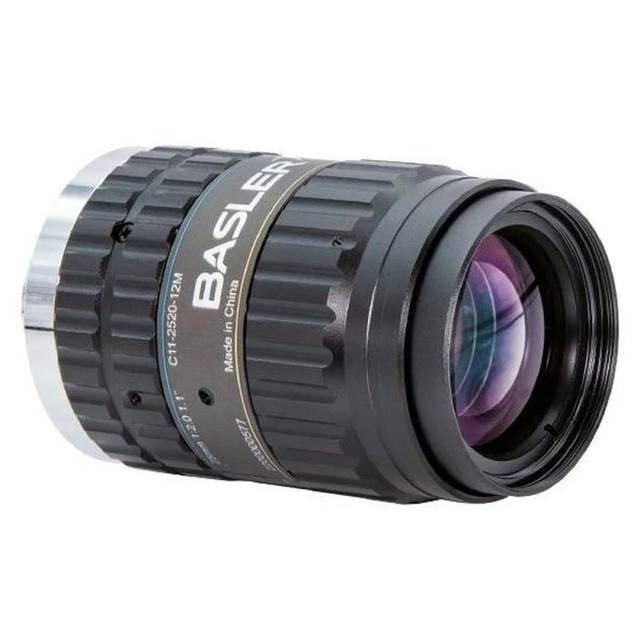
Choose a C-mount lens matched to 14 MP: its image circle must cover the 1" format, and its resolving power should suit the 3 μm pixels, or the sensor resolution will not be fully used.
Size network bandwidth for the stream. A 14 MP Mono 8 image at 9 fps is a substantial GigE payload, so plan switch capacity, cabling and host network card together.
Plan power for the installation. Use a PoE switch for one cable or a 9 VDC to 24 VDC supply, and confirm it covers the listed 3 W.
Protect the camera according to the IP40 rating, which applies only with proper lens installation and wiring. Use an enclosure in dusty or wet areas.
Check the manufacturer datasheet for trigger and I/O wiring before you finalize the cable plan.
Specifications: General
Brand
Hikrobot
Camera type
Area scan
Specifications: Sensor
Shutter
CMOS, global shutter
Sensor model
Stacked BSI
Sensor size
1"
Pixel size
3 μm × 3 μm
Resolution
14 MP
Horizontal resolution
4708 × 2824 px
Mono / color
Mono
Specifications: Performance
FPS
9 fps @ 4708 × 2824 Mono 8
Specifications: Interface
Interface
GigE
Protocols
GigE Vision V2.0, GenlCam
Specifications: Optics
Mount
C-mount
Specifications: Electrical
Power
9 VDC to 24 VDC, supports PoE
Power consumption
3 W
Specifications: Environment
IP rating
IP40 (under proper lens installation and wiring)
Specifications: Mechanical
Weight
117 g
Applications this product is commonly selected for. Open one to see the full recommended hardware and approach.
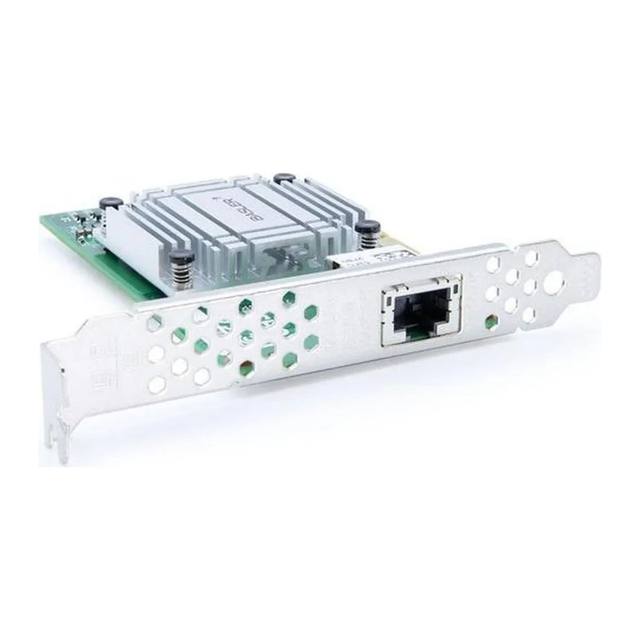
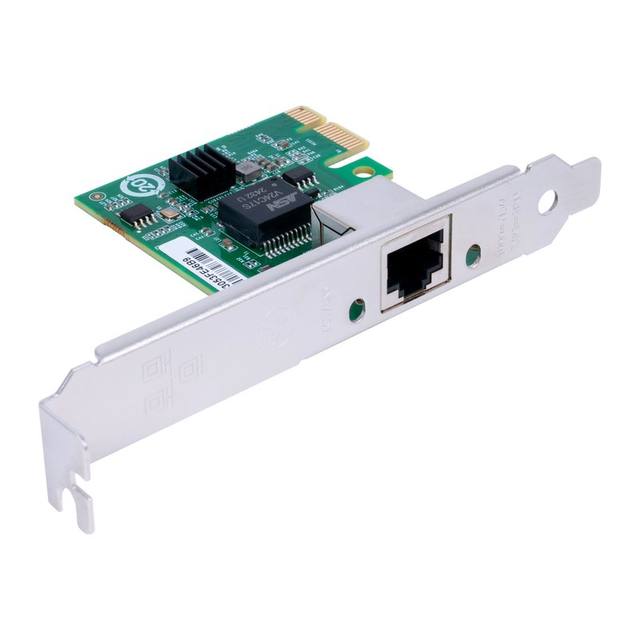
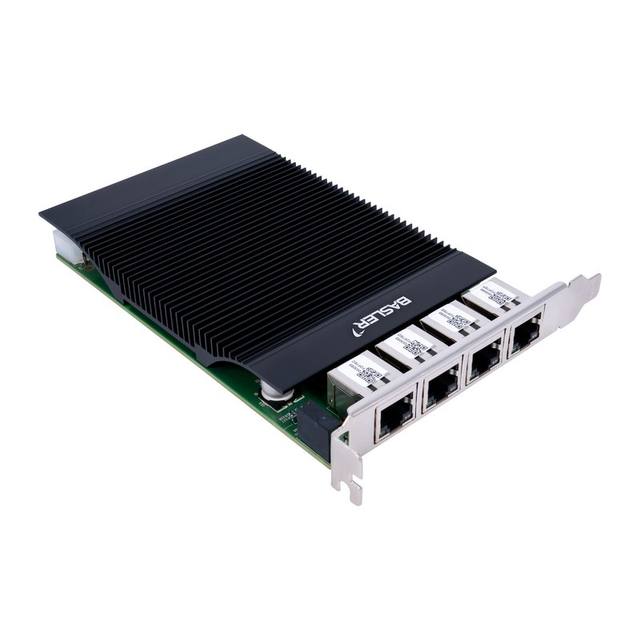
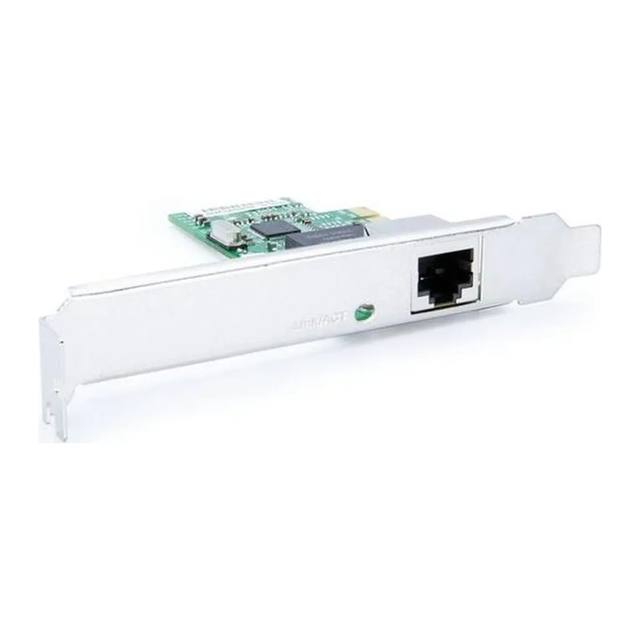
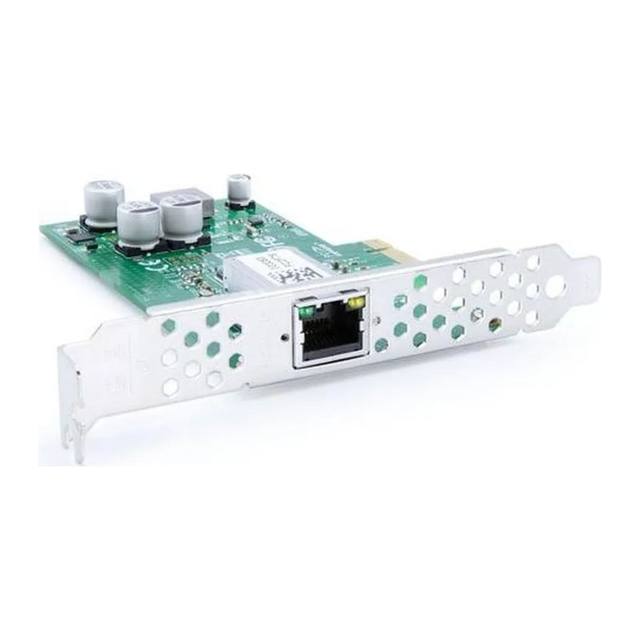
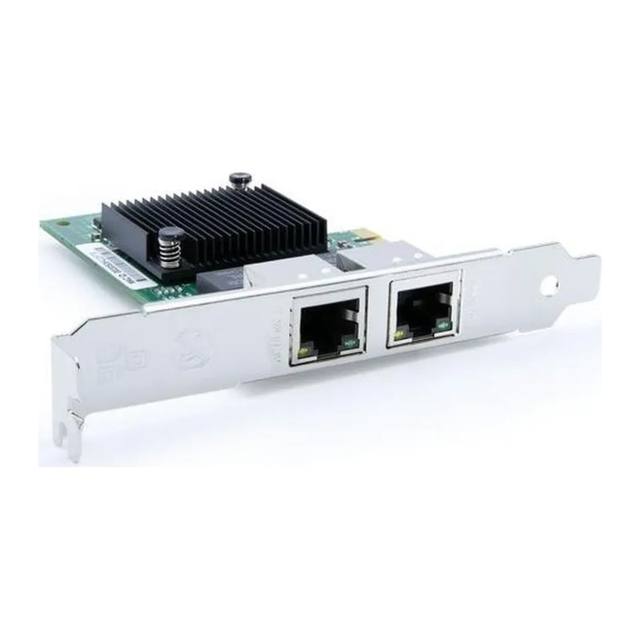
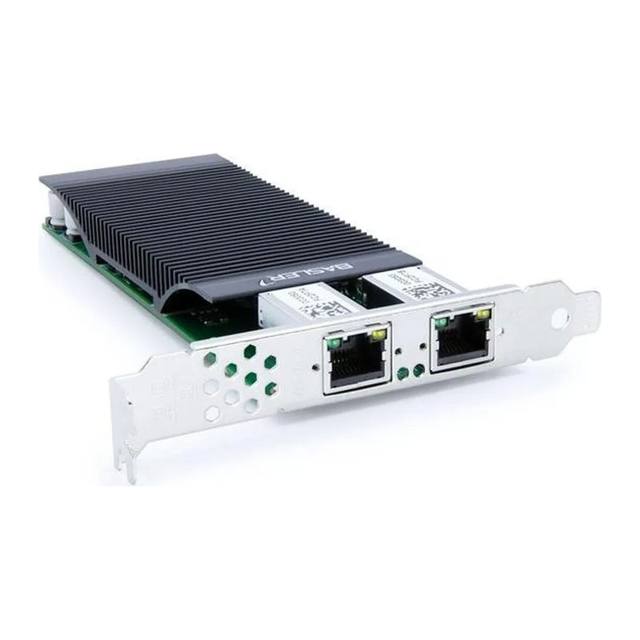
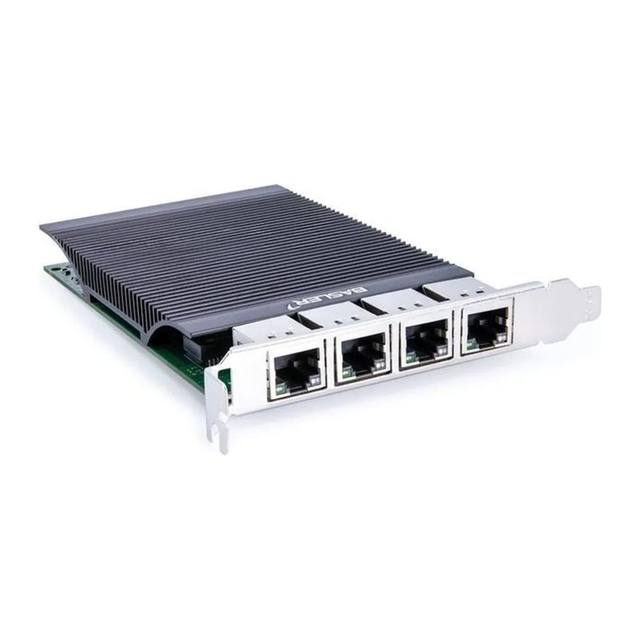
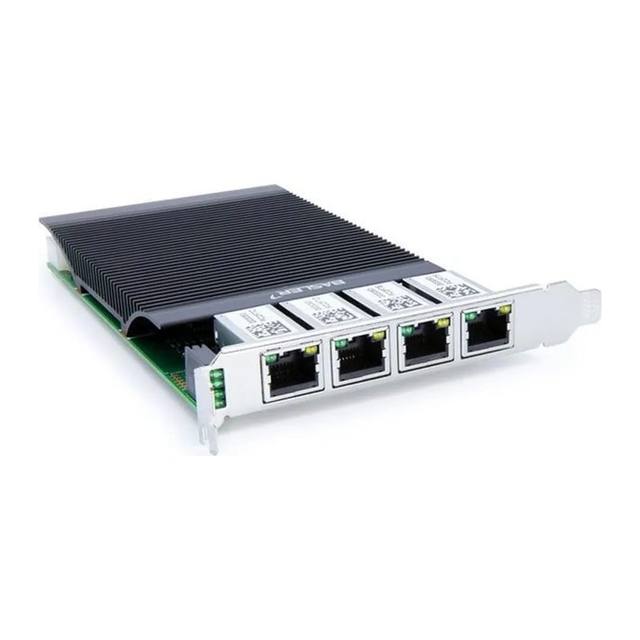
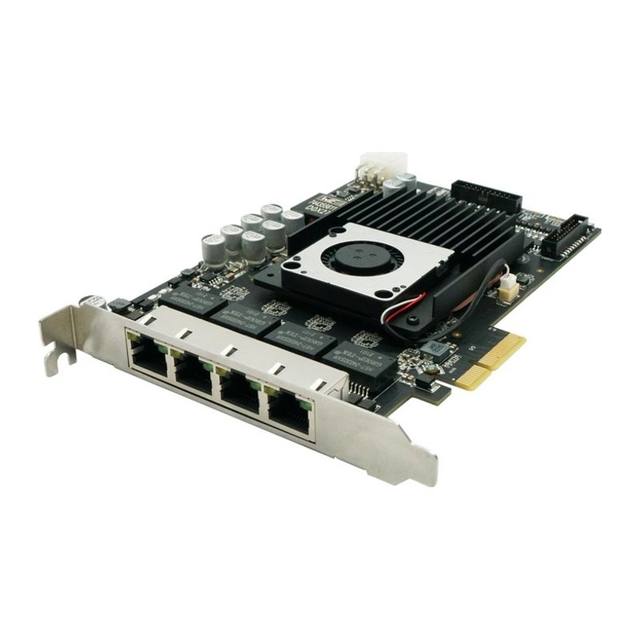
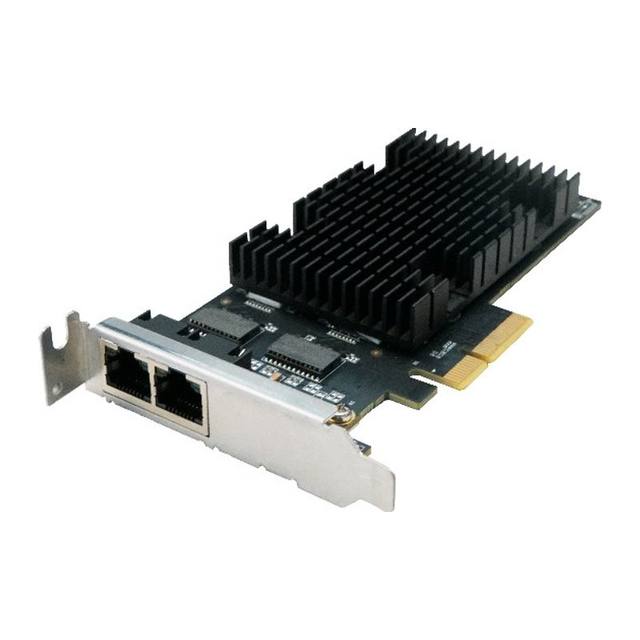
30 frame grabbers / interface cards are compatible with this camera.
Matched automatically by: card supports the camera interface (gige vision) · card link speed is at least the camera link speed (cxp-6 / cxp-12, 1–10 gige) — this camera: GigE.
By brand
All 30Hikrobot 15Basler 9iRAYPLE 4Opto Engineering 2