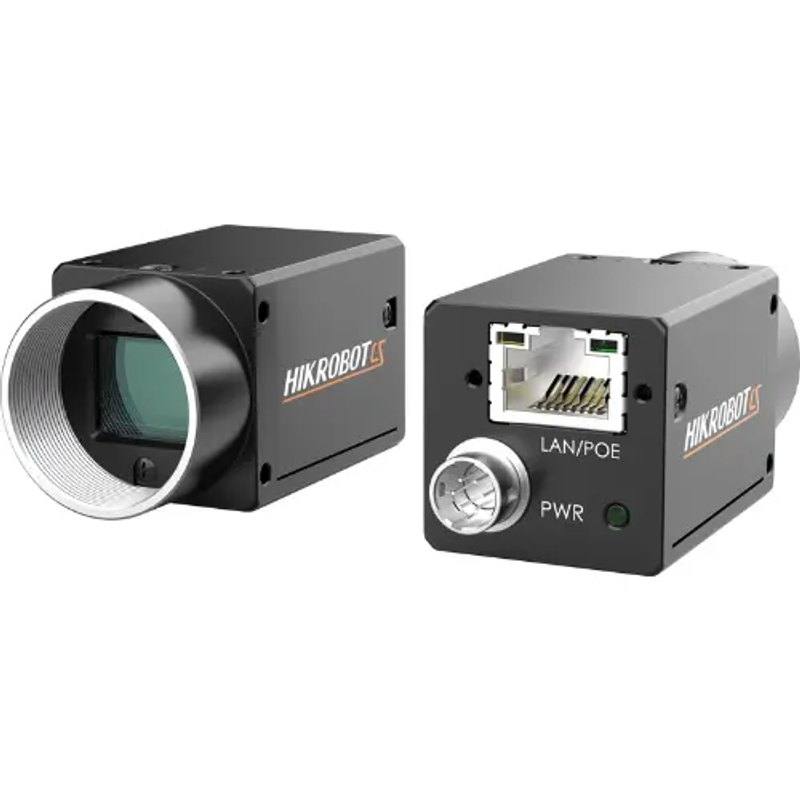
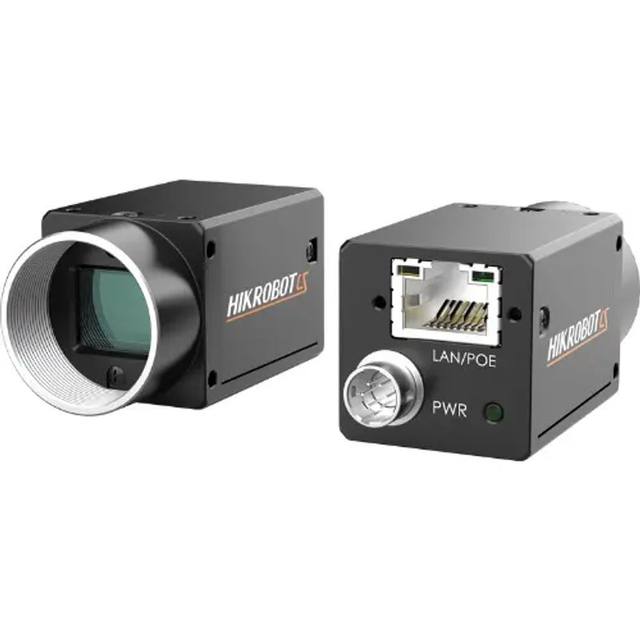
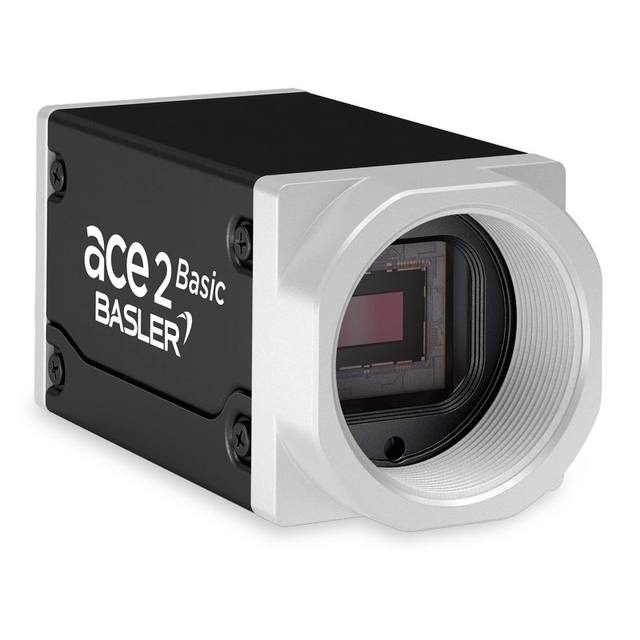
The MV-CS023-10GM is a monochrome GigE area scan camera built on a Sony IMX249 sensor with a global shutter. The sensor is listed at 1/1.2" with 5.86 μm × 5.86 μm pixels, producing a 1920 × 1200 px frame (2.3 MP) that the manufacturer rates at 41 fps in Mono 8 at that resolution. The global shutter exposes every pixel at the same time, so objects moving along a conveyor or held by a robot are captured without the skew a rolling shutter introduces. Because the output is mono, every pixel carries luminance detail with no color filter pattern, which suits edge location, dimensional checks, presence verification and 1D or 2D code reading where contrast matters more than hue. This is a 2nd Generation model.
The interface is GigE, and the camera follows the GigE Vision V2.0 and GenICam standards, so it runs on a standard Ethernet network with GigE Vision compatible software. The listed power input is 9 VDC to 24 VDC and the camera supports PoE, which lets one Ethernet cable carry both power and data when the switch or injector provides PoE. Power draw is 2.2 W and the body weighs 100 g, a light load for a compact cabinet or a robot-mounted head. The C-mount accepts standard C-mount lenses; choose one whose image circle covers the 1/1.2" format and whose focal length gives the field of view you need at your working distance. The IP40 rating applies under proper lens installation and wiring, which points to a clean, dry enclosure rather than a washdown area.
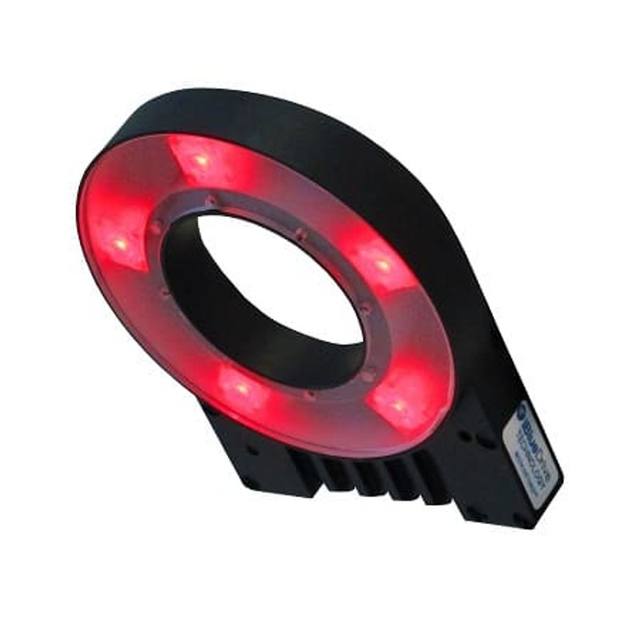
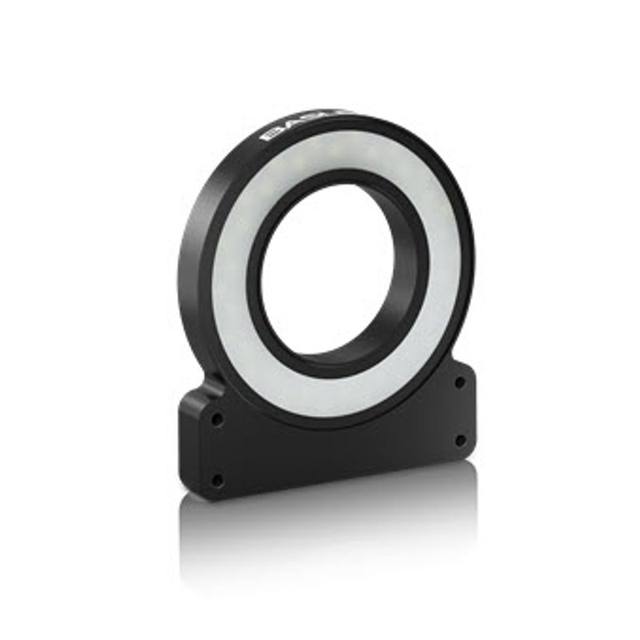
The 41 fps rating is at 1920 × 1200 px in Mono 8, so for parts moving past the lens the practical limit is usually motion blur during exposure rather than frame rate. Use short, bright illumination, typically strobe lighting synchronized to the exposure, and select the lighting geometry for the feature: backlight for silhouettes and edge position, diffuse or dome light for surface detail, and directional light for scratches and relief. Continuous lighting is adequate for static parts or slow motion where a longer exposure can stay bright enough without blur.
Best for
Presence, position and dimensional checks on parts moving along conveyors in GigE-networked inspection cells
Robot guidance and pick-and-place vision that needs a compact 100 g camera with 41 fps monochrome frames
1D and 2D code and text reading on moving labels where 2.3 MP monochrome contrast is the priority
Installations that want one Ethernet cable for power and data through PoE
Selection notes
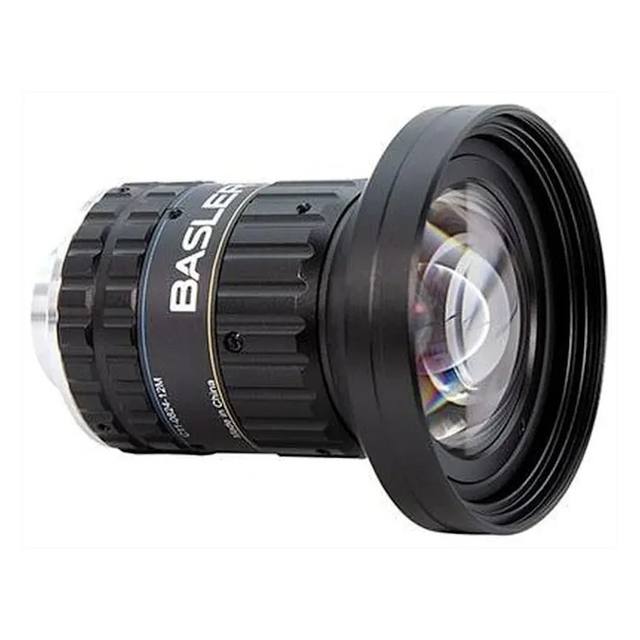
Choose the lens for the 1/1.2" sensor and C-mount: confirm the image circle fully covers the format, and set focal length and working distance to deliver the field of view. An undersized image circle darkens the edges of the frame.
Plan the GigE network with a GigE-capable Ethernet port and switch on the host. If you power the camera over PoE, confirm the switch or injector supplies it and budget for the listed 2.2 W draw.
Specify the enclosure around the IP40 rating, which applies under proper lens installation and wiring: keep the housing dry and clean, and seal the lens mount and connectors.
Before fixing the timing design, check the trigger and I/O connector details in the manufacturer datasheet if you plan to synchronize strobes to exposure.
Specifications: General
Brand
Hikrobot
Camera type
Area scan
Specifications: Sensor
Shutter
CMOS, global shutter
Sensor model
Sony IMX249
Sensor manufacturer
Sony IMX249
Sensor size
1/1.2"
Pixel size
5.86 μm × 5.86 μm
Resolution
2.3 MP
Horizontal resolution
1920 × 1200 px
Mono / color
Mono
Specifications: Performance
FPS
41 fps @1920 × 1200 Mono 8
Specifications: Interface
Interface
GigE
Protocols
GigE Vision V2.0, GenICam
Specifications: Optics
Mount
C-mount
Specifications: Electrical
Power
9 VDC to 24 VDC, supports PoE
Power consumption
2.2 W
Specifications: Environment
IP rating
IP40 (under proper lens installation and wiring)
Specifications: Mechanical
Weight
100 g
Applications this product is commonly selected for. Open one to see the full recommended hardware and approach.
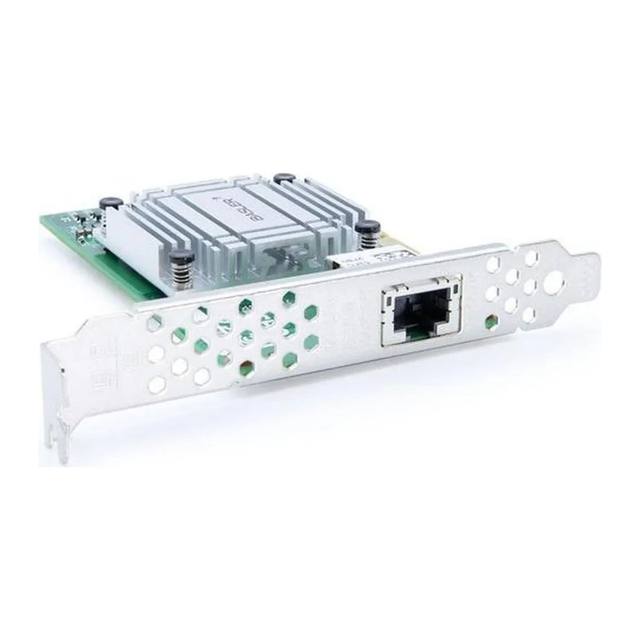
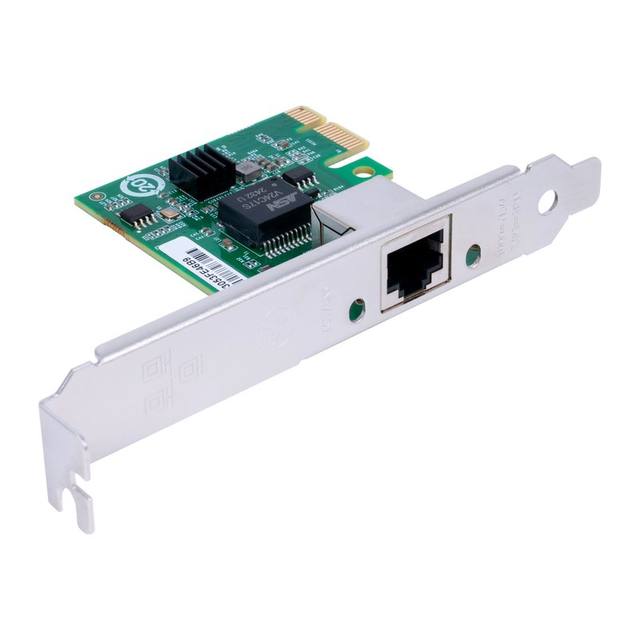
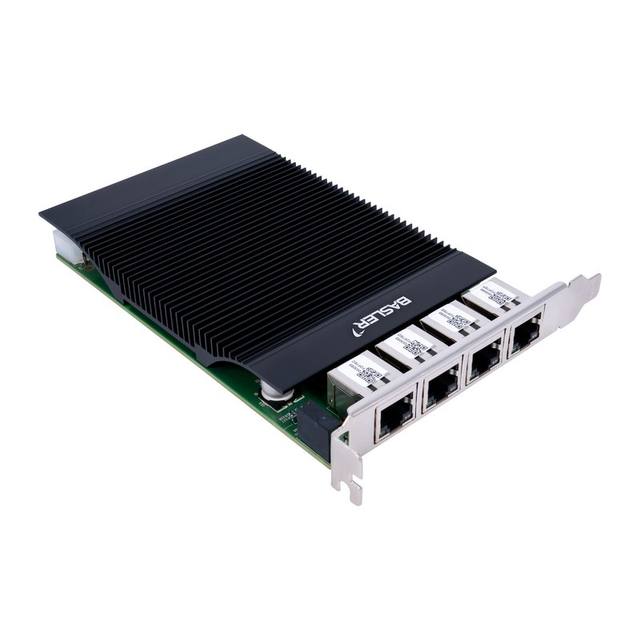
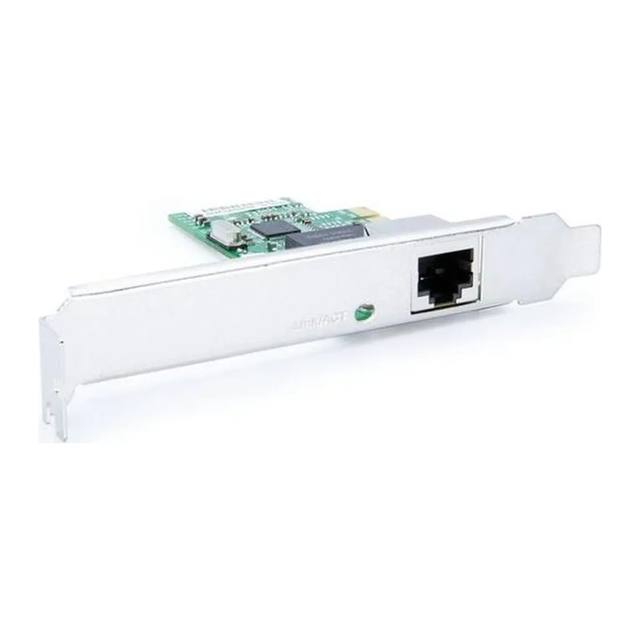
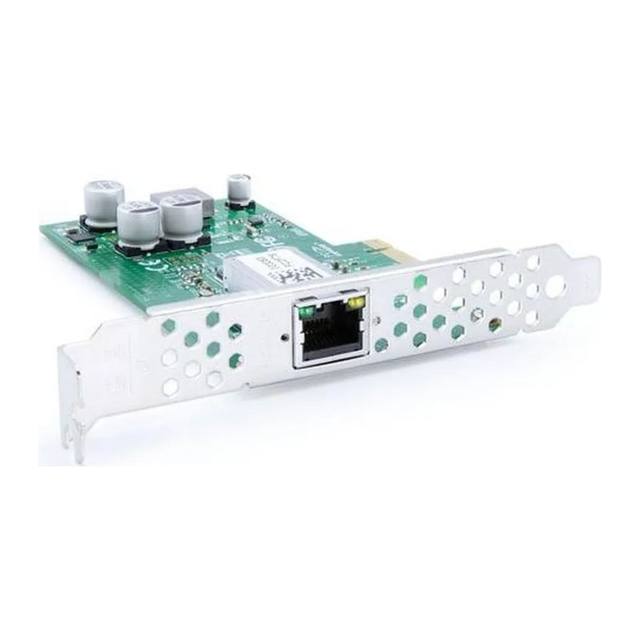
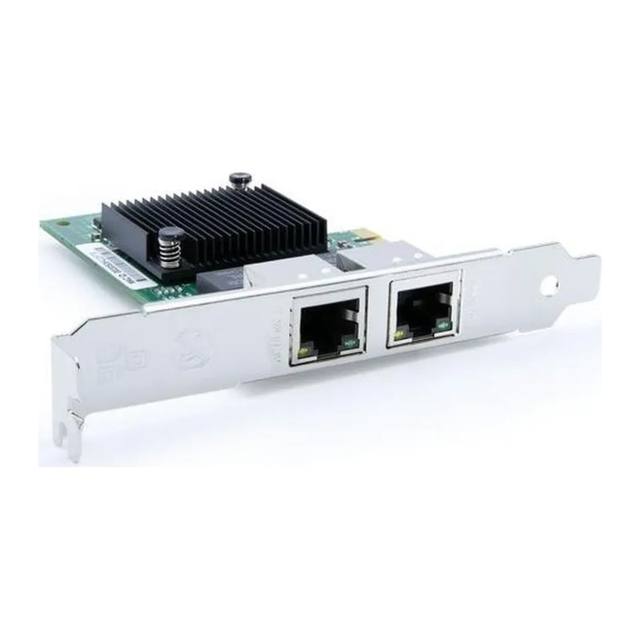
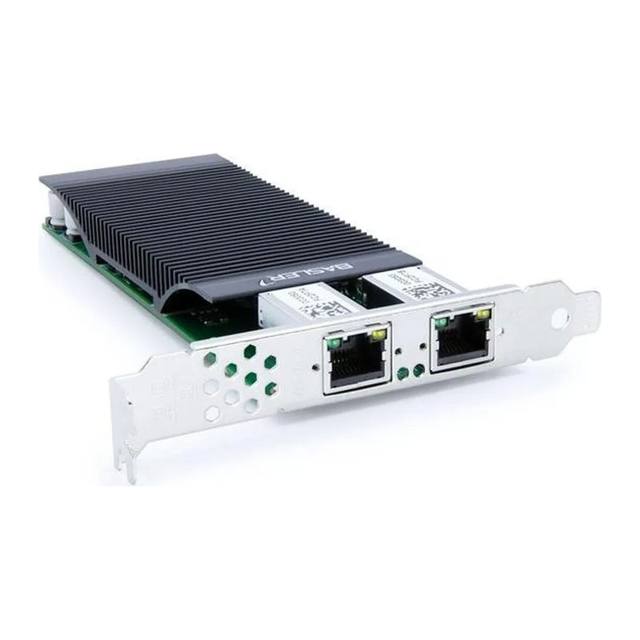
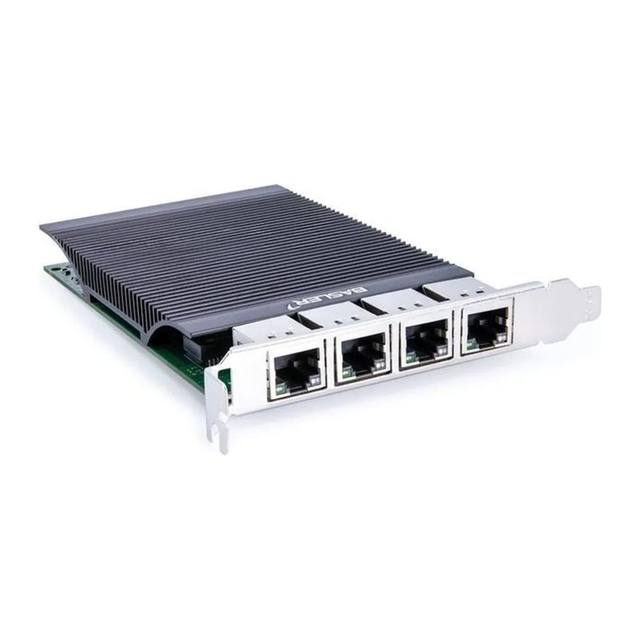
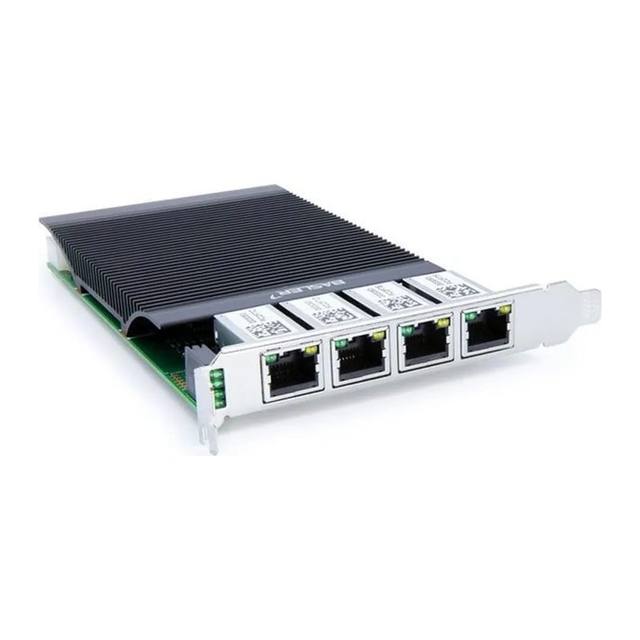
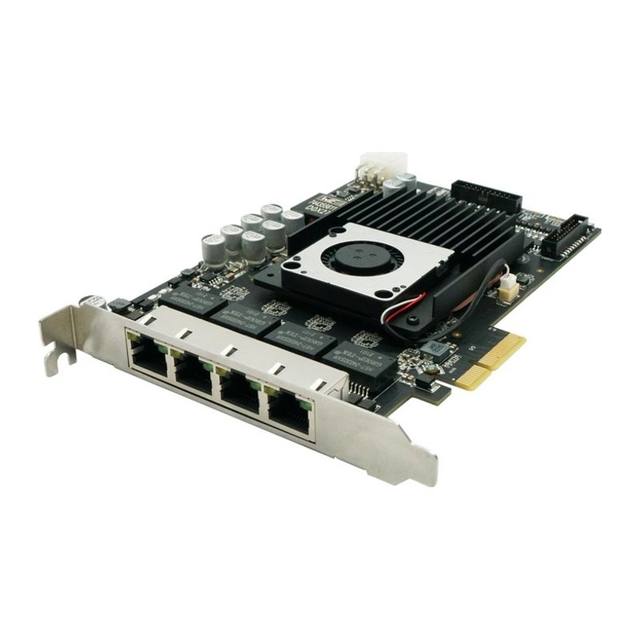
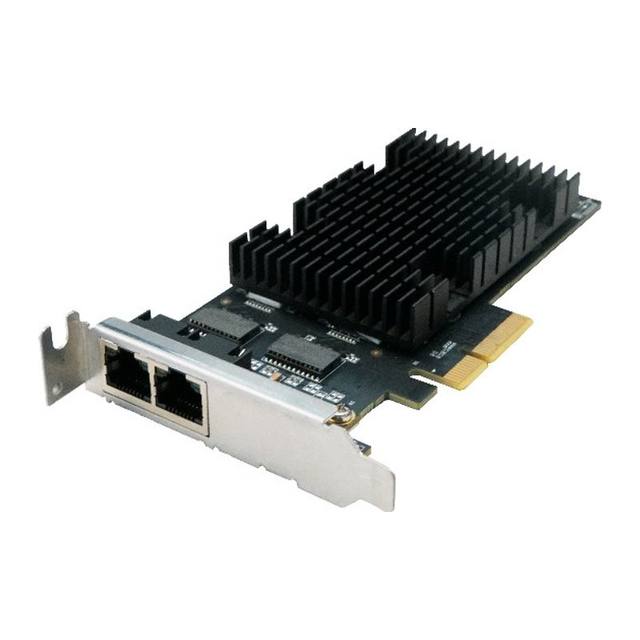
30 frame grabbers / interface cards are compatible with this camera.
Matched automatically by: card supports the camera interface (gige vision) · card link speed is at least the camera link speed (cxp-6 / cxp-12, 1–10 gige) — this camera: GigE.
By brand
All 30Hikrobot 15Basler 9iRAYPLE 4Opto Engineering 2