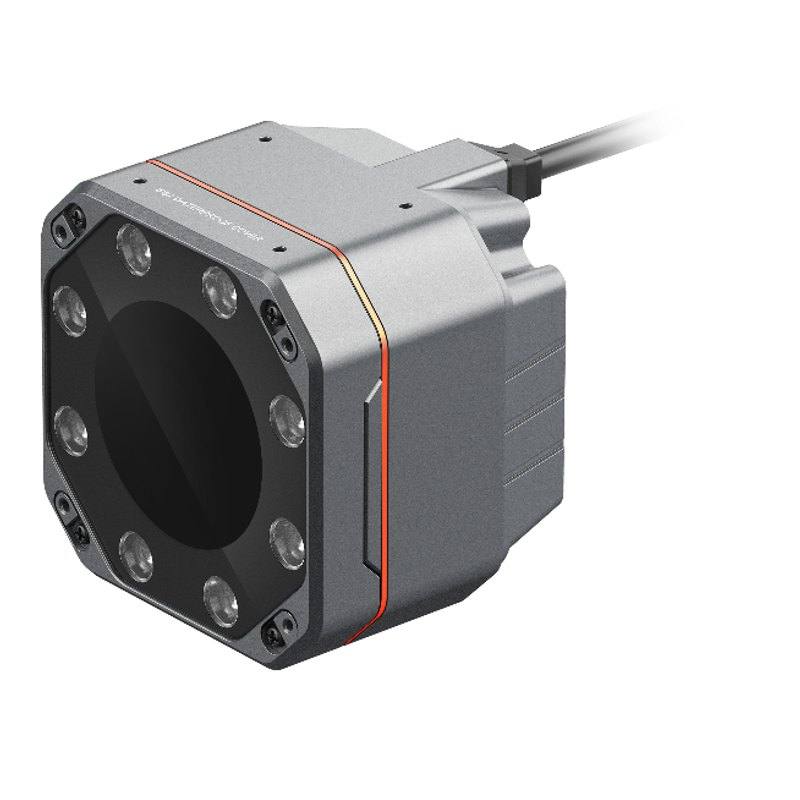
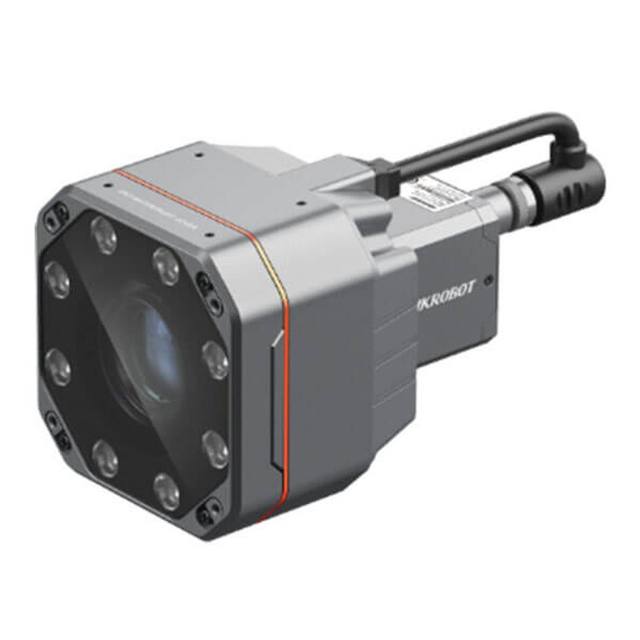
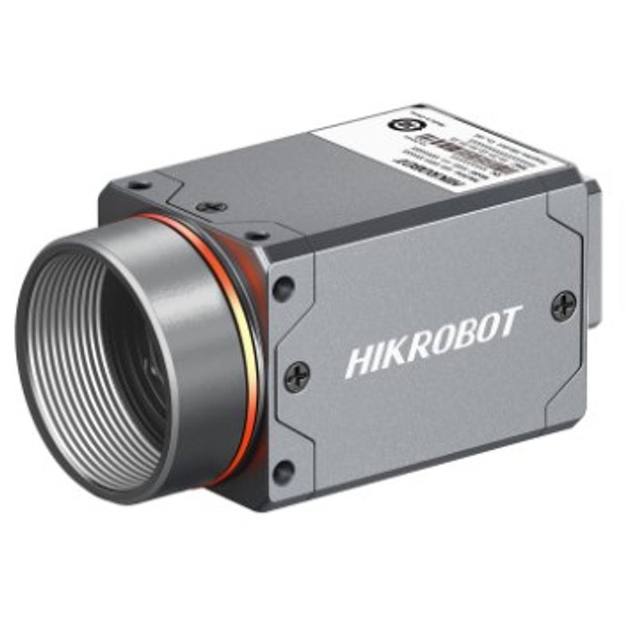
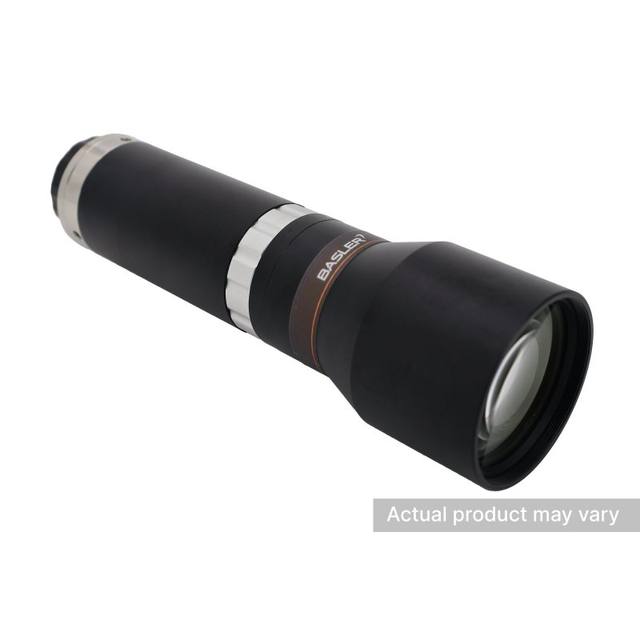
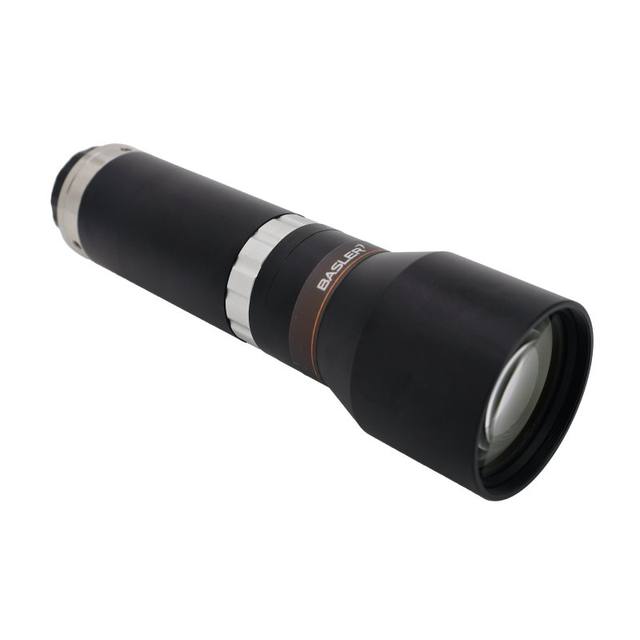
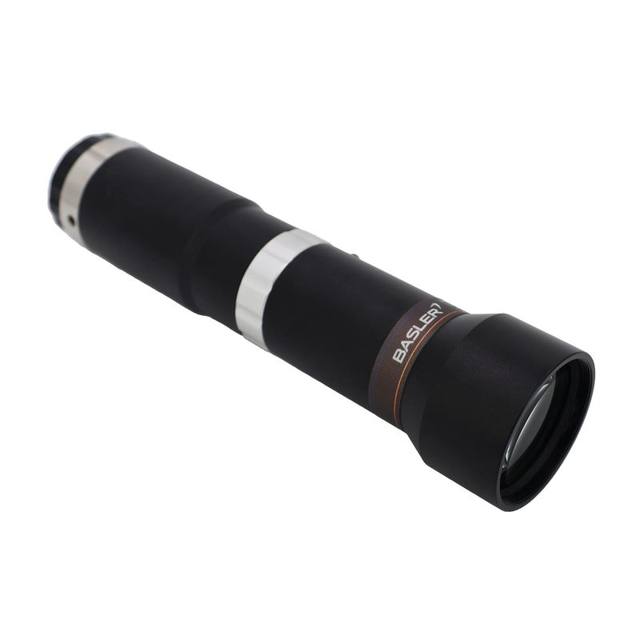
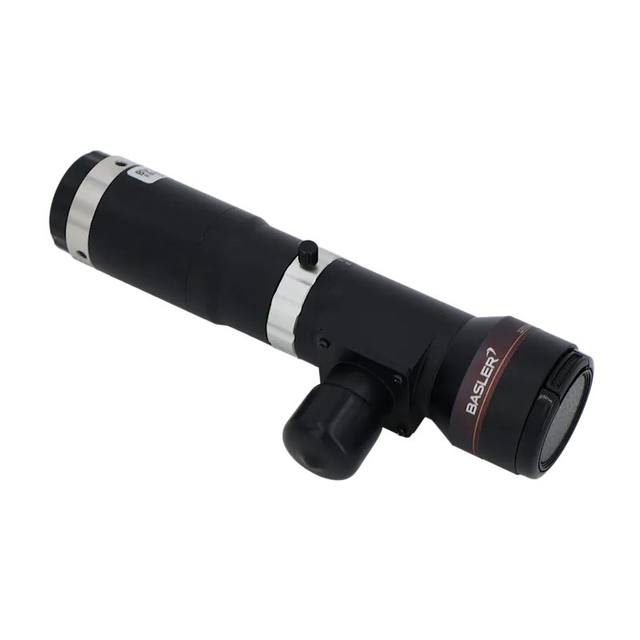
The Hikrobot MV-CT2MG0032/G/16LC/WN is a third-generation mono area scan camera built around a Stacked BSI CMOS sensor with a global shutter. The sensor is listed as 1/1.8" in size with 3.45 μm × 3.45 μm pixels, giving 3.2 MP at 2048 × 1536 px and up to 39 fps. The global shutter exposes all pixels at the same moment, so parts moving through the field of view are captured without the skew a rolling shutter would produce. The mono output suits edge, contour and presence measurements where color information adds nothing, and the 39 fps rate sets how often the camera can image parts passing the station.
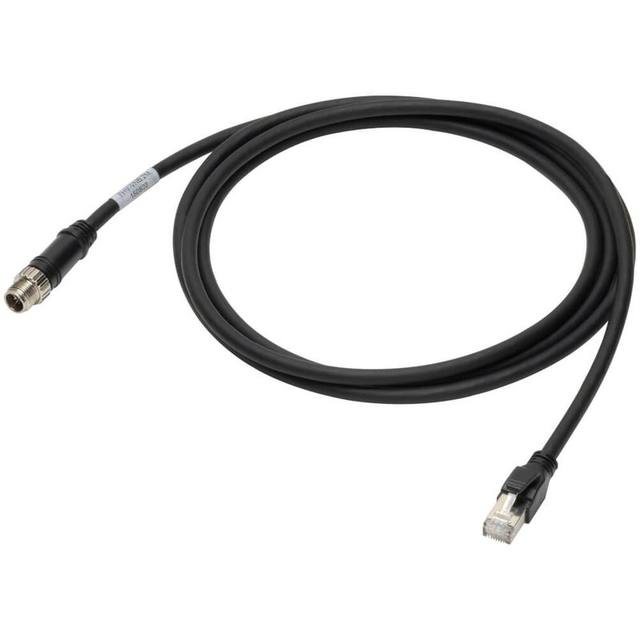
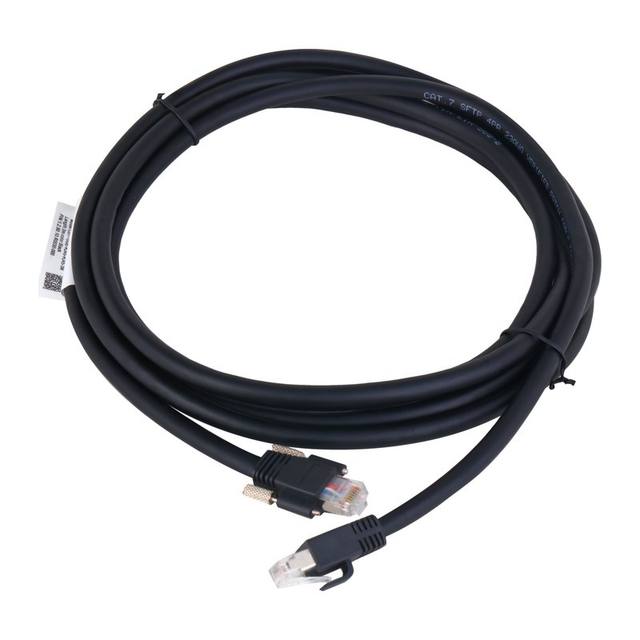
The camera uses a GigE interface with GigE Vision V2.0 and GenICam support, so it integrates with Ethernet-based machine vision software that follows those standards. It accepts 9 VDC to 24 VDC and also supports PoE, which means one Ethernet cable can carry both data and power when the switch or injector provides PoE. Power consumption is listed at 1.6 W and weight at 120 g, modest figures that keep the electrical load and bracket loading light in compact installations.
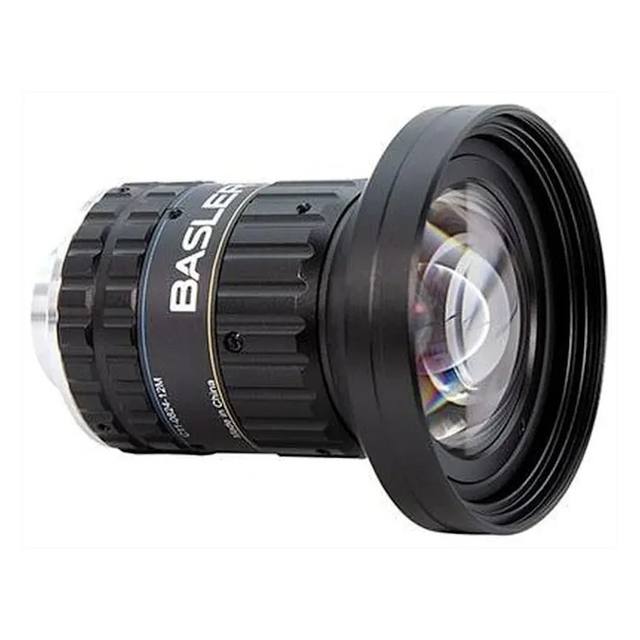
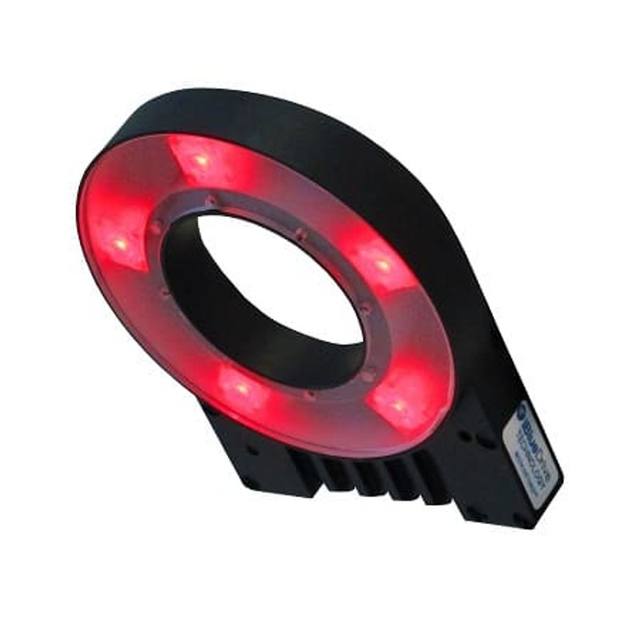
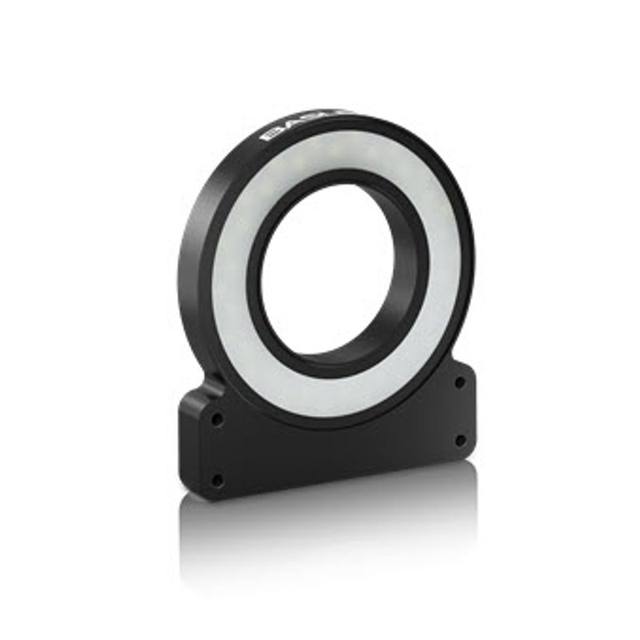
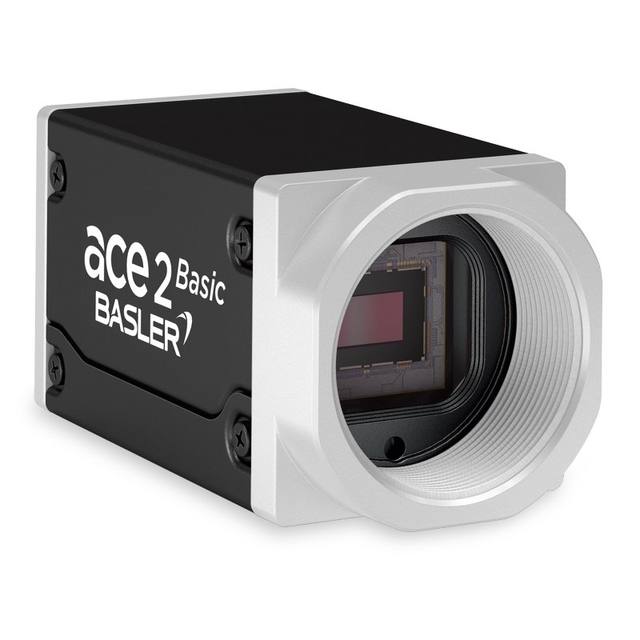
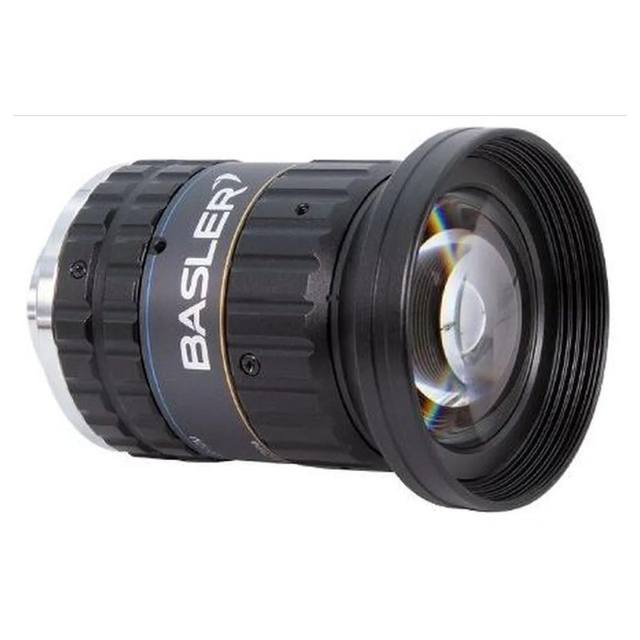
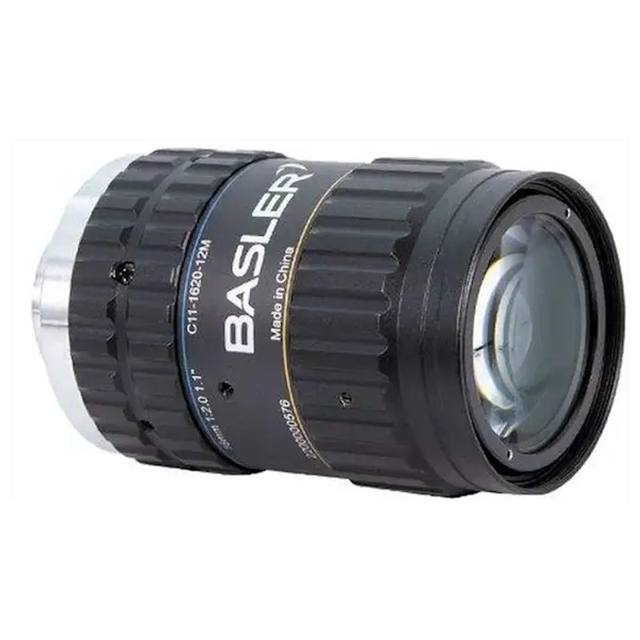
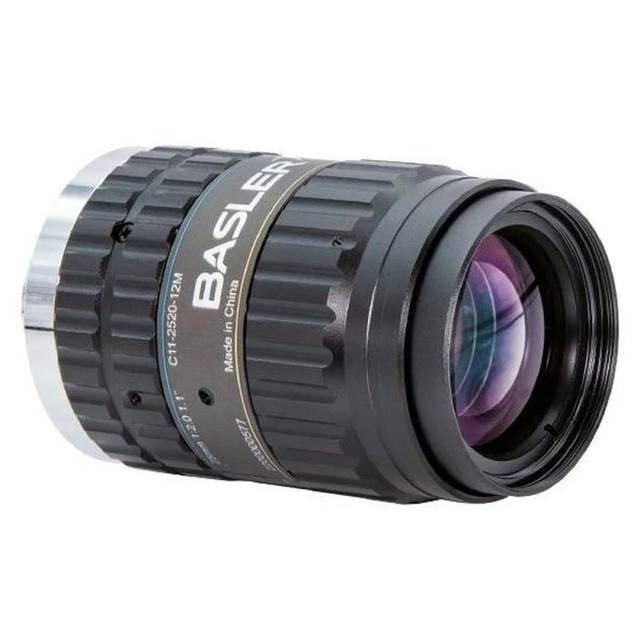
This is a C-mount camera, so the lens thread must match the lens you select. The 16LC/WN configuration is described with a 16mm liquid lens, white lighting and a lens cover. Choose a C-mount lens whose image circle fully covers the 1/1.8" sensor and whose focal length gives the field of view your part needs. The IP67 rating is stated only under proper lens and lens cap installation and wiring, so the lens and cover must be seated and the cabling terminated correctly to keep that protection. Plan the light and trigger timing around the 39 fps frame rate and the exposure your scene requires.
Best for
Presence and position checks on parts in motion, where the global shutter keeps edges free of rolling-shutter distortion.
Edge, contour and dimensional measurement that needs 3.2 MP of mono detail at 2048 × 1536 px.
GigE Vision stations running GenICam-compliant software, particularly where PoE is used to reduce cabling.
Installations that want a 16mm liquid lens, white lighting and lens cover specified as one configuration.
Compact, low-power vision points where the 120 g body and 1.6 W draw suit the mechanical and electrical budget.
Selection notes
Fit the lens and lens cover correctly and terminate the cabling properly, since the IP67 rating depends on proper lens and lens cap installation and wiring.
Confirm that your switch or injector supports PoE before relying on a single Ethernet cable, or power the camera from a 9 VDC to 24 VDC supply.
Size the network for 3.2 MP frames at the frame rate you run, and keep the GigE link within the cable and switch specifications of the installation.
Choose a C-mount lens and check its image circle against the 1/1.8" sensor before ordering.
Check trigger and I/O wiring details in the manufacturer datasheet before finalizing the cable plan.
Specifications: General
Brand
Hikrobot
Camera type
Area scan
Specifications: Sensor
Shutter
CMOS, global shutter
Sensor model
Stacked BSI
Sensor size
1/1.8"
Pixel size
3.45 μm × 3.45 μm
Resolution
3.2 MP
Horizontal resolution
2048 × 1536 px
Mono / color
Mono
Specifications: Performance
FPS
39 fps
Specifications: Interface
Interface
GigE
Protocols
GigE Vision V2.0, GenICam
Specifications: Optics
Mount
C-mount
Specifications: Electrical
Power
9 VDC to 24 VDC, supports PoE
Power consumption
1.6 W
Specifications: Environment
IP rating
IP67 (under proper lens and lens cap installation and wiring)
Specifications: Mechanical
Weight
120 g
Applications this product is commonly selected for. Open one to see the full recommended hardware and approach.
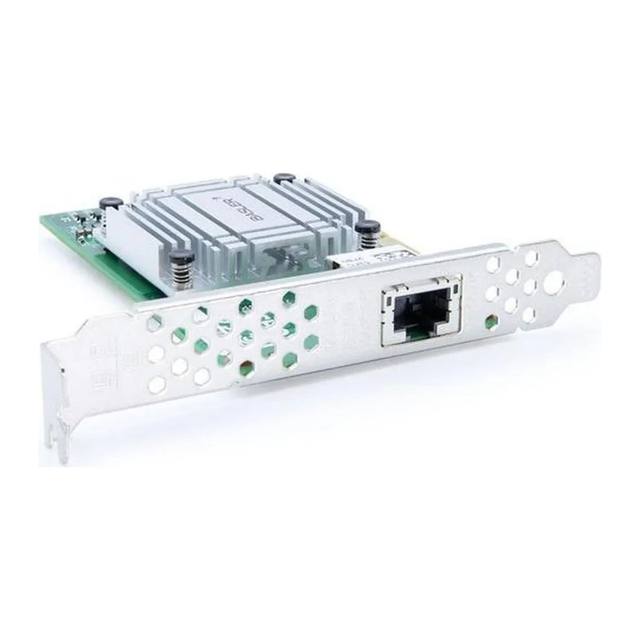
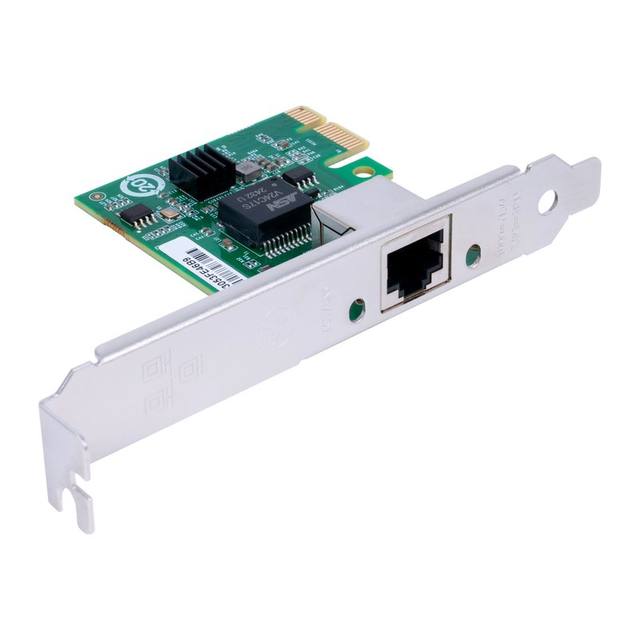
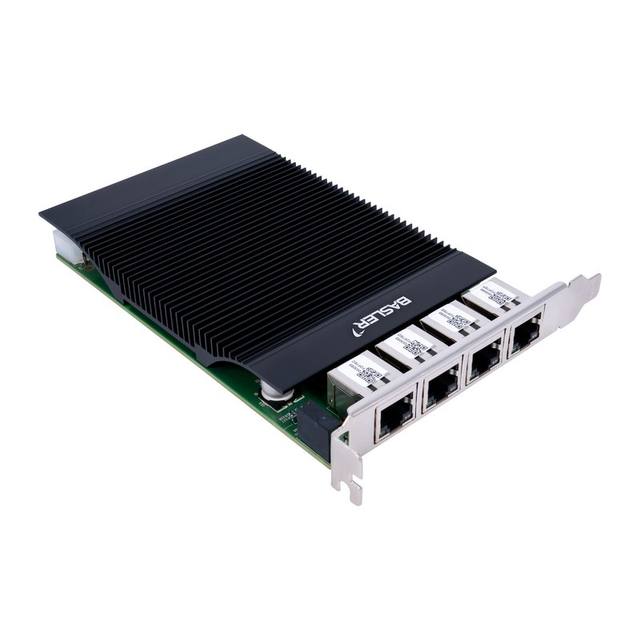
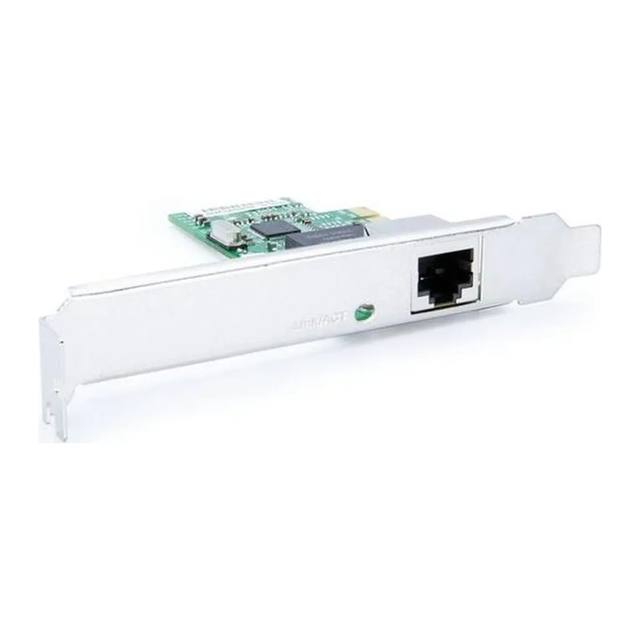
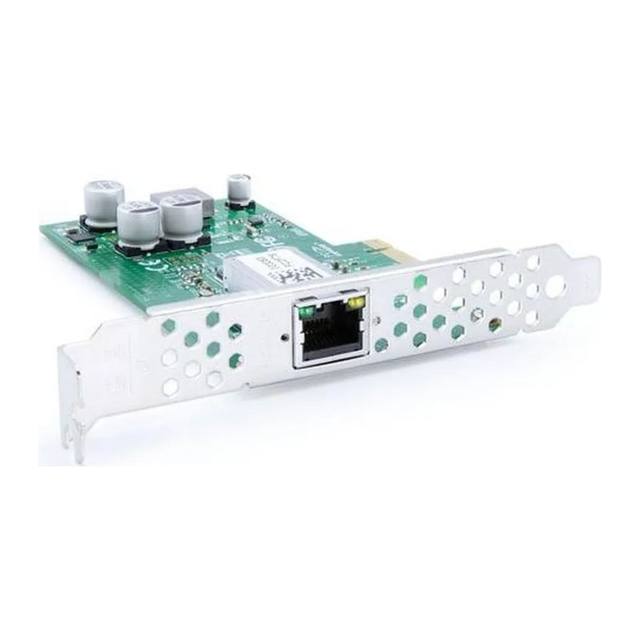
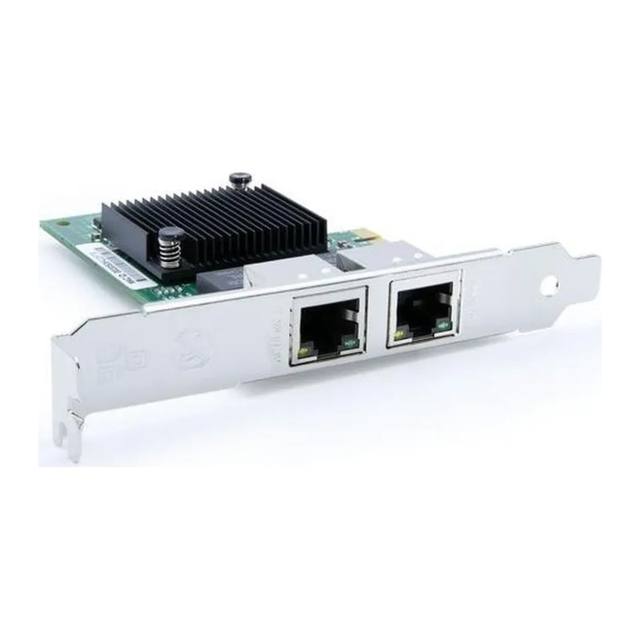
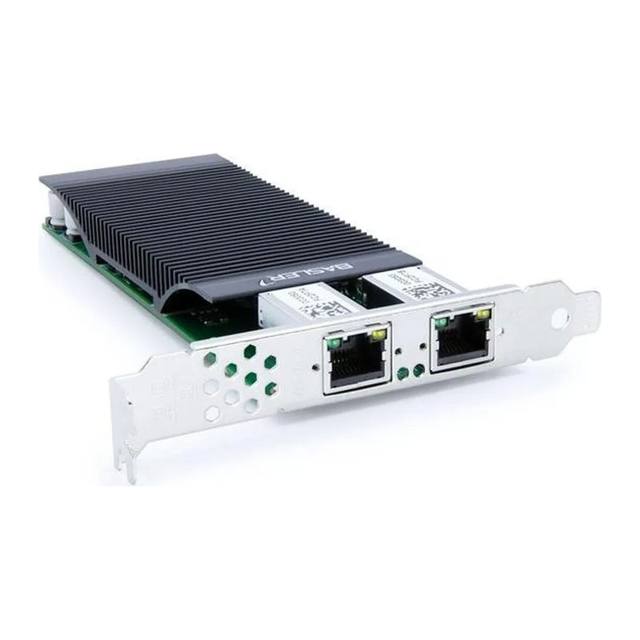
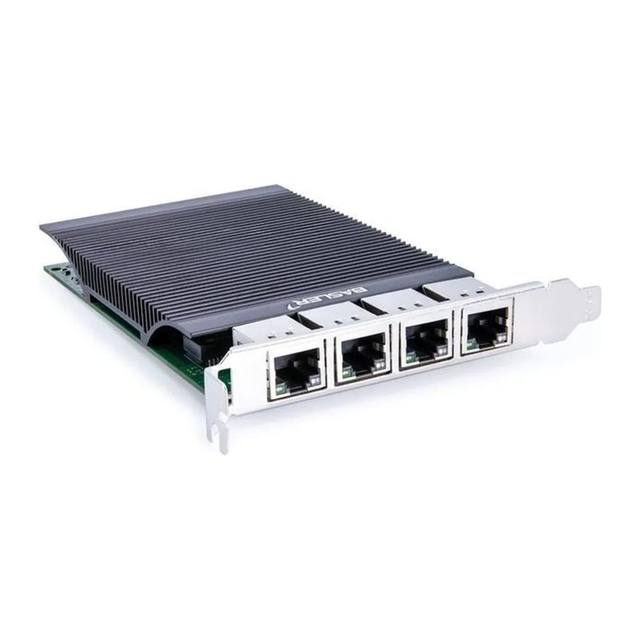
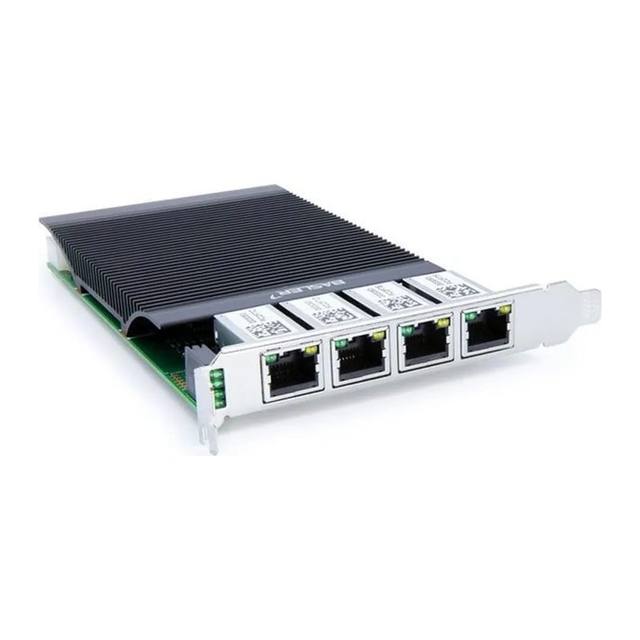
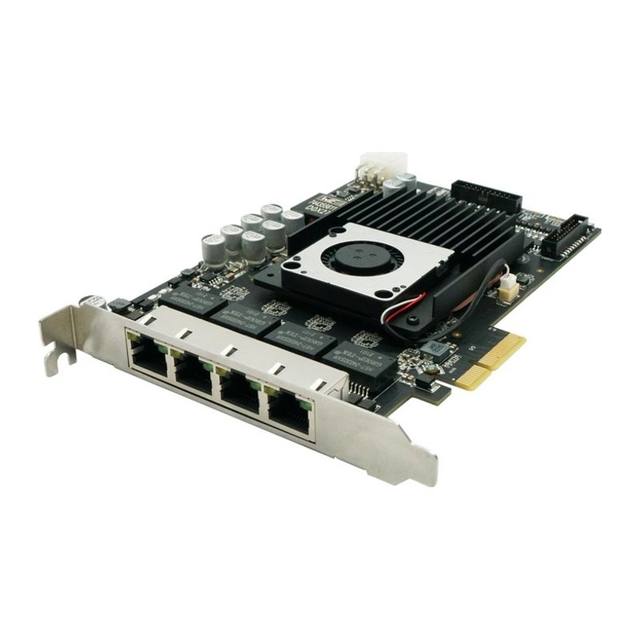
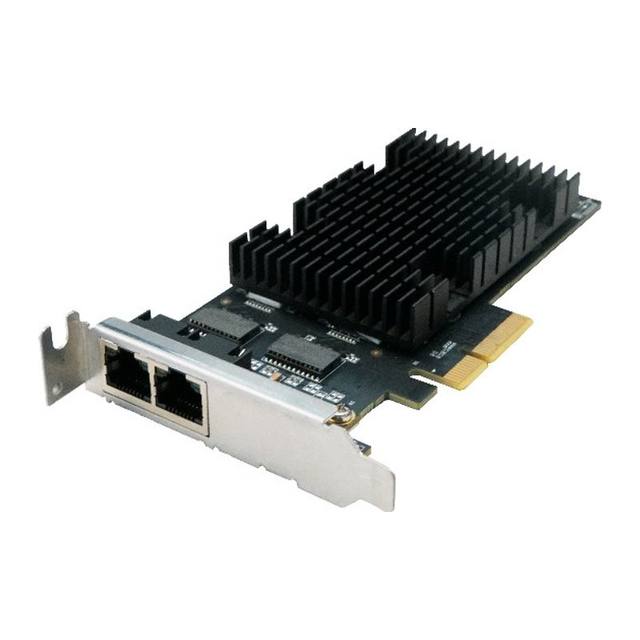
30 frame grabbers / interface cards are compatible with this camera.
Matched automatically by: card supports the camera interface (gige vision) · card link speed is at least the camera link speed (cxp-6 / cxp-12, 1–10 gige) — this camera: GigE.
By brand
All 30Hikrobot 15Basler 9iRAYPLE 4Opto Engineering 2