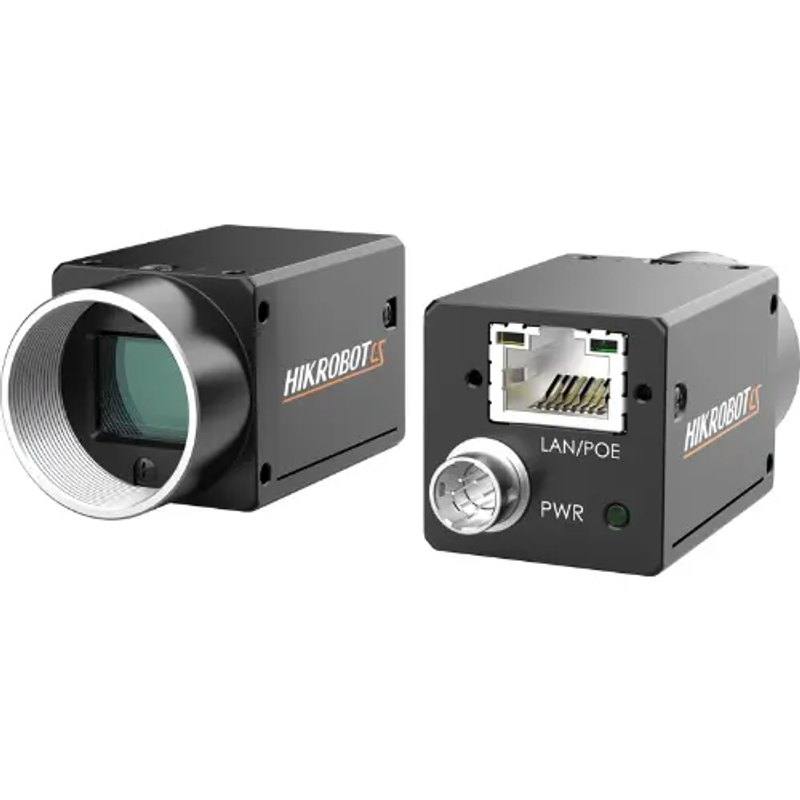
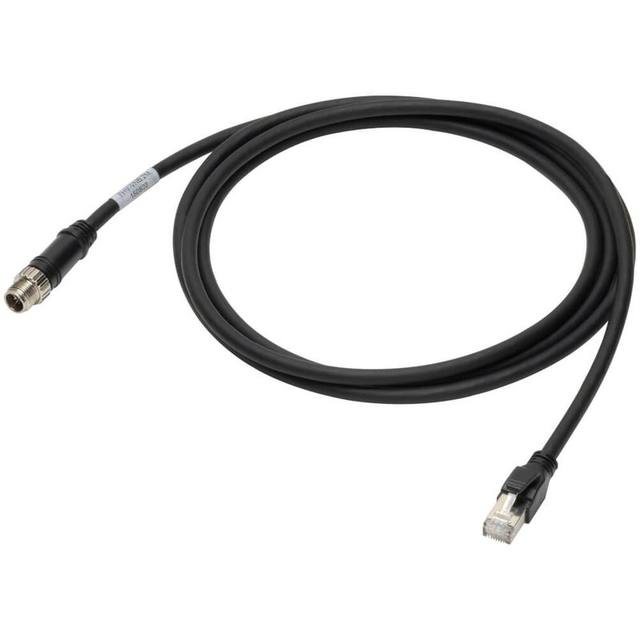
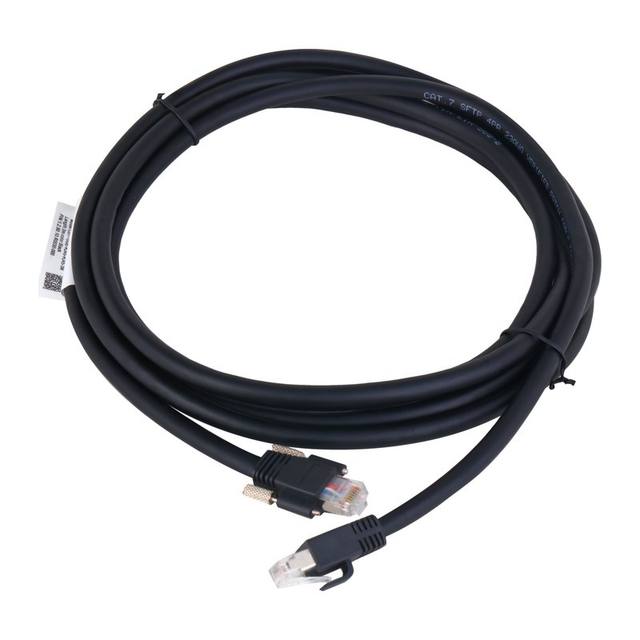
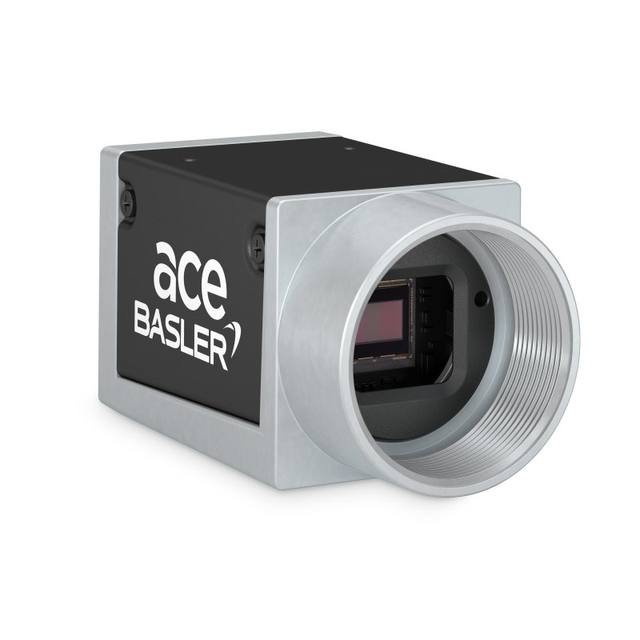
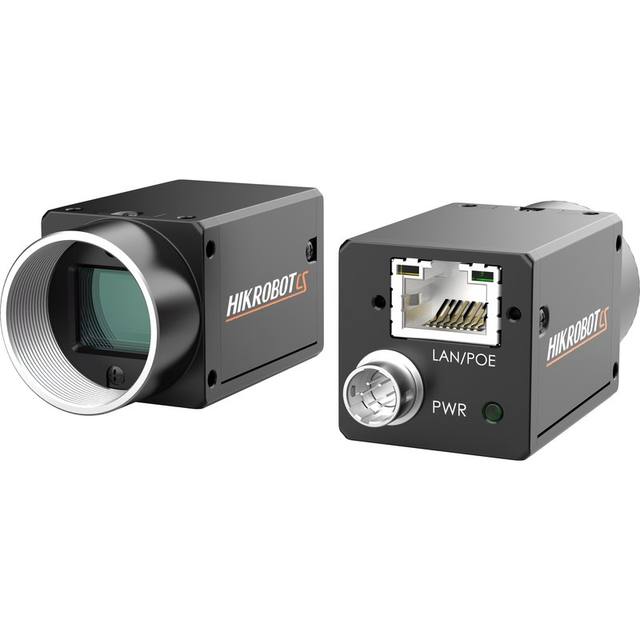
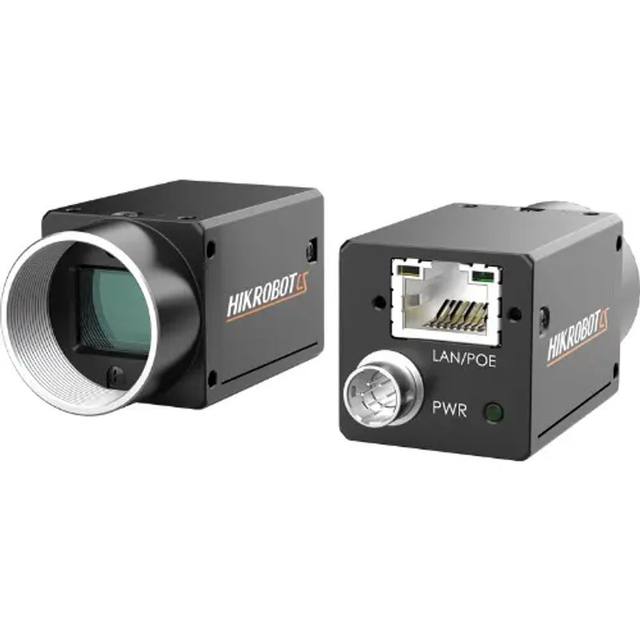
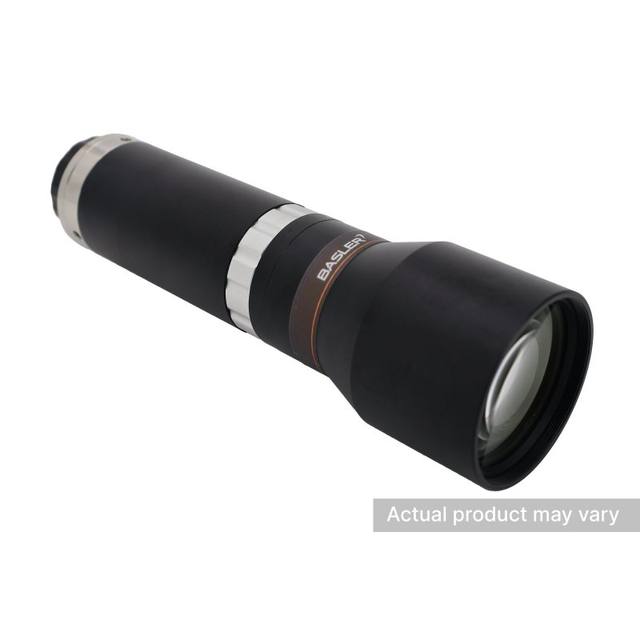
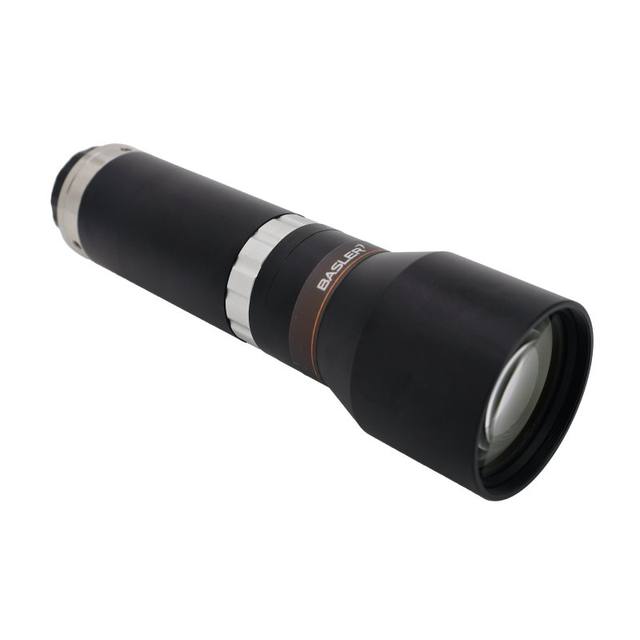
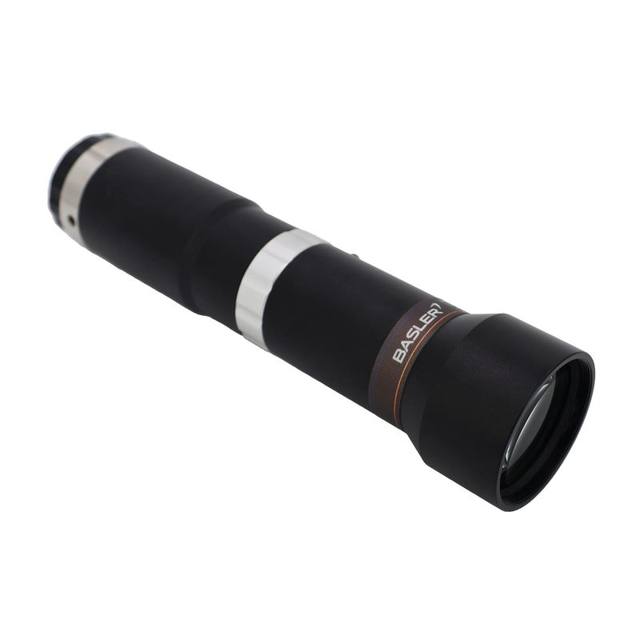
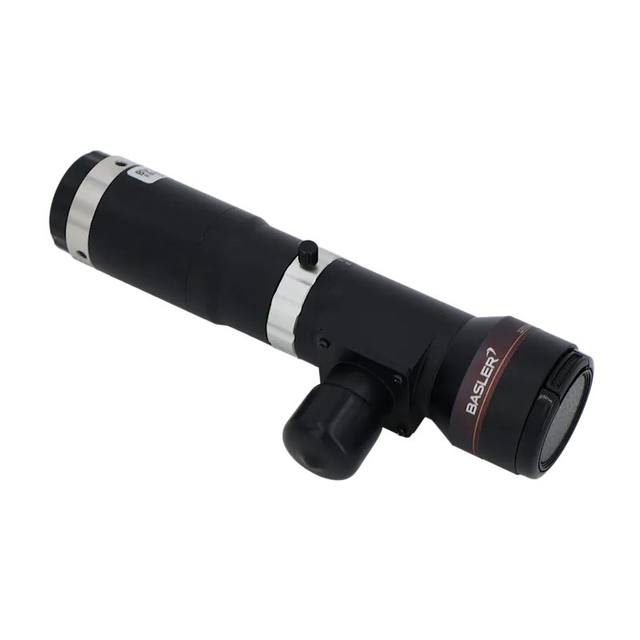
The Hikrobot MV-CS200-10GM is a 20 MP monochrome area scan camera built on the Sony IMX183 sensor, with a 1" sensor size and 2.4 μm × 2.4 μm pixels. It captures 5472 × 3648 px at 5.9 fps. The shutter is CMOS with a rolling shutter, which exposes rows in sequence. That suits static or slow-moving parts, and for faster objects, motion skew and lighting timing need to be checked in the application.
The interface is GigE, with GigE Vision V2.0 and GenICam as the protocols. Power is 9 VDC to 24 VDC and PoE is supported, with power consumption of 2.4 W. The camera weighs 100 g and uses a C-mount, and the IP40 rating applies under proper lens installation and wiring.
The color mode is Mono, so the output is grayscale intensity data. That suits measurements based on brightness, edges, presence and geometry, and lighting can be chosen for contrast and intensity rather than color balance. The C-mount lens must cover the 1" format, and the 20 MP resolution at 2.4 μm pixels sets the level of detail available across the field of view.
Best for
Grayscale inspection of stationary or slow-moving parts at 20 MP.
Edge, geometry and presence checks where color data is not needed.
GigE Vision networked installations powered over PoE.
Compact 100 g camera heads with C-mount optics.
Dimensional checks that depend on intensity contrast rather than hue.
Selection notes
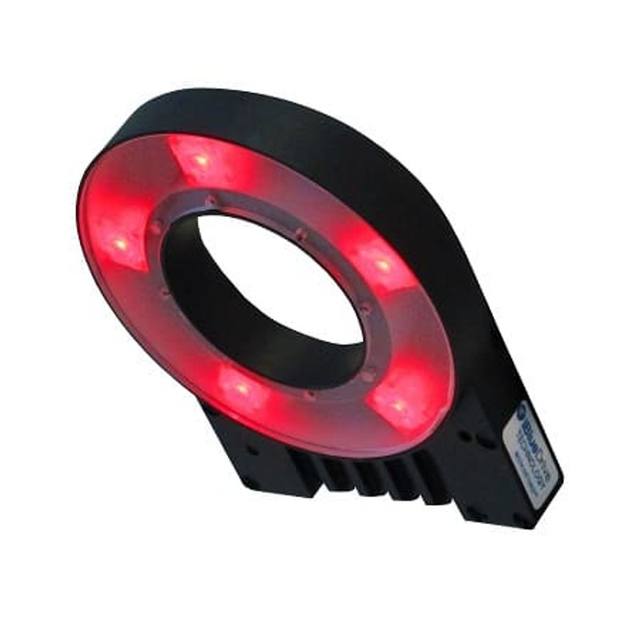
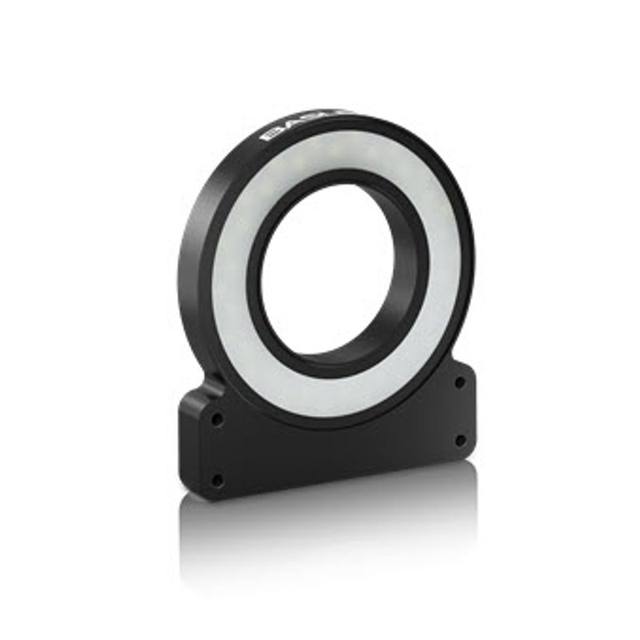
Time the lighting to the rolling-shutter exposure and verify skew on moving parts.
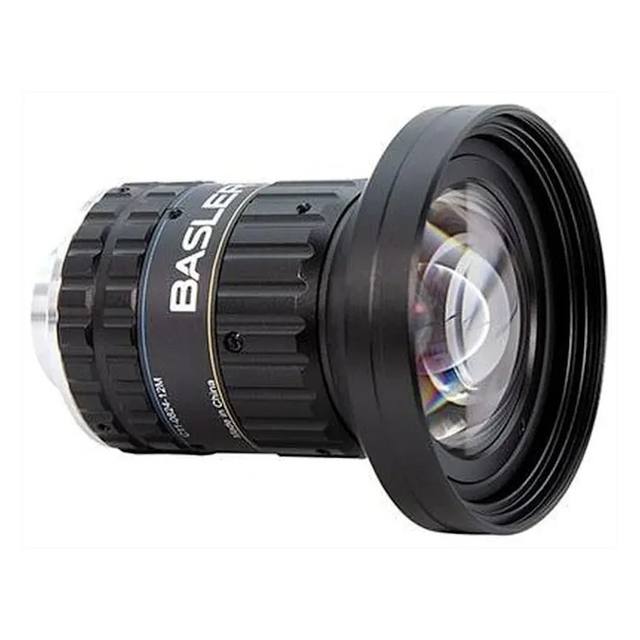
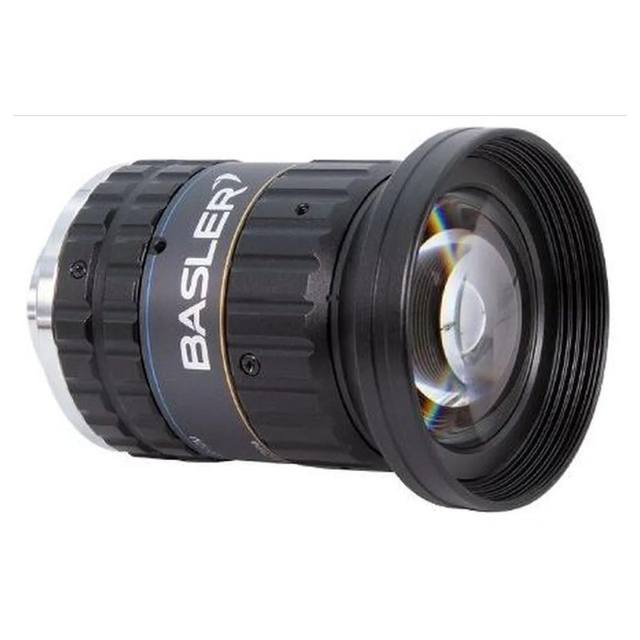
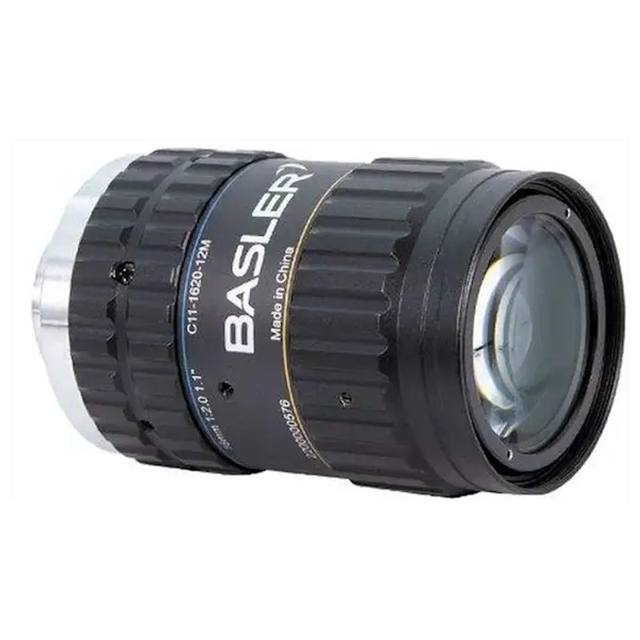
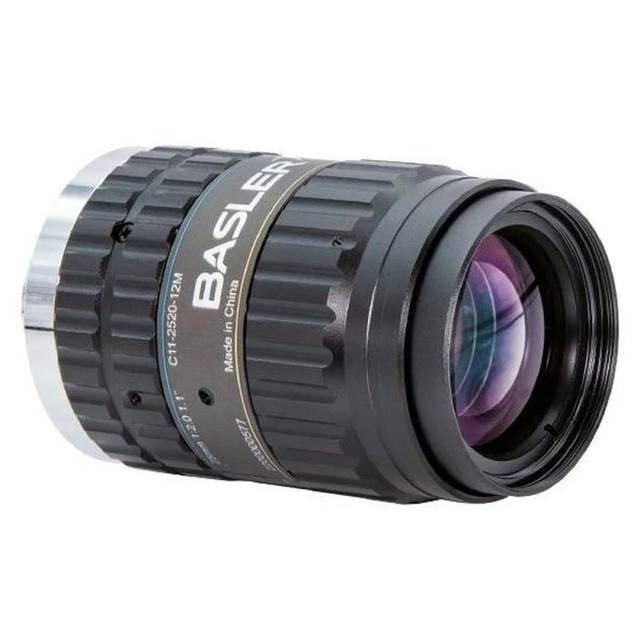
Choose a C-mount lens whose image circle covers the 1" sensor, and set focal length and working distance for the field needed.
Budget 2.4 W when powering over PoE, and confirm the switch port supplies it.
Keep the IP40 rating in mind: it applies under proper lens installation and wiring.
Check the trigger and I/O details in the manufacturer datasheet before wiring a trigger.
Specifications: General
Brand
Hikrobot
Camera type
Area scan
Specifications: Sensor
Shutter
CMOS, rolling shutter
Sensor model
Sony IMX183
Sensor size
1"
Pixel size
2.4 μm × 2.4 μm
Resolution
20 MP
Horizontal resolution
5472 × 3648 px
Mono / color
Mono
Specifications: Performance
FPS
5.9 fps @ 5472 × 3648
Specifications: Interface
Interface
GigE
Protocols
GigE Vision V2.0, GenICam
Specifications: Optics
Mount
C-mount
Specifications: Electrical
Power
9 VDC to 24 VDC, supports PoE
Power consumption
2.4 W
Specifications: Environment
IP rating
IP40 (under proper lens installation and wiring)
Specifications: Mechanical
Weight
100 g
Applications this product is commonly selected for. Open one to see the full recommended hardware and approach.
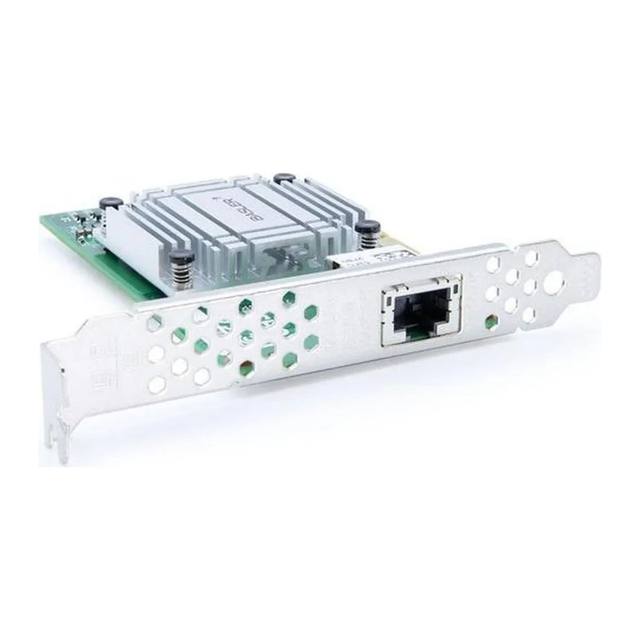
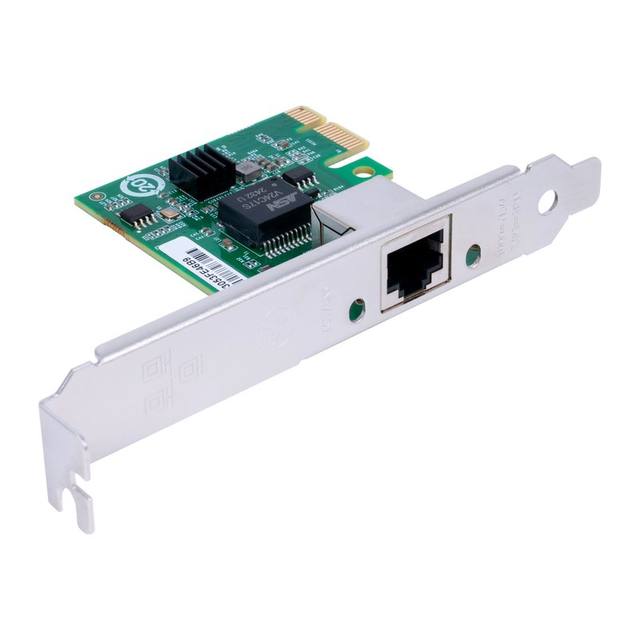
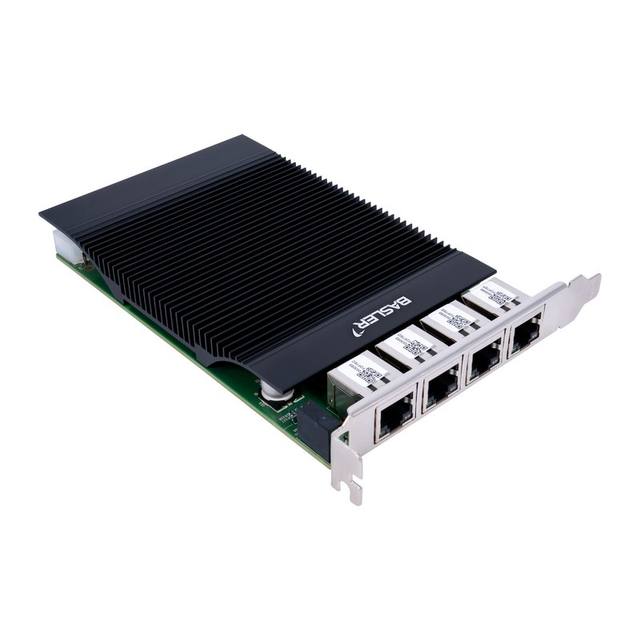
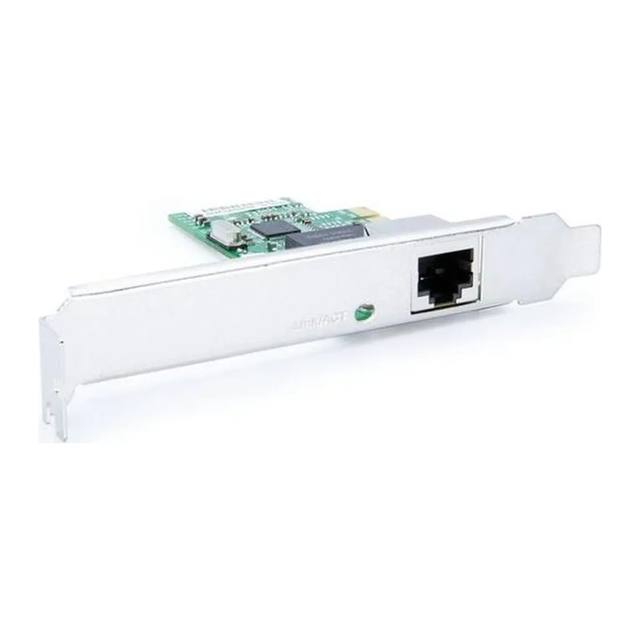
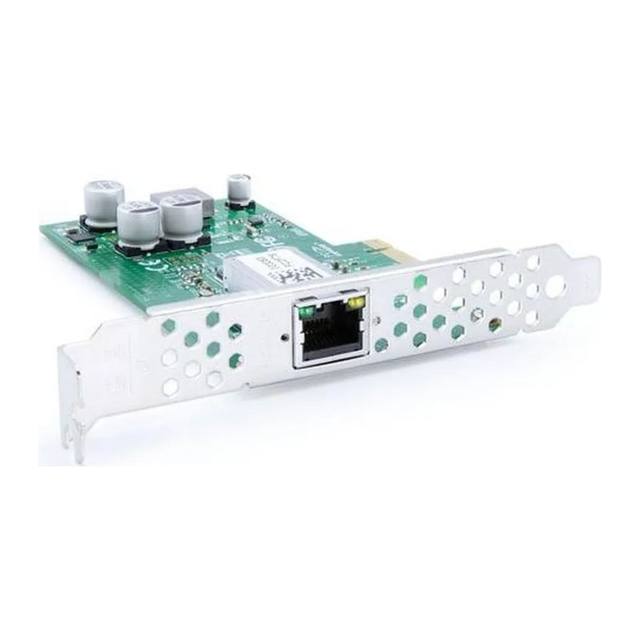
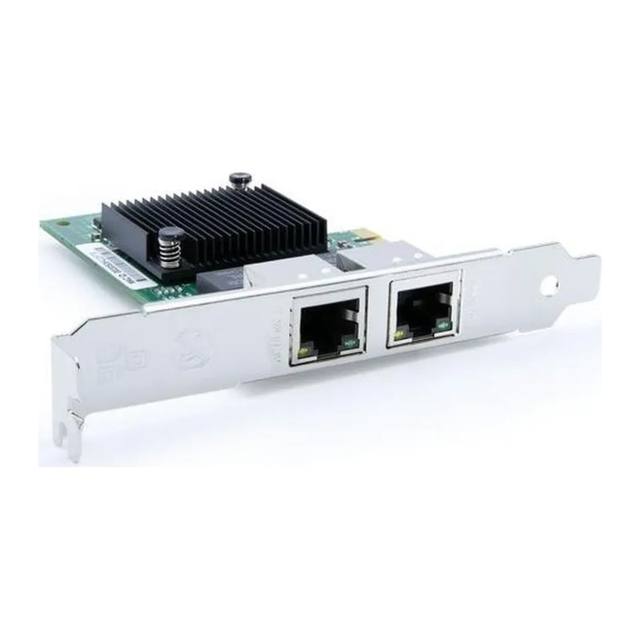
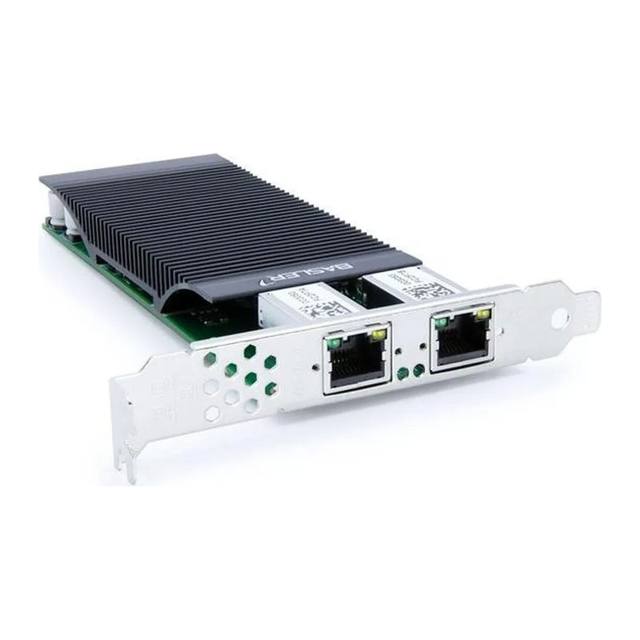
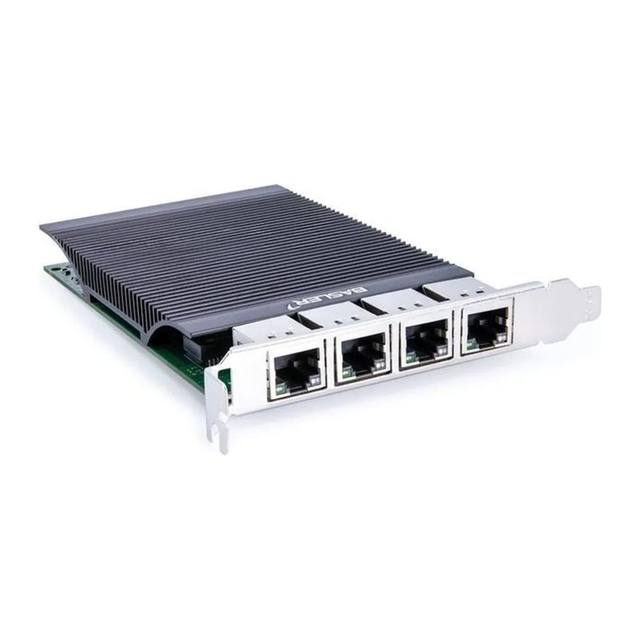
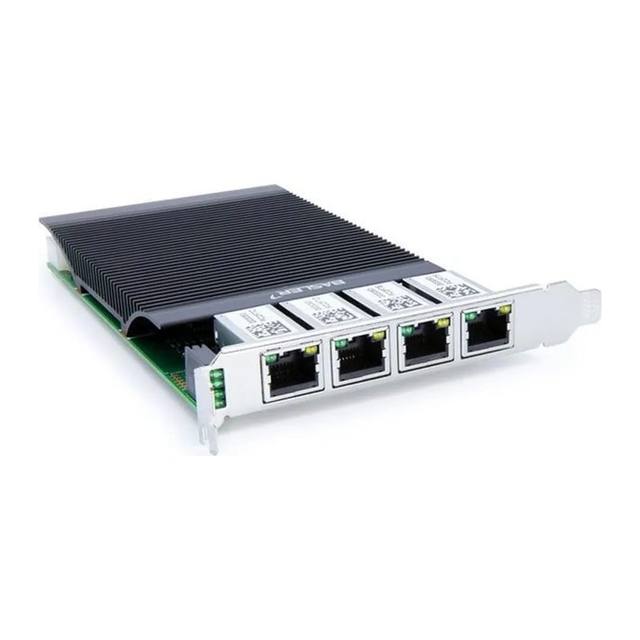
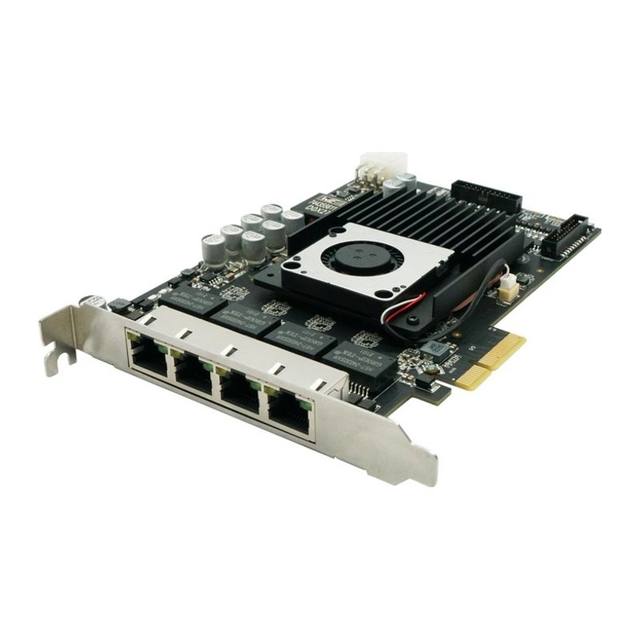
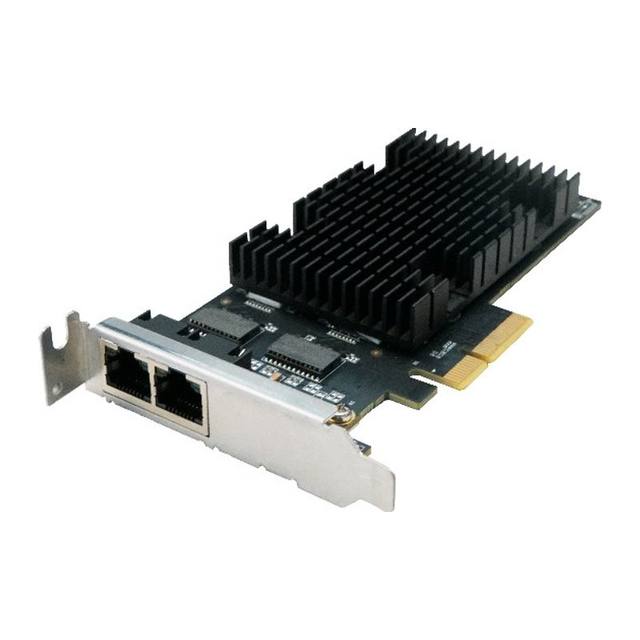
30 frame grabbers / interface cards are compatible with this camera.
Matched automatically by: card supports the camera interface (gige vision) · card link speed is at least the camera link speed (cxp-6 / cxp-12, 1–10 gige) — this camera: GigE.
By brand
All 30Hikrobot 15Basler 9iRAYPLE 4Opto Engineering 2